1
USB Driver Installation
Installing the Driver
To connect to a USB port, additional software must be installed.
1.
Install the CD labeled USB Drivers and Documentation into the CD ROM drive.
2.
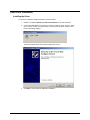
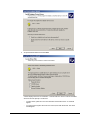
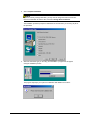
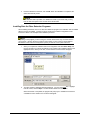
Connect the USB cable to the instrument, and to the USB port on the computer. When
this connection is made, the system detects a new piece of hardware, and the screen
below automatically displays:
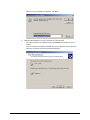
The New Hardware Wizard automatically replaces this screen.
3.
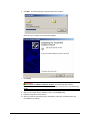
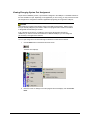
Click Next to continue with the USB driver installation.
Datacolor 110 User's Guide
USB Driver Installation • 7