1
Amazon Elastic Compute Cloud User Guide for Linux
IAM Roles
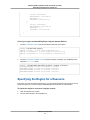
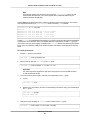
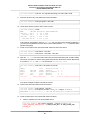
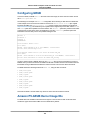
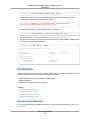
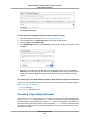
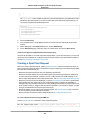
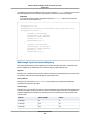
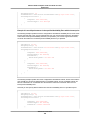
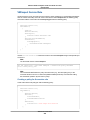
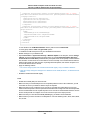
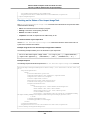
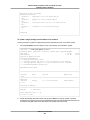
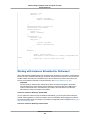
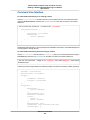
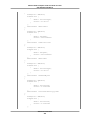
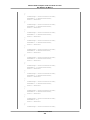
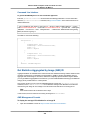
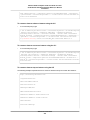
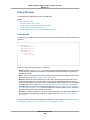
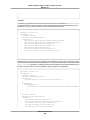
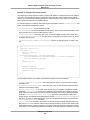
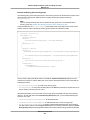
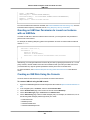
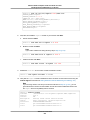
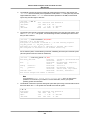
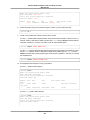
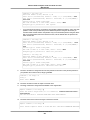
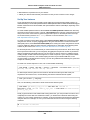
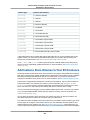
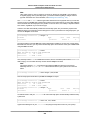
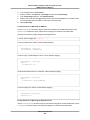
"Type" : "AWS-HMAC",
"AccessKeyId" : "AKIAIOSFODNN7EXAMPLE",
"SecretAccessKey" : "wJalrXUtnFEMI/K7MDENG/bPxRfiCYEXAMPLEKEY",
"Token" : "token",
"Expiration" : "2012-04-27T22:39:16Z"
}
For more information about instance metadata, see Instance Metadata and User Data (p. 194). For more
information about temporary credentials, see the Using Temporary Security Credentials.
Granting an IAM User Permission to Launch an Instance
with an IAM Role
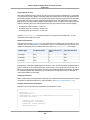
To enable an IAM user to launch an instance with an IAM role, you must grant the user permission to
pass the role to the instance.
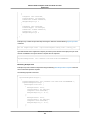
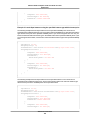
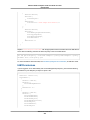
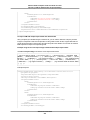
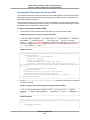
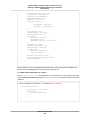
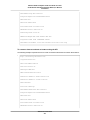
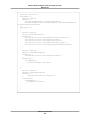
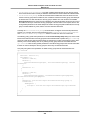
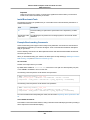
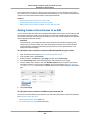
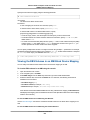
For example, the following IAM policy grants users permission to launch an instance with the IAM role
named s3access.
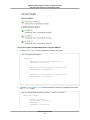
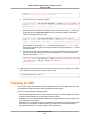
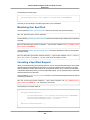
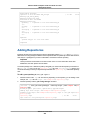
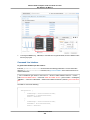
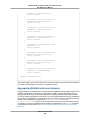
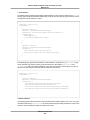
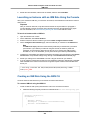
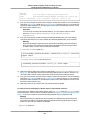
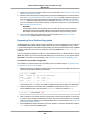
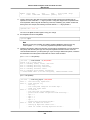
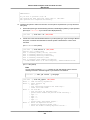
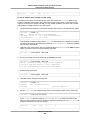
{
"Version": "2012-10-17",
"Statement": [{
"Effect": "Allow",
"Action": "iam:PassRole",
"Resource": "arn:aws:iam::123456789012:role/s3access"
}]
}
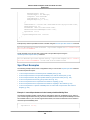
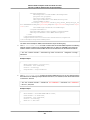
Alternatively, you could grant IAM users access to all your roles by specifying the resource as "*" in this
policy. However, consider whether users who launch instances with your roles (ones that exist or that
you'll create later on) might be granted permissions that they don't need or shouldn't have.
For more information, see Permissions Required for Using Roles with Amazon EC2 in the IAM User
Guide.
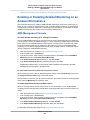
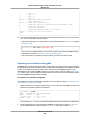
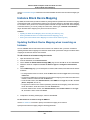
Creating an IAM Role Using the Console
You must create an IAM role before you can launch an instance with that role.
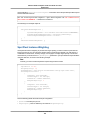
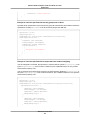
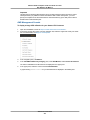
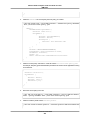
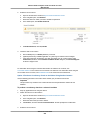
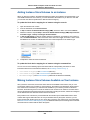
To create an IAM role using the IAM console
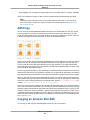
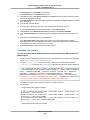
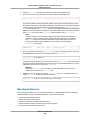
1.
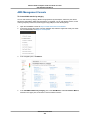
Sign in to the AWS Management Console and open the IAM console at https://console.amazonaws.cn/
iam/.
2.
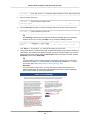
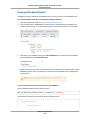
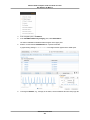
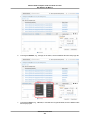
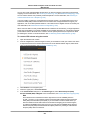
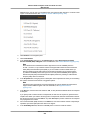
In the navigation pane, click Roles, and then click Create New Role.
3.
4.
5.
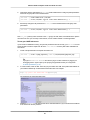
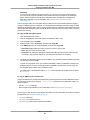
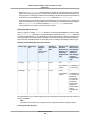
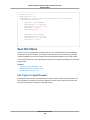
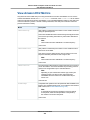
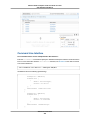
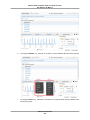
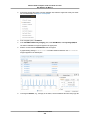
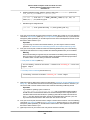
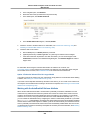
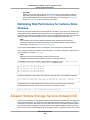
On the Set Role Name page, enter a name for the role and click Next Step.
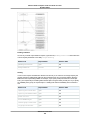
On the Select Role Type page, click Select next to Amazon EC2.
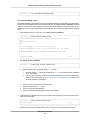
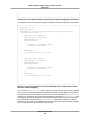
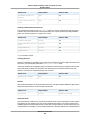
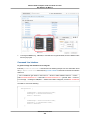
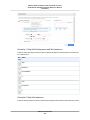
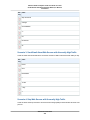
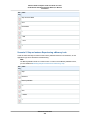
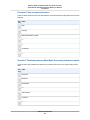
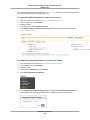
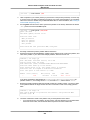
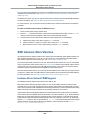
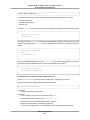
On the Attach Policy page, select an AWS managed policy. For example, for Amazon EC2, one of
the following AWS managed policies might meet your needs:
• PowerUserAccess
• ReadOnlyAccess
• AmazonEC2FullAccess
• AmazonEC2ReadOnlyAccess
API Version 2015-04-15
441