1
Amazon Elastic Compute Cloud User Guide for Linux
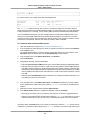
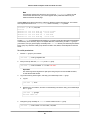
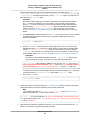
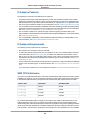
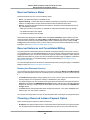
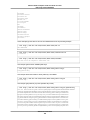
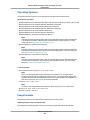
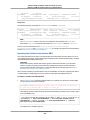
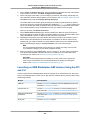
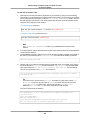
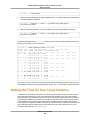
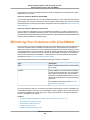
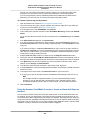
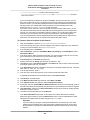
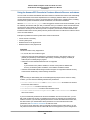
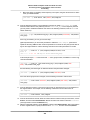
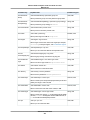
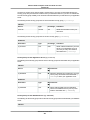
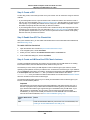
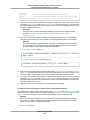
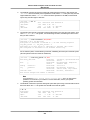
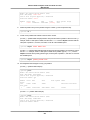
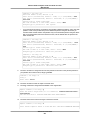
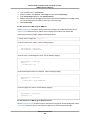
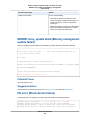
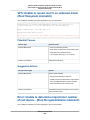
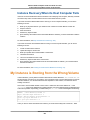
IO ERROR: neither local nor remote disk (Broken
distributed block device)
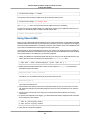
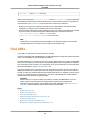
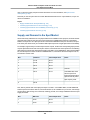
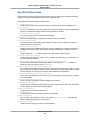
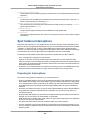
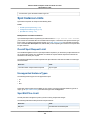
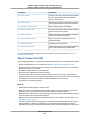
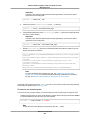
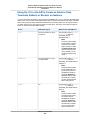
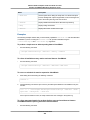
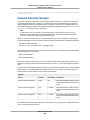
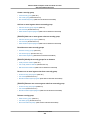
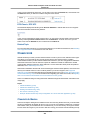
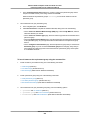
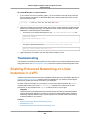
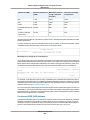
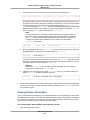
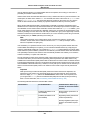
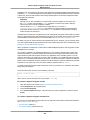
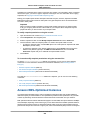
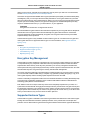
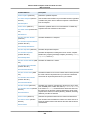
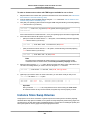
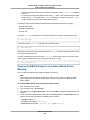
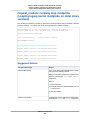
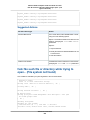
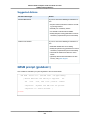
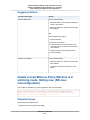
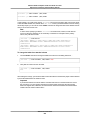
For this instance type
Do this
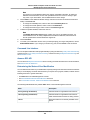
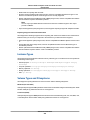
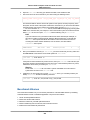
Instance store-backed
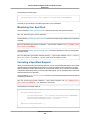
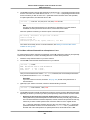
Terminate the instance and launch a new instance.
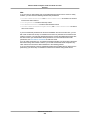
Note
Data cannot be recovered. Recover from
backups.
Tip
It's a good practice to use either Amazon
S3 or Amazon EBS for backups. Instance
store volumes are directly tied to single
host and single disk failures.
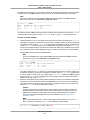
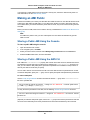
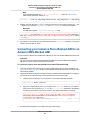
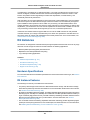
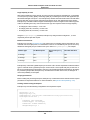
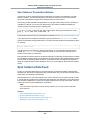
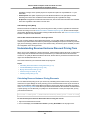
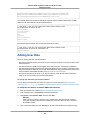
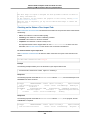
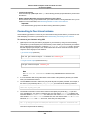
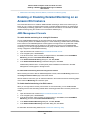
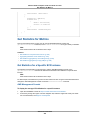
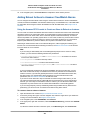
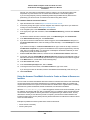
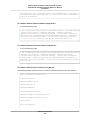
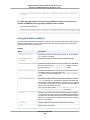
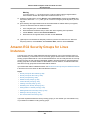
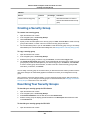
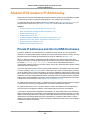
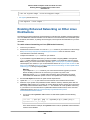
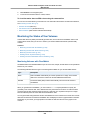
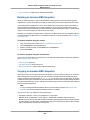
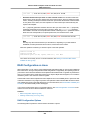
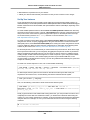
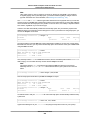
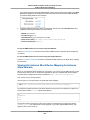
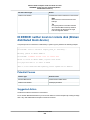
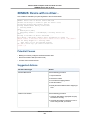
IO ERROR: neither local nor remote disk (Broken
distributed block device)
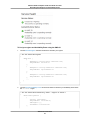
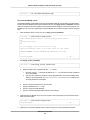
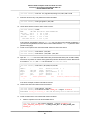
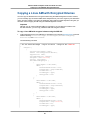
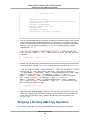
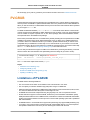
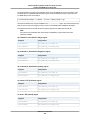
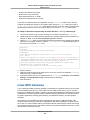
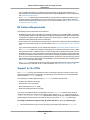
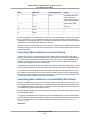
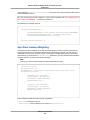
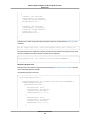
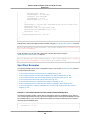
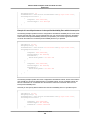
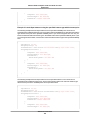
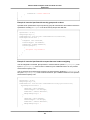
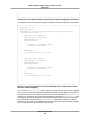
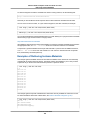
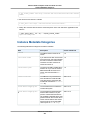
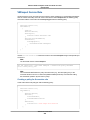
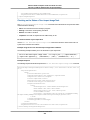
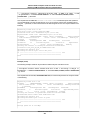
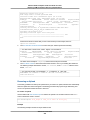
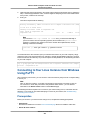
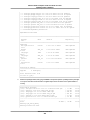
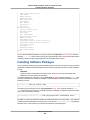
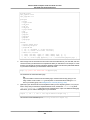
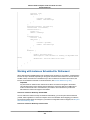
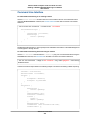
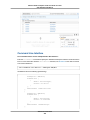
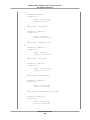
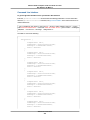
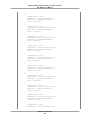
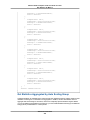
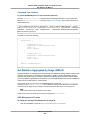
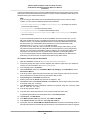
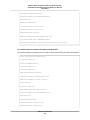
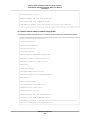
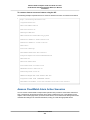
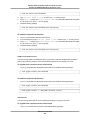
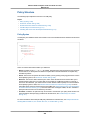
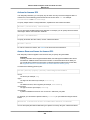
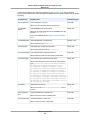
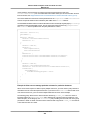
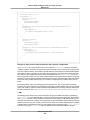
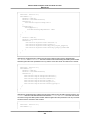
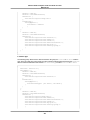
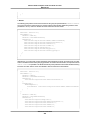
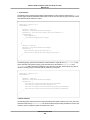
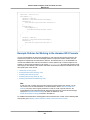
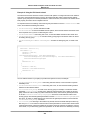
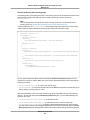
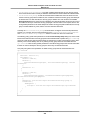
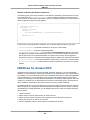
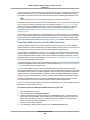
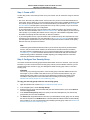
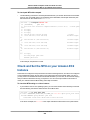
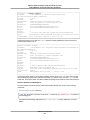
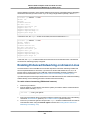
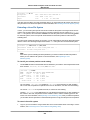
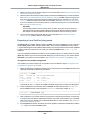
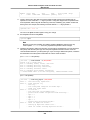
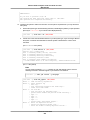
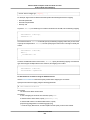
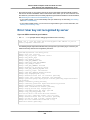
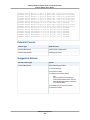
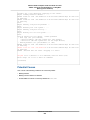
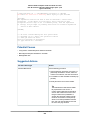
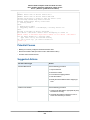
An input/output error on the device is indicated by a system log entry similar to the following example:
...
block drbd1: Local IO failed in request_timer_fn. Detaching...
Aborting journal on device drbd1-8.
block drbd1: IO ERROR: neither local nor remote disk
Buffer I/O error on device drbd1, logical block 557056
lost page write due to I/O error on drbd1
JBD2: I/O error detected when updating journal superblock for drbd1-8.
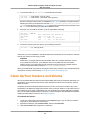
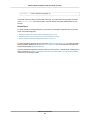
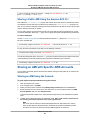
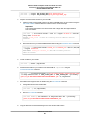
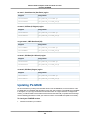
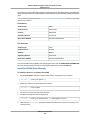
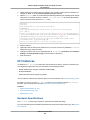
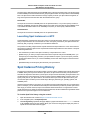
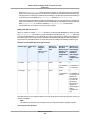
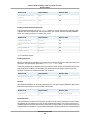
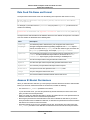
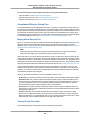
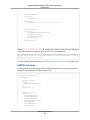
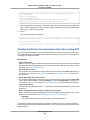
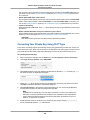
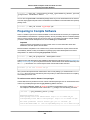
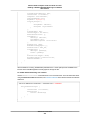
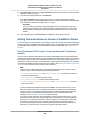
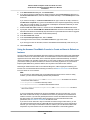
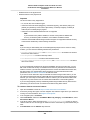
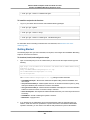
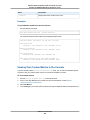
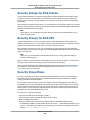
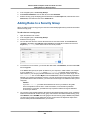
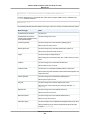
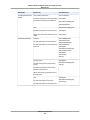
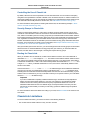
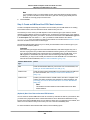
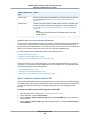
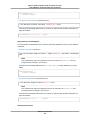
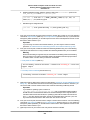
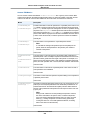
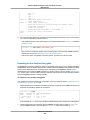
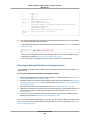
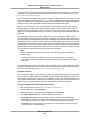
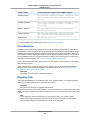
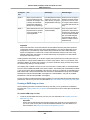
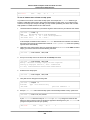
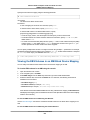
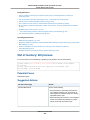
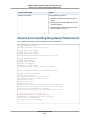
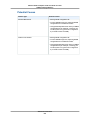
Potential Causes
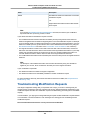
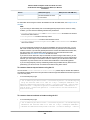
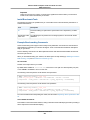
Instance type
Potential cause
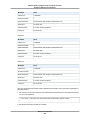
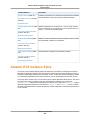
Amazon EBS-backed
A failed Amazon EBS volume
Instance store-backed
A failed physical drive
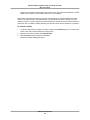
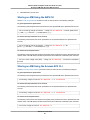
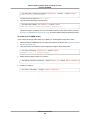
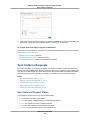
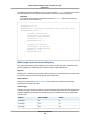
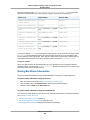
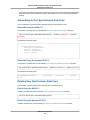
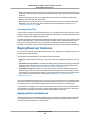
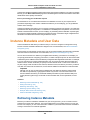
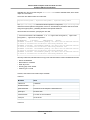
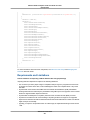
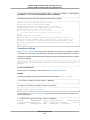
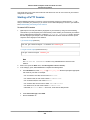
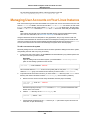
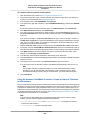
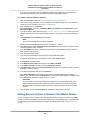
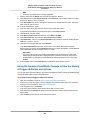
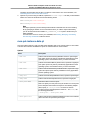
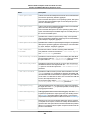
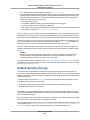
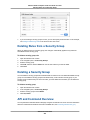
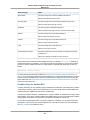
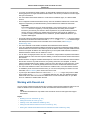
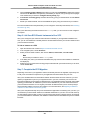
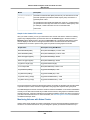
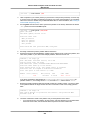
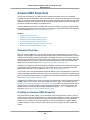
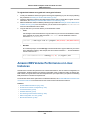
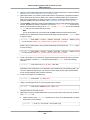
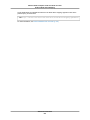
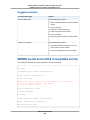
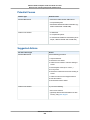
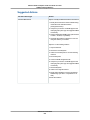
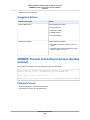
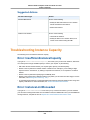
Suggested Action
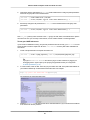
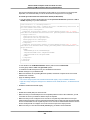
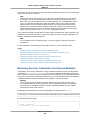
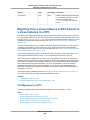
Terminate the instance and launch a new instance.
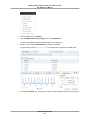
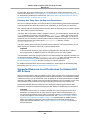
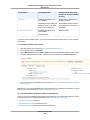
For an Amazon EBS-backed instance you can recover data from a recent snapshot by creating an image
from it. Any data added after the snapshot cannot be recovered.
API Version 2015-04-15
659