1
IOX
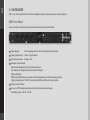
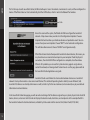
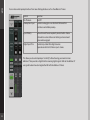
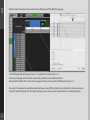
There are four pages on the IOX Control Panel:
The About and System Info pages provide information about the unit, such as MAC address, SoE master MAC Address, firmware
version, and more. The Clock and Controls pages are used to set up and manage the IOX.
5.1 Controls Page
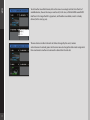
This is where you configure the inputs and outputs of the IOX. Mic preamps, line inputs and outputs, digital I/O, level control and
metering: all of the things you’d expect from a top-end I/O.
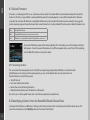
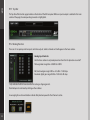
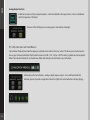
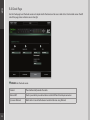
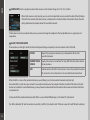
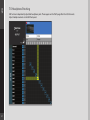
The Controls page is divided into
three sections:
21
Top Bar
Analog section
Focus section: Analog input and
output levels are controlled from here.