1
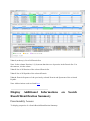
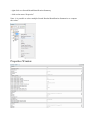
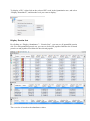
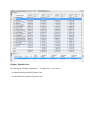
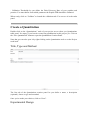
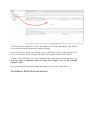
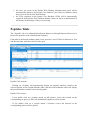
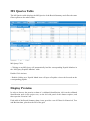
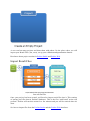
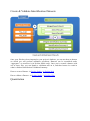
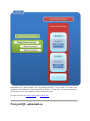
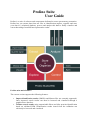
Combine individual search results or identification results to build a comprehensive proteome. Export identification results in different formats including standard exchange formats. The software suite is based on three main components: A relational database management system storing the data used by the software in four different databases A web server handling processing tasks and web data access Two different graphical user interfaces, both allowing users to launch tasks and visualize their data: Proline Studio which is a rich client interface and Proline Web the web client interface An additional component is used by administrators to setup and manage Proline (called ProlineAdmin). Setup and Install Read the Installation & Setup documentation to install, start the different modules used by Proline or upgrade your installation with a newer version Getting Started Discover Proline's workflow and how to execute it with Proline Studio and Proline Web. How-to Find quick answer to your questions in this How to section. Concepts Read the Concepts & Principles documentation to understand main concepts and algorithms used in Proline. Releases Both interfaces, Studio and Web, are based on a set of databases. Raw file conversion to mzDB This procedure is detailed in the mzDB Documentation section.