1
PLC WorkShop for Siemens 505
Chapter 6 – Programming • SF Program and Subroutine Editor
l
l
l
l
l
l
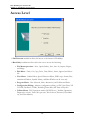
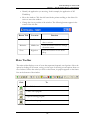
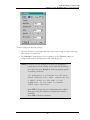
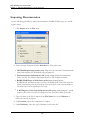
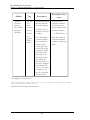
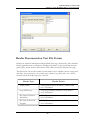
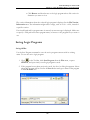
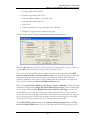
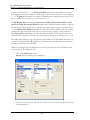
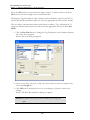
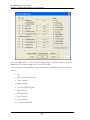
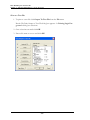
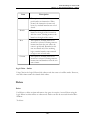
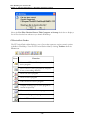
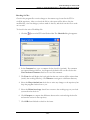
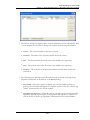
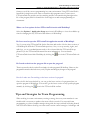
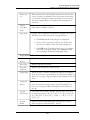
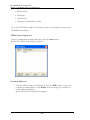
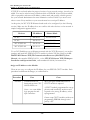
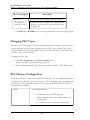
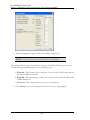
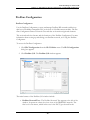
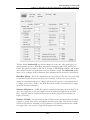
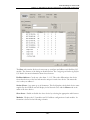
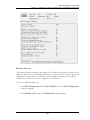
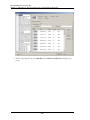
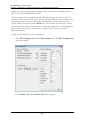
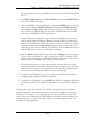
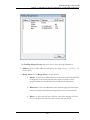
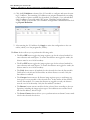
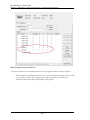
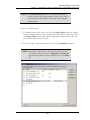
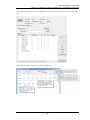
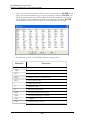
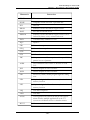
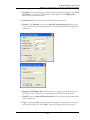
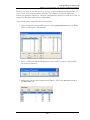
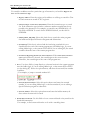
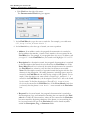
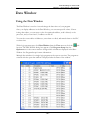
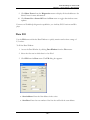
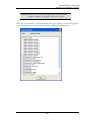
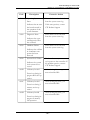
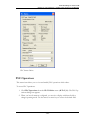
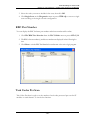
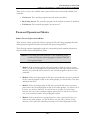
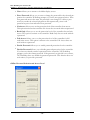
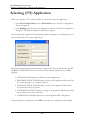
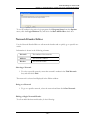
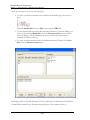
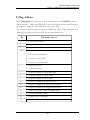
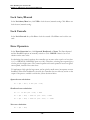
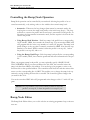
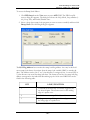
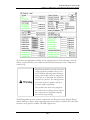
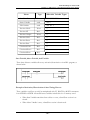
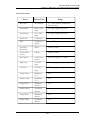
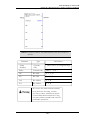
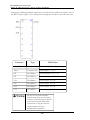
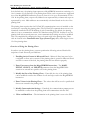
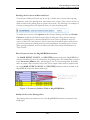
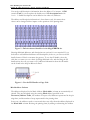
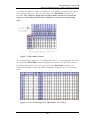
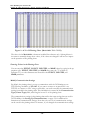
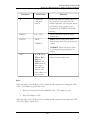
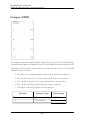
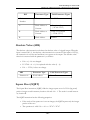
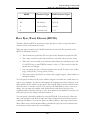
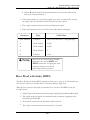
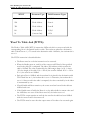
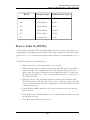
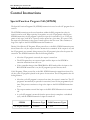
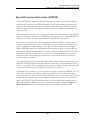
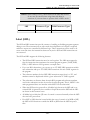
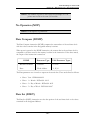
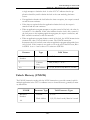
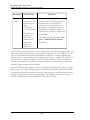
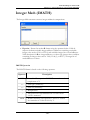
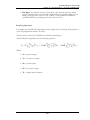
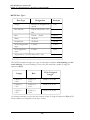
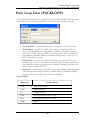
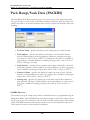
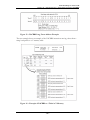
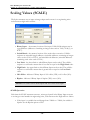
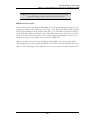
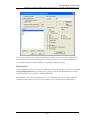
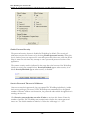
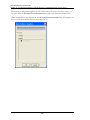
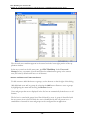
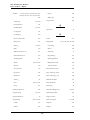
Programs: The preceding figure shows the Special Function Programs. Click Display Used to list only the SFs which have been defined. Click Display All to
show both used and unused SFs.
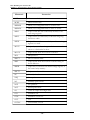
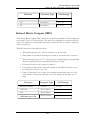
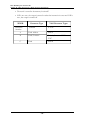
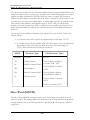
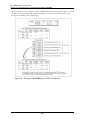
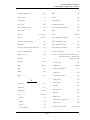
Subroutines: This list shows the Special Function Subroutines
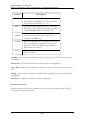
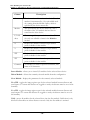
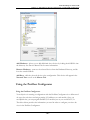
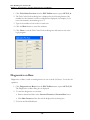
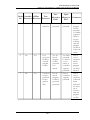
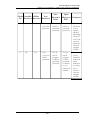
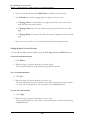
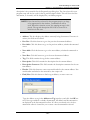
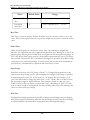
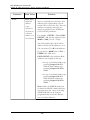
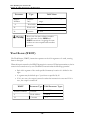
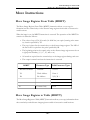
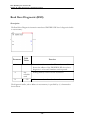
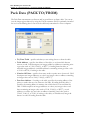
Header: Click Header to access the Special Function Program dialog box to
view and edit the header information for the selected special function program or
subroutine.
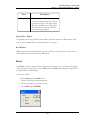
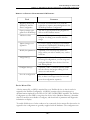
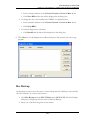
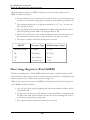
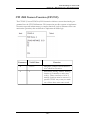
Display Used/Display All: Click this button to toggle between showing all the
SFP and SFS slots (used or not), and displaying only the slots that are in use.
Goto SF: Open the Special Function editor for the selected special function program or subroutine.
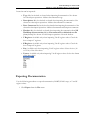
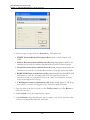
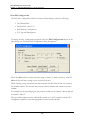
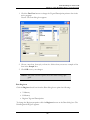
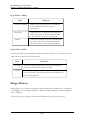
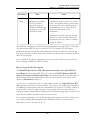
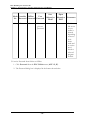
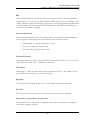
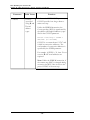
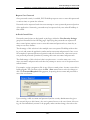
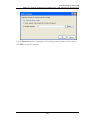
Copy: Copy the highlighted special function programs or subroutines so that they
can be pasted. When you click Copy, a dialog box appears, listing the special
- 261 -