1
PLC WorkShop for Siemens 505
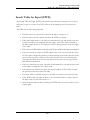
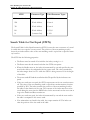
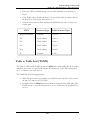
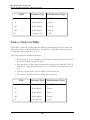
Chapter 3 – PLC WorkShop Basics • Logic Programs
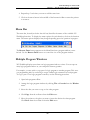
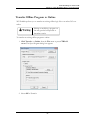
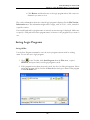
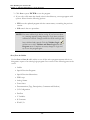
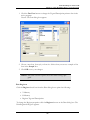
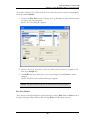
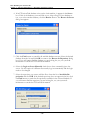
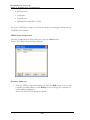
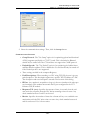
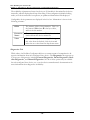
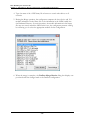
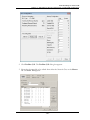
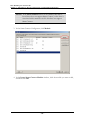
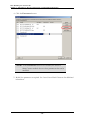
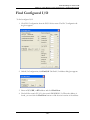
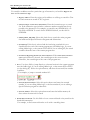
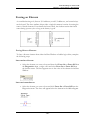
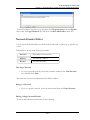
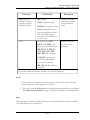
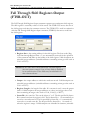
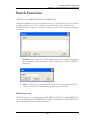
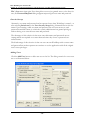
2. Choose a new font, font style, or font size. Notice that you can see a sample of the
font in the Sample box.
3. Click OK in the Font dialog box to save your changes.
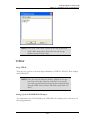
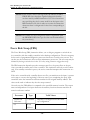
NOTE: The print selection options are stored when saving a program.
Print Documentation
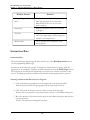
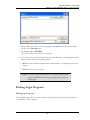
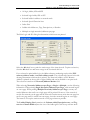
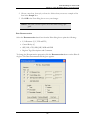
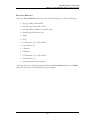
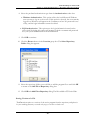
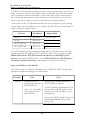
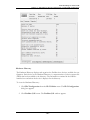
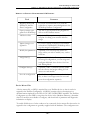
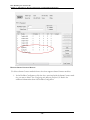
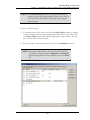
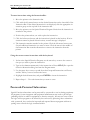
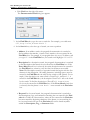
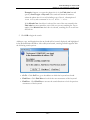
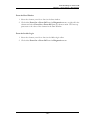
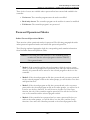
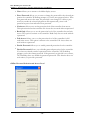
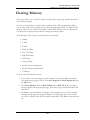
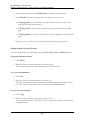
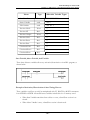
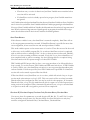
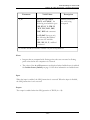
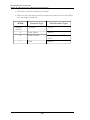
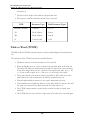
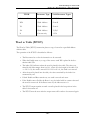
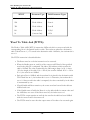
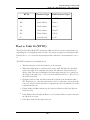
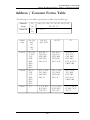
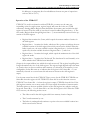
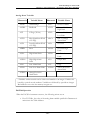
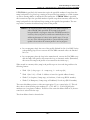
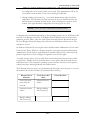
Select the Documentation check box from the Print dialog box to print the following:
l
I/O Elements (X, Y, WX and WY)
l
Control Relays (C)
l
SKP, LBL, GTS, SBR, JMP, MCR and END
l
Register Tags, Descriptions and Comments
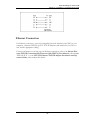
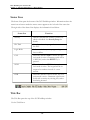
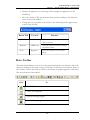
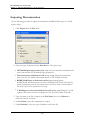
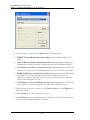
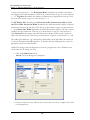
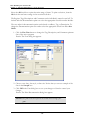
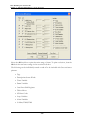
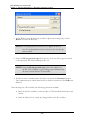
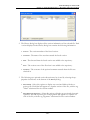
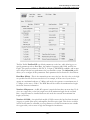
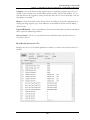
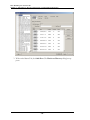
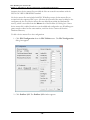
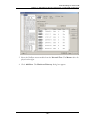
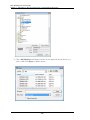
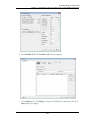
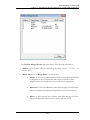
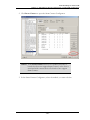
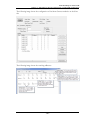
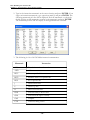
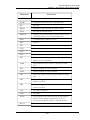
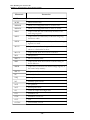
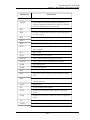
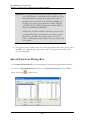
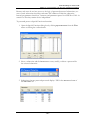
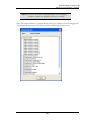
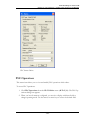
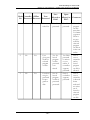
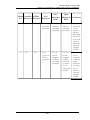
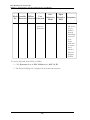
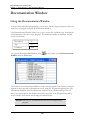
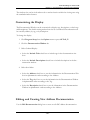
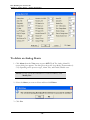
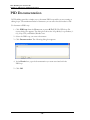
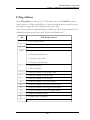
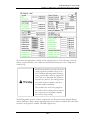
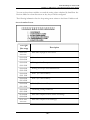
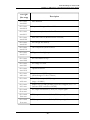
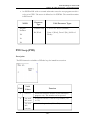
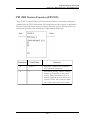
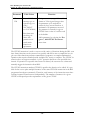
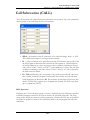
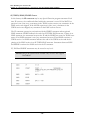
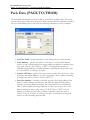
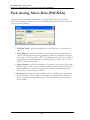
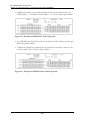
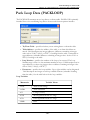
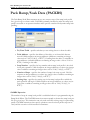
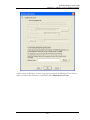
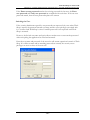
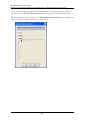
To change the Documentation properties click the Documentation button on the Print dialog box. The Print Documentation dialog box appears.
- 97 -