1
PLC WorkShop for Siemens 505
Chapter 6 – Programming • Auxiliary PLC Functions and Displays
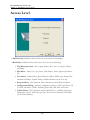
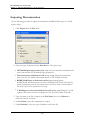
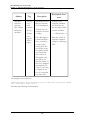
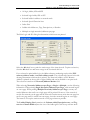
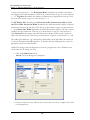
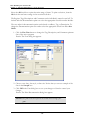
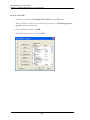
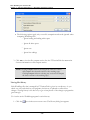
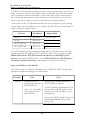
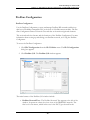
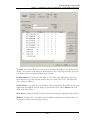
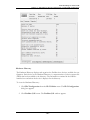
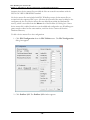
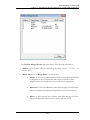
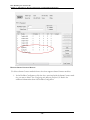
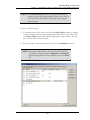
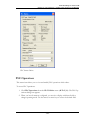
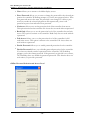
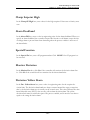
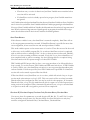
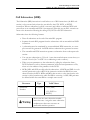
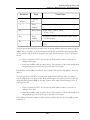
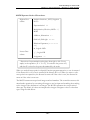
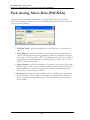
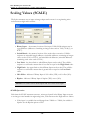
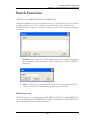
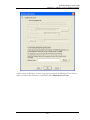
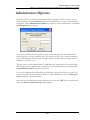
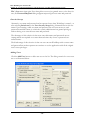
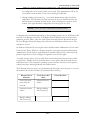
The controls within the Password Aliases group box are enabled only when either FasTrak
Security or NT Authentication Security are in use. When these controls are clicked, a valid
security administrator password must be entered.
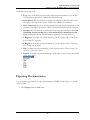
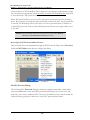
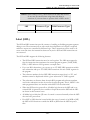
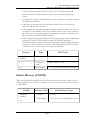
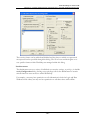
The Use Aliases Check Box
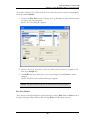
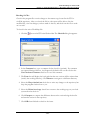
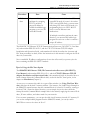
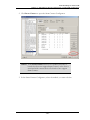
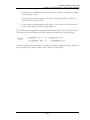
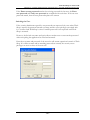
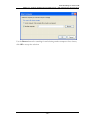
When attaching to a PLC which contains a password, the Enter Password dialog requires
the correct PLC password before granting access to the PLC.
l
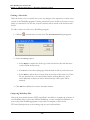
If the Use Aliasescheck box is not selected, the actual password stored in the
PLC must be entered.
l
If this check box is selected, the PLC password alias associated with the PLC’s actual password must be entered instead.
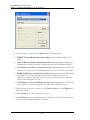
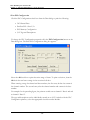
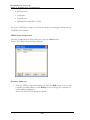
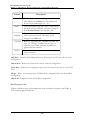
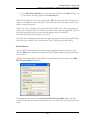
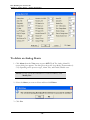
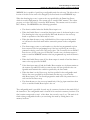
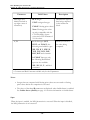
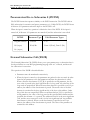
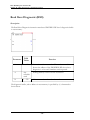
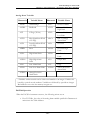
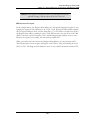
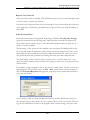
The Edit Aliases Button
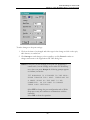
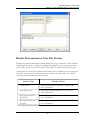
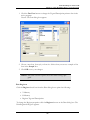
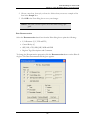
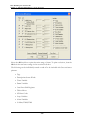
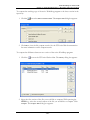
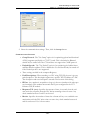
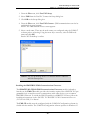
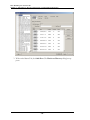
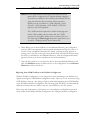
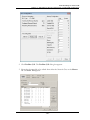
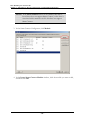
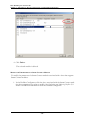
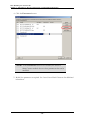
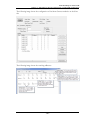
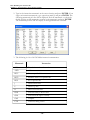
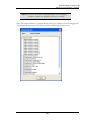
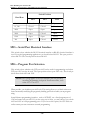
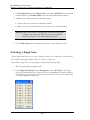
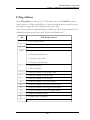
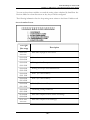
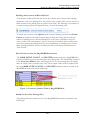
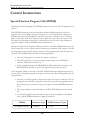
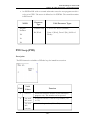
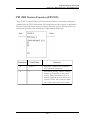
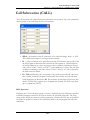
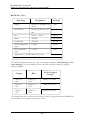
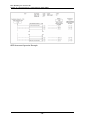
The list of PLC passwords and the aliases with which they are associated can be accessed
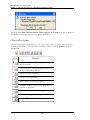
by clicking the Edit Aliases button. Clicking this button displays the PLC Password Aliases dialog below.
- 335 -