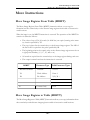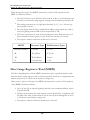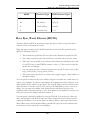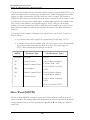
1
PLC WorkShop for Siemens 505
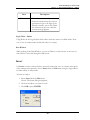
Chapter 9 – PID Loops • Ramp/Soak
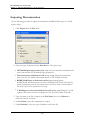
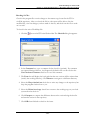
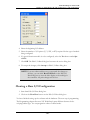
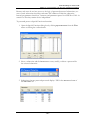
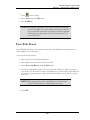
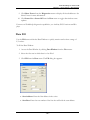
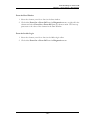
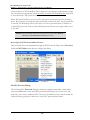
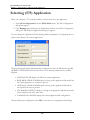
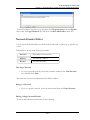
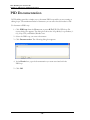
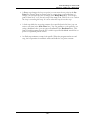
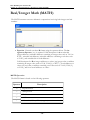
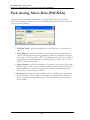
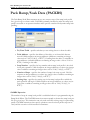
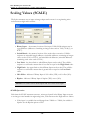
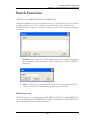
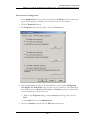
To access the Ramp/Soak Editor:
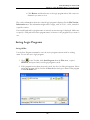
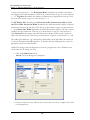
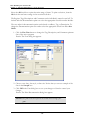
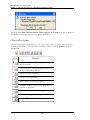
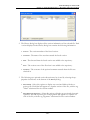
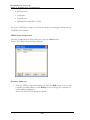
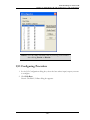
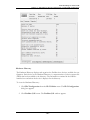
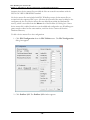
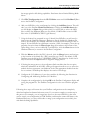
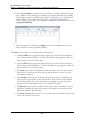
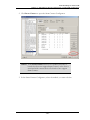
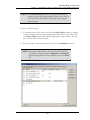
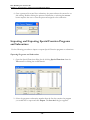
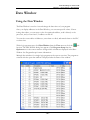
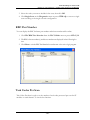
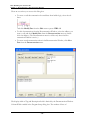
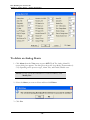
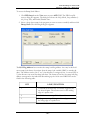
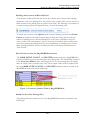
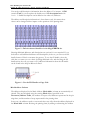
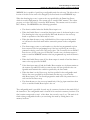
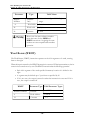
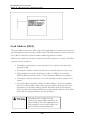
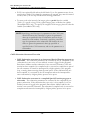
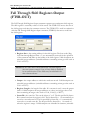
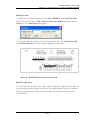
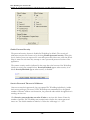
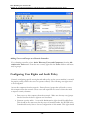
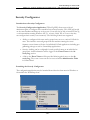
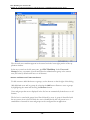
1. Click PID Loop from the View menu or press ALT+V, P. The PID Loop Directory dialog box appears. The dialog box shows the Loop Mode, Loop number (164), Loop Title, and Enable/Disable state.
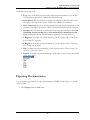
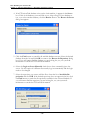
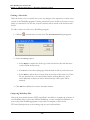
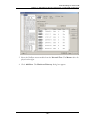
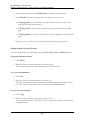
2. Select a loop whose ramp/soak program you want to create or modify and then click
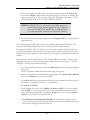
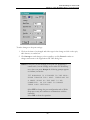
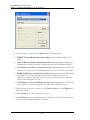
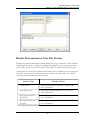
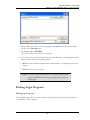
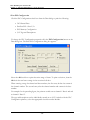
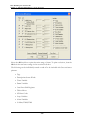
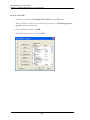
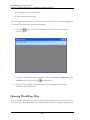
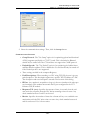
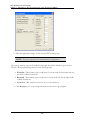
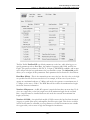
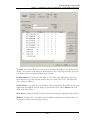
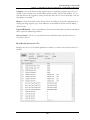
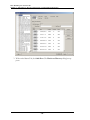
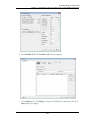
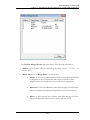
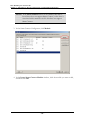
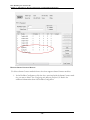
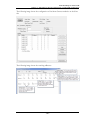
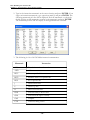
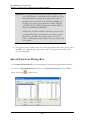
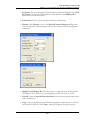
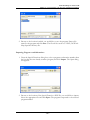
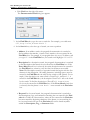
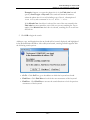
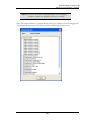
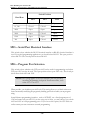
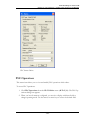
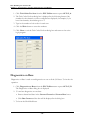
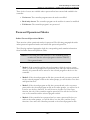
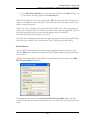
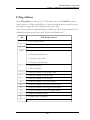
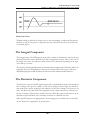
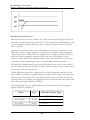
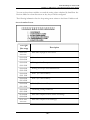
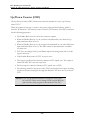
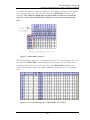
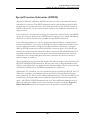
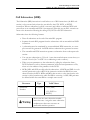
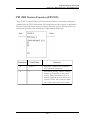
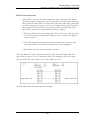
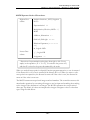
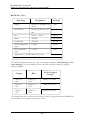
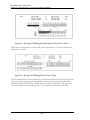
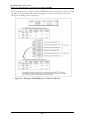
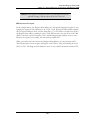
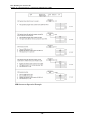
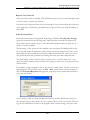
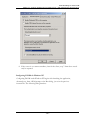
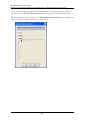
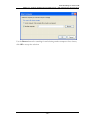
Ramp/Soak. The following dialog box appears.
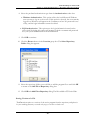
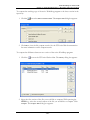
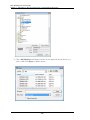
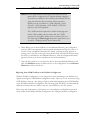
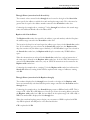
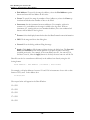
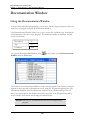
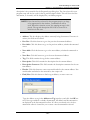
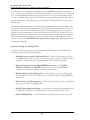
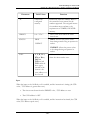
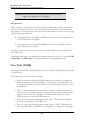
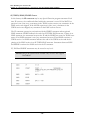
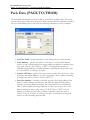
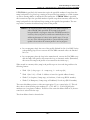
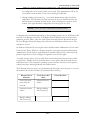
The R/S Flag Address box contains the ramp/soak flag address. An entry in this field
causes ramp/soak data to be written from the ramp/soak variable (LRSF) to another address. The address can be a bit (Y or C) that allocates 5 contiguous bits, or a word (WY or
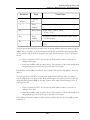
V) that allocates one word for ramp/soak data. The format of the bits in a ramp/soak flag
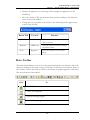
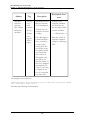
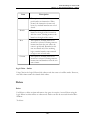
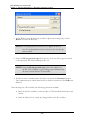
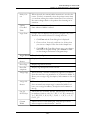
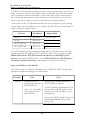
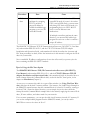
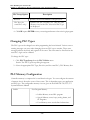
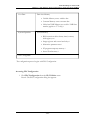
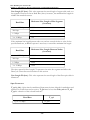
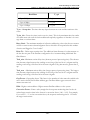
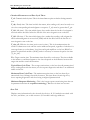
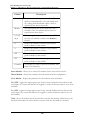
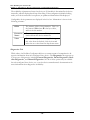
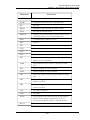
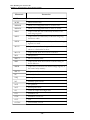
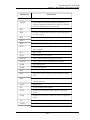
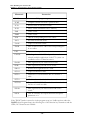
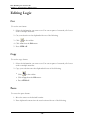
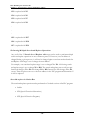
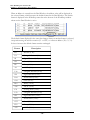
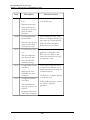
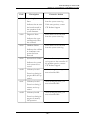
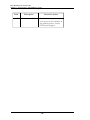
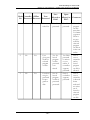
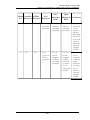
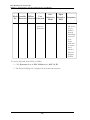
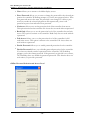
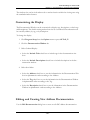
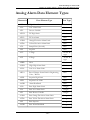
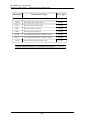
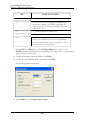
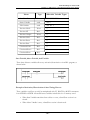
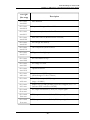
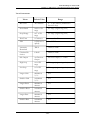
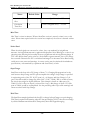
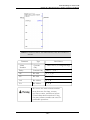
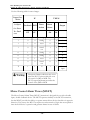
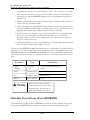
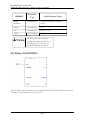
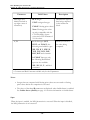
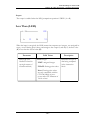
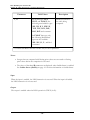
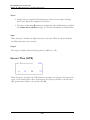
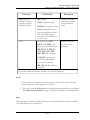
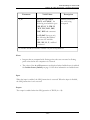
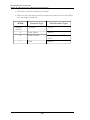
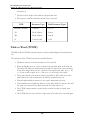
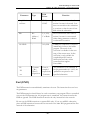
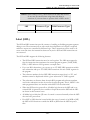
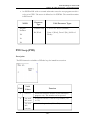
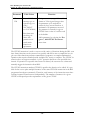
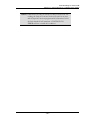
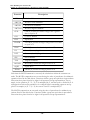
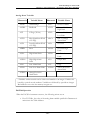
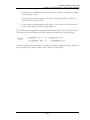
address correspond to the individual bits making up the 16-bit word LRSF. Bits are defined in the following table.
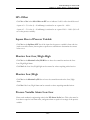
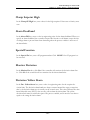
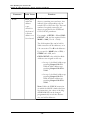
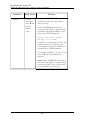
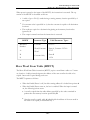
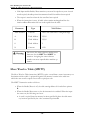
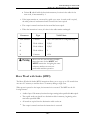
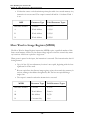
BIT
LOOP/FUNCTION
1
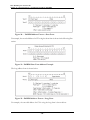
1= Restart at the first step. To restart, toggle bit off,
on, then off again. The restart occurs on the trailing
edge of a square wave.
2
1= Hold at current step. To hold, set bit on.
3
1= Jog to next step. To jog, set bit on. Jog occurs on
the rising edge of a square wave.
- 399 -