1
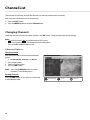
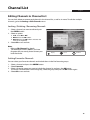
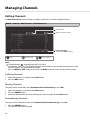
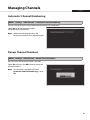
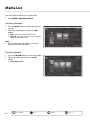
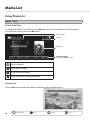
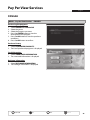
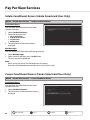
Media List Using Video List MENU Video Path of folder Storage Function buttons : Coloured button Playing Files Select a file and press the OK button. To select multiple files, select the files and press the RED button. Note: • If a folder is selected, the file within the folder will not play unless it is selected. • You will be prompted to enter the password when playing locked files. • You can view video files only. Plays or pauses. Jump to the previous scene. GREEN BLUE GREEN BLUE BLUE RED GREEN RED Jump to the RED next scene. GREEN RED Stops the playback of the current file and displays the list. RED Fast Forward. Fast Rewind. 26 Menu On/Off Select YELLOW Confirm BLUE GREEN RED Enter 0~9