1
Showing and Hiding Columns
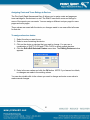
The RAKv2 is capable of displaying up to 26 columns. Some of them might not be
important to everyone so you can choose to display whichever columns you want. The
steps are as follows:
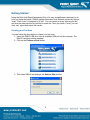
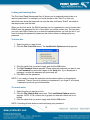
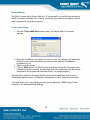
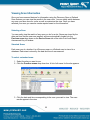
1. Click the Edit->Show/Hide View Columns menu item. The Show/Hide View
Columns window appears.
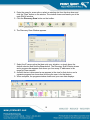
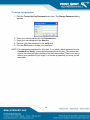
2. Check the box to the left of a column name to display the column, or clear the
box to hide the column.
3. When you are done choosing which columns to display, click the OK button.
Ordering the Columns
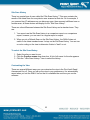
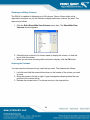
You can move the columns into any order that you want. The steps are as follows:
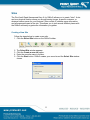
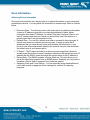
1. Left-click and hold the mouse button down on the header of the column you want
to move.
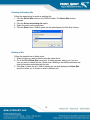
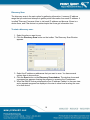
2. Move the mouse to the left or right. A gray line appears showing where the new
position of the column will be.
3. Release the mouse button. The column moves to the new position.
24