1
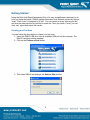
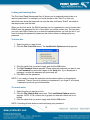
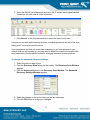
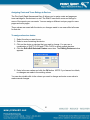
4. Enter the name for a new site or select an existing site from the drop down and
click the "Start" button on the window. The window closes and leaves you at the
main RAKv2 window.
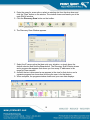
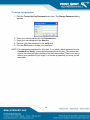
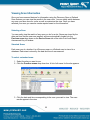
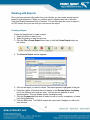
5. Click the Discovery Scan button on the toolbar.
6. The Discovery Scan Window appears.
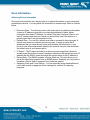
7. Select the IP range option that best suits your situation, or simply leave the
default selection and click the Scan button. The Discovery Scan Window closes
and a progress bar appears that shows you how many IP addresses in the
range(s) it has scanned.
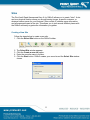
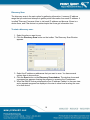
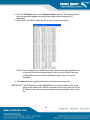
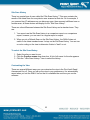
8. As each device is discovered a row appears in the view for that device, and a
separate progress bar shows how far along the scan is for that device.
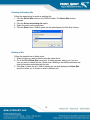
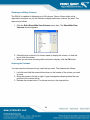
9. When complete, the progress window closes and your scan data displays.
10