1
Aeronautical Navigator AvMap EKPV
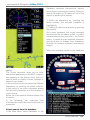
1. Push the joystick to enter in the menu
2. Scroll the joystick up or down to increase or
decrease this difference
3. Push the joystick to confirm and exit.
Display orientation
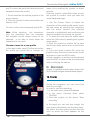
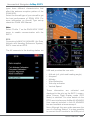
You can choose between vertical orientation
and horizontal orientation. In order to set the
preferred orientation, choose the item and
push the joystick.
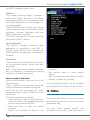
After you have chosen all the required
settings, select the item Continue and push
the joystick to go to the Warning page.
These settings are automatically saved for
the next use.
You can modify these settings in every
moment, using the correspondent menu.
Note: Your settings are stored in the SD
card in the active user profile. Using another
SD card, your settings will be lost.
3. General controls to operate the unit
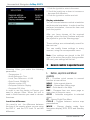
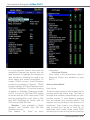
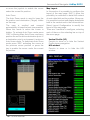
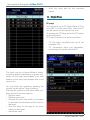
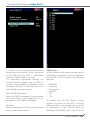
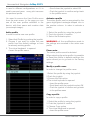
Choosing Other, you select the following
parameters:
• Temperature: C
• North Reference: True
• Local Time Difference: +01:00
• Date Format: DD/MM/YY
• Objects overlap: OFF
• European Selective Display
• European POI View
In order to use the device in Europe, you
need to choose Other. When the unit is
used in North America you need to choose
American.
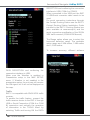
Local time difference
You need to set the difference between
the time of the country where you are using
the EKP V and the UTC time. To set this
difference:
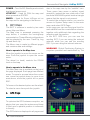
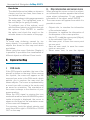
I. Button, Joystick and Wheel
controls
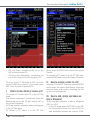
F1 – Provides quick access to several
function at user choice
NEAR – Lists nearest objects
MENU – Opens Main Menu page
MAP – Goes back to the Map
ESC – Escapes from one menu page or
menu item to the prior menu
GOTO – Activates navigation to selected
object
FP – Opens Flight Plan Menu
CYCLE – Toggles between various map
presentations
MODE – Change display mode from
Navigation display, EFB, EFIS and Standby
mode
Quick Manual - 7