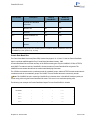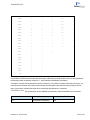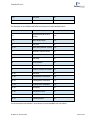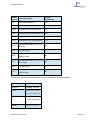
1
ChemBio3D 14.0
Display modes
34
Atom and bond size
36
Displaying dot surfaces
36
Serial numbers
37
Displaying atoms
38
Atom symbols
39
Rotating models
40
Atom and bond properties
43
Showing hydrogen bonds
44
Hydrogens and lone pairs
45
Translating models
46
Scaling models
46
Aligning models
46
Applying color
48
Model Explorer
51
Measuring molecules
58
Comparing models by overlay
61
Molecular surfaces
62
Using stereo pairs
71
Stereo enhancement
71
Setting view focus
72
Chapter 5: Building Advanced Models
73
Dummy bonds and dummy atoms
73
Substructures
74
Bonding by proximity
77
Setting measurements
77
Atom and building types
80
Stereochemistry
84
Building with Cartesian tables
86
Table of Contents
iii