1
2
Preparing to Perform Quantitative Analysis
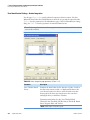
Using the Setup Sequence View
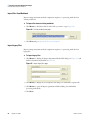
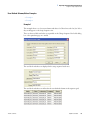
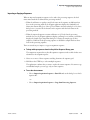
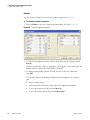
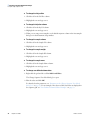
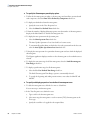
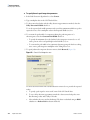
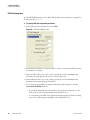
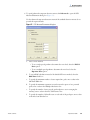
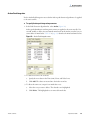
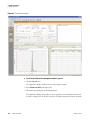
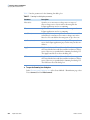
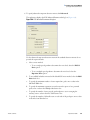
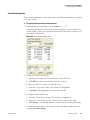
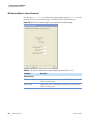
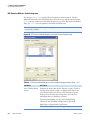
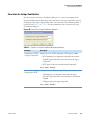
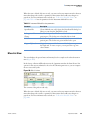
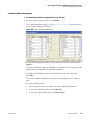
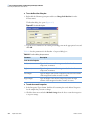
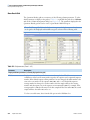
3. Specify the vial positions for multiple injections of the same sample (Injections per
Sample) and the same calibration level (Number per Level) as follows:
• To specify that multiple injections of samples or calibration levels are to be made
from the same vial, select the Re-Use Vial Positions check box.
• To specify that multiple injections of a sample or a calibration level are to be made
from the different vials, clear the Re-Use Vial Positions check box.
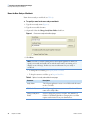
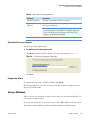
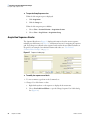
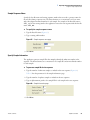
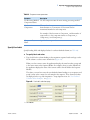
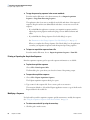
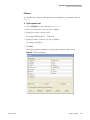
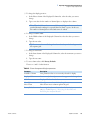
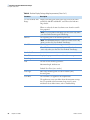
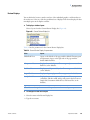
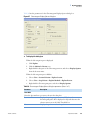
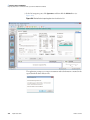
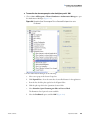
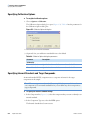
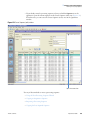
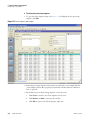
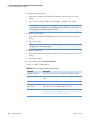
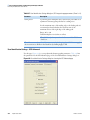
4. Specify the injection volume as follows:
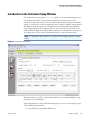
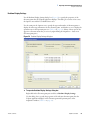
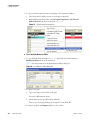
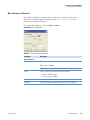
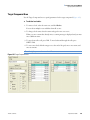
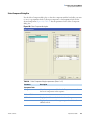
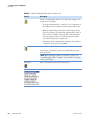
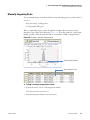
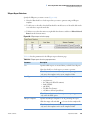
• To use the injection volume that you specified for the autosampler in the instrument
method, select the Injection Volume Obtained from Autosampler Method check
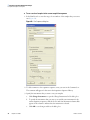
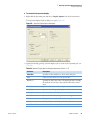
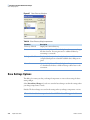
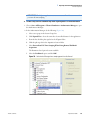
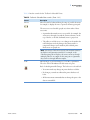
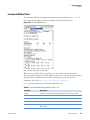
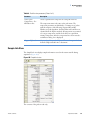
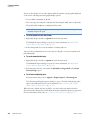
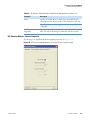
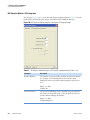
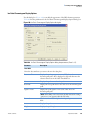
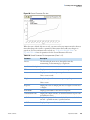
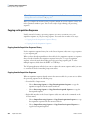
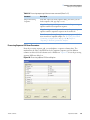
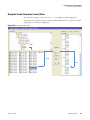
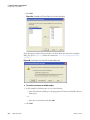
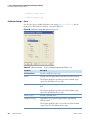
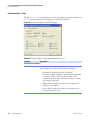
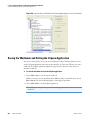
box (Figure 37).
The Injection Volume box becomes unavailable and the Inj Vol column of the
acquisition sequence lists From AS. You cannot modify the injection volume in the
sequence table.
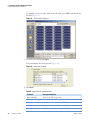
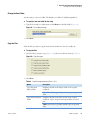
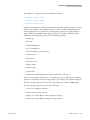
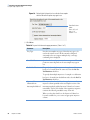
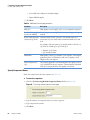
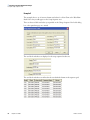
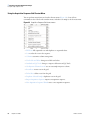
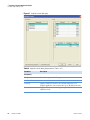
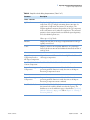
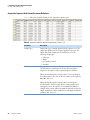
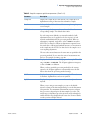
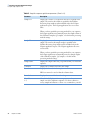
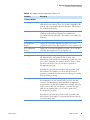
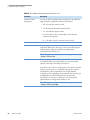
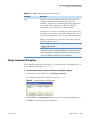
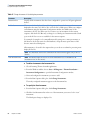
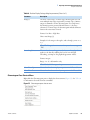
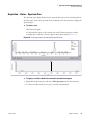
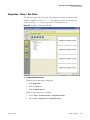
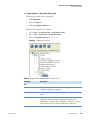
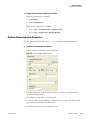
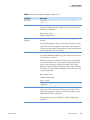
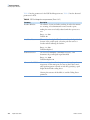
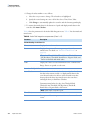
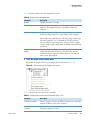
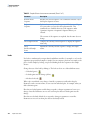
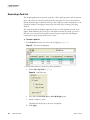
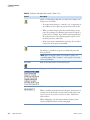
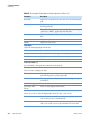
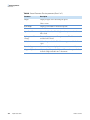
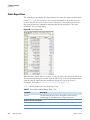
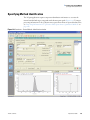
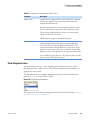
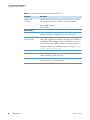
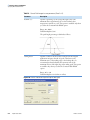
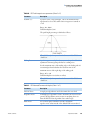
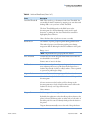
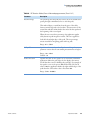
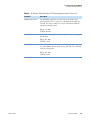
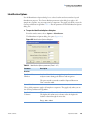
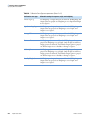
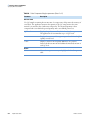
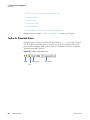
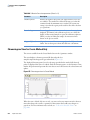
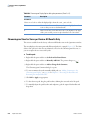
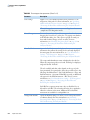
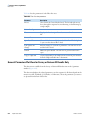
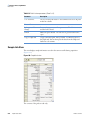
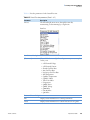
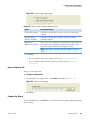
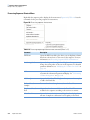
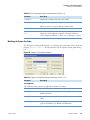
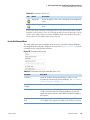
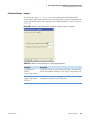
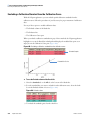
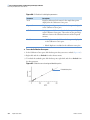
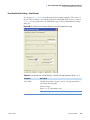
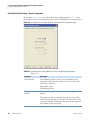
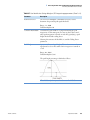
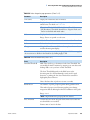
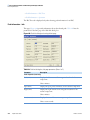
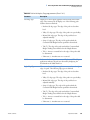
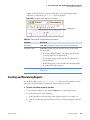
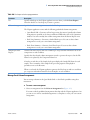
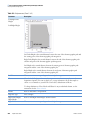
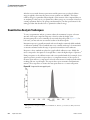
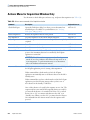
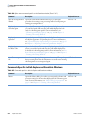
Figure 37. Default initial vial position for an Accela Autosampler
with standard vial trays in use
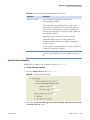
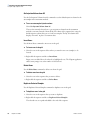
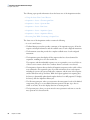
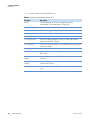
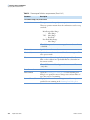
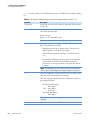
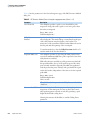
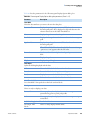
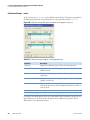
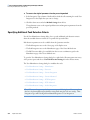
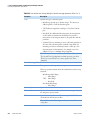
Tray:Vial
where:
Tray = A–E
Vial = 1–40
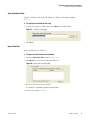
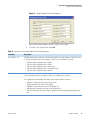
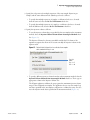
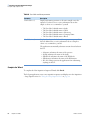
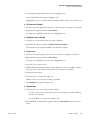
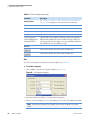
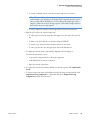
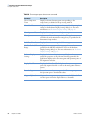
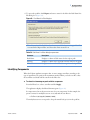
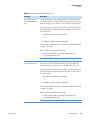
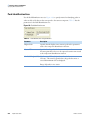
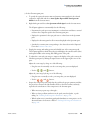
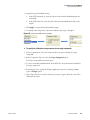
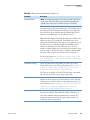
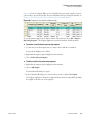
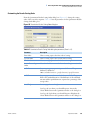
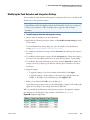
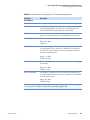
• To specify a different injection volume from that in the instrument method, clear the
Injection Volume Obtained from Autosampler Method check box. Then, type an
appropriate volume in the Injection Volume box.
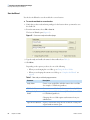
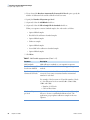
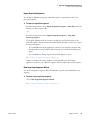
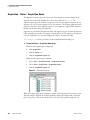
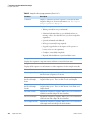
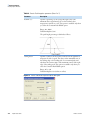
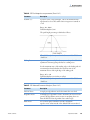
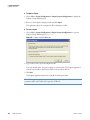
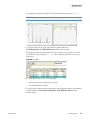
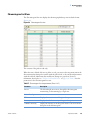
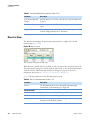
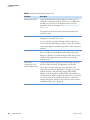
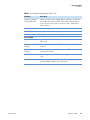
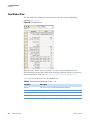
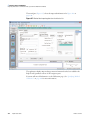
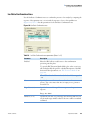
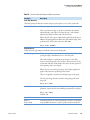
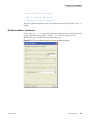
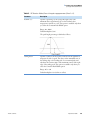
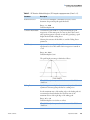
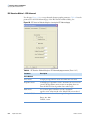
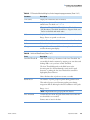
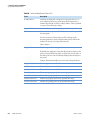
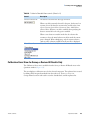
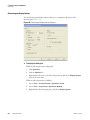
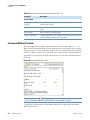
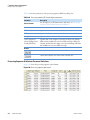
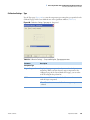
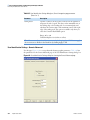
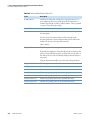
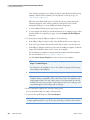
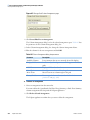
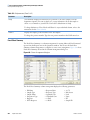
The LCquan application validates the entry against the maximum injection volume
range for the configured autosampler. The application does not use the sample loop
size that is specified in the autosampler configuration to validate this entry, nor does
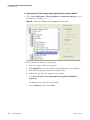
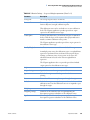
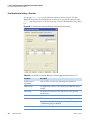
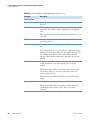
it use the injection mode that is specified in the instrument method (Figure 38).
Thermo Scientific
LCquan User Guide
45