1
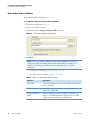
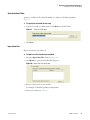
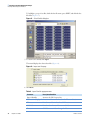
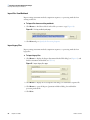
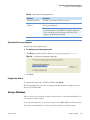
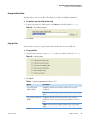
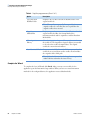
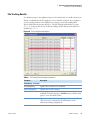
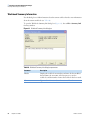
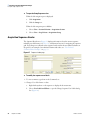
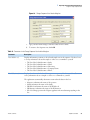
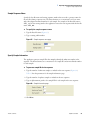
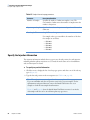
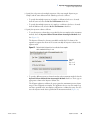
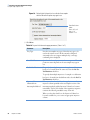
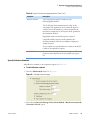
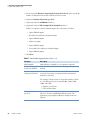
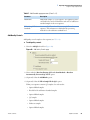
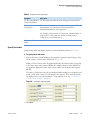
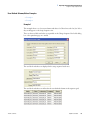
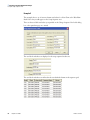
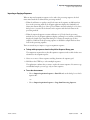
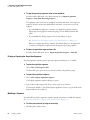
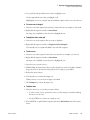
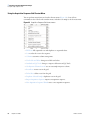
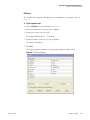
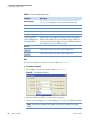
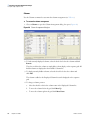
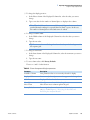
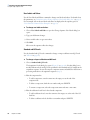
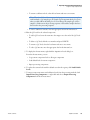
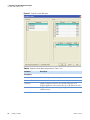
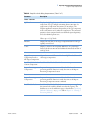
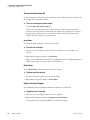
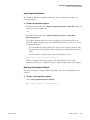
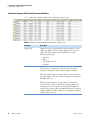
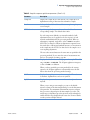
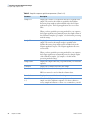
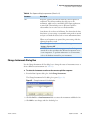
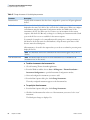
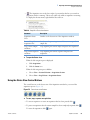
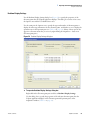
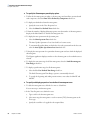
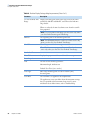
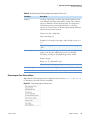
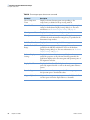
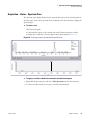
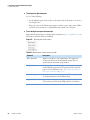
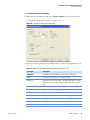
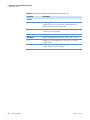
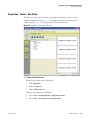
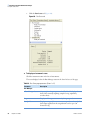
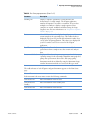
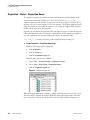
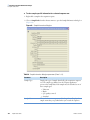
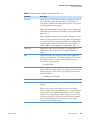
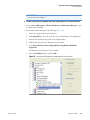
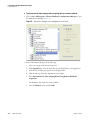
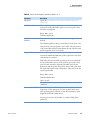
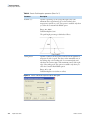
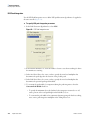
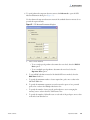
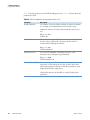
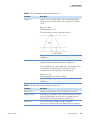
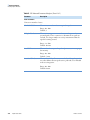
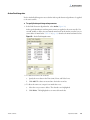
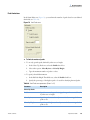
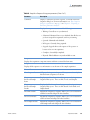
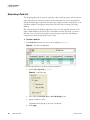
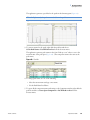
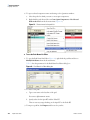
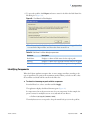
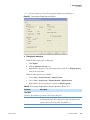
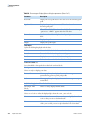
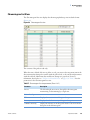
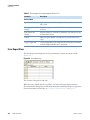
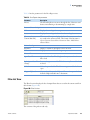
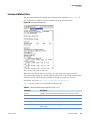
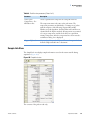
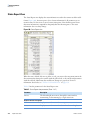
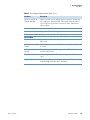
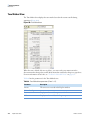
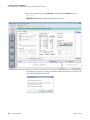
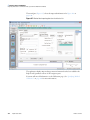
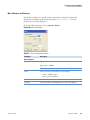
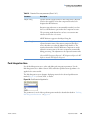
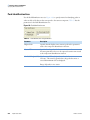
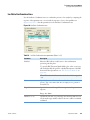
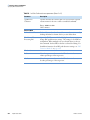
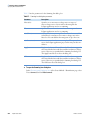
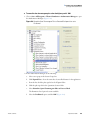
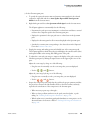
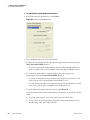
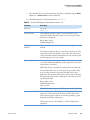
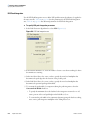
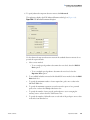
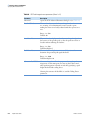
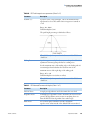
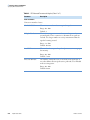
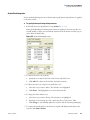
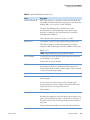
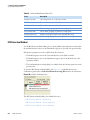
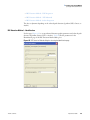
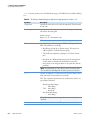
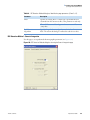
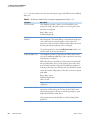
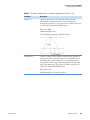
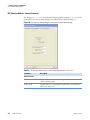
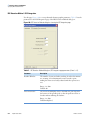
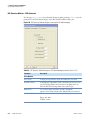
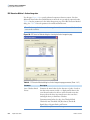
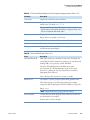
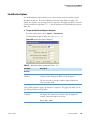
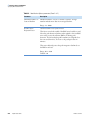
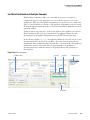
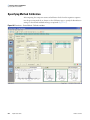
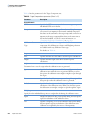
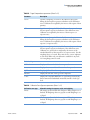
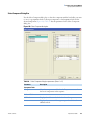
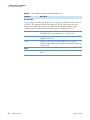
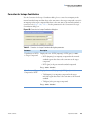
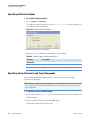
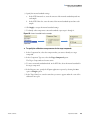
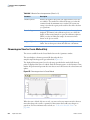
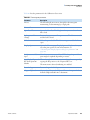
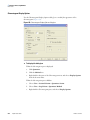
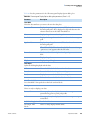
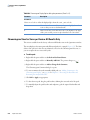
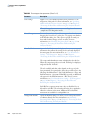
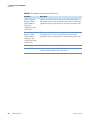
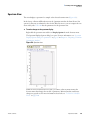
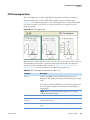
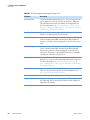
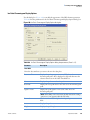
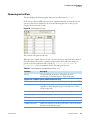
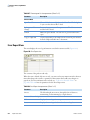
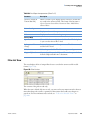
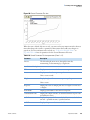
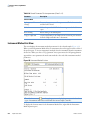
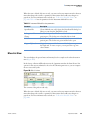
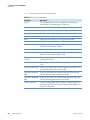
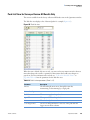
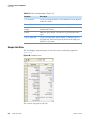
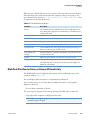
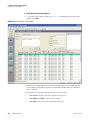
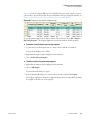
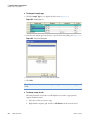
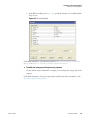
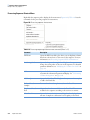
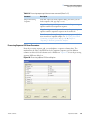
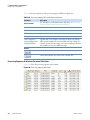
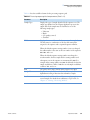
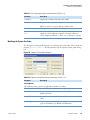
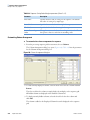
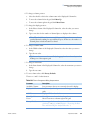
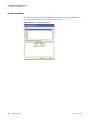
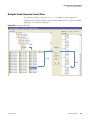
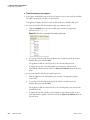
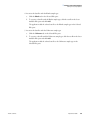
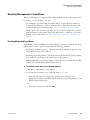
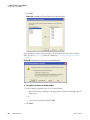
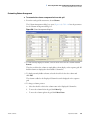
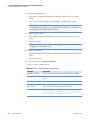
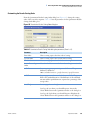
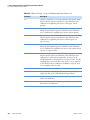
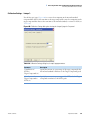
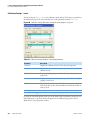
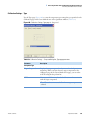
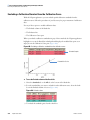
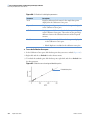
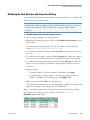
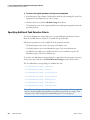
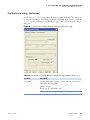
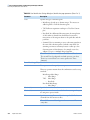
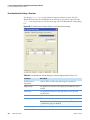
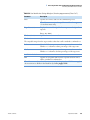
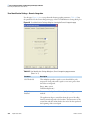
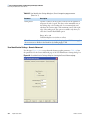
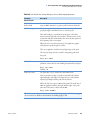
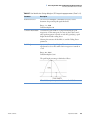
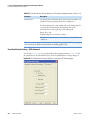
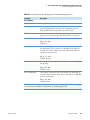
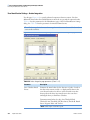
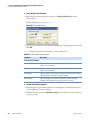
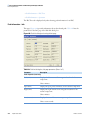
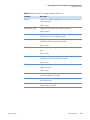
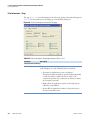
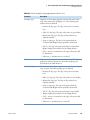
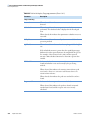
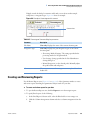
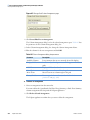
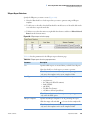
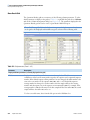
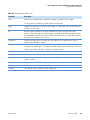
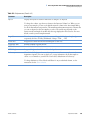
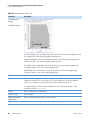
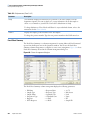
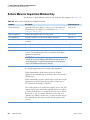
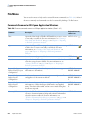
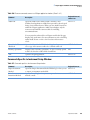
2 Preparing to Perform Quantitative Analysis Using the Setup Sequence View Sample Sequence Name Specify the base file name and starting sequence number that are used to generate names for the raw files during a sequence run. The derived names are a concatenation of a base name and a three-digit incremental number for each sample. For example, if the Base file name is APN_ and 1 is the starting number, the application creates the new sequence with the first file name, APN_001. To specify the sample sequence names 1. Type the Base file name (Figure 35). 2. Type a starting suffix number. Figure 35. Sample sequence name page 3. Click Next. Specify Sample Information The application generates sample IDs that uniquely identify the unknown samples in the sequence. The derived names are a concatenation of a sample ID and an incremental number for each sample. To generate sample IDs for the sequence 1. Type the number of unknown samples to include in the new sequence (Figure 36). Table 15 lists the parameters for the sample information page. 2. Type the number of replicate samples to include in the new sequence. 3. Type an alphanumeric prefix to the sample ID for each sample in the new sequence. Figure 36. Sample information page 4. Click Next. Thermo Scientific LCquan User Guide 43