1
Uncorrected Developments and Bend Allowance
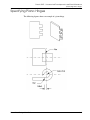
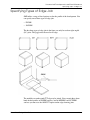
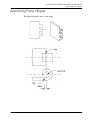
Specifying Flanges
Using the DFLA Option
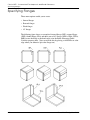
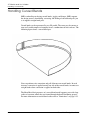
Use the DFLA option to specify a Dflange.
Procedure
1.
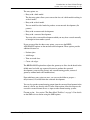
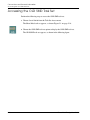
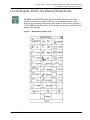
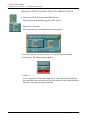
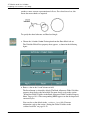
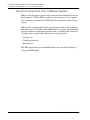
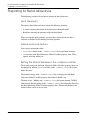
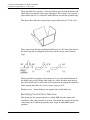
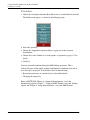
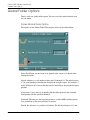
Choose the DFLA option from the Bend Allowance menu.
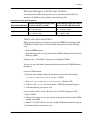
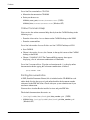
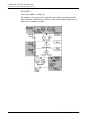
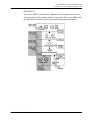
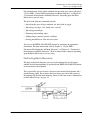
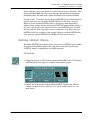
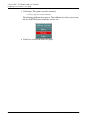
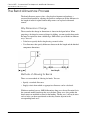
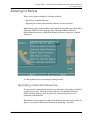
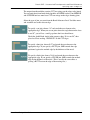
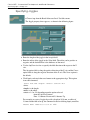
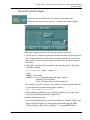
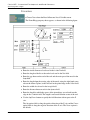
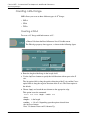
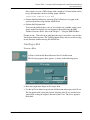
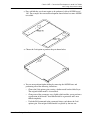
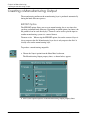
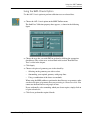
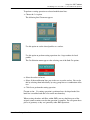
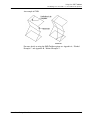
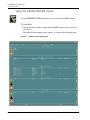
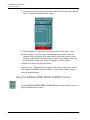
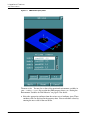
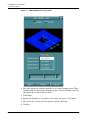
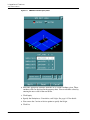
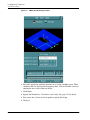
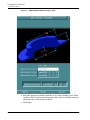
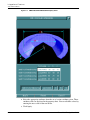
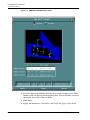
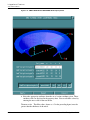
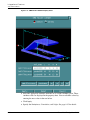
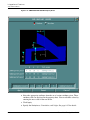
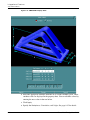
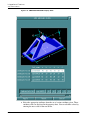
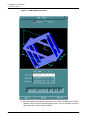
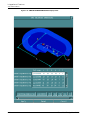
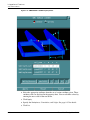
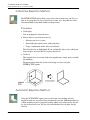
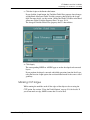
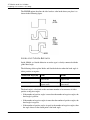
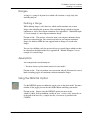
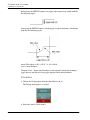
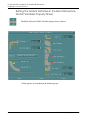
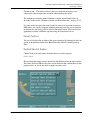
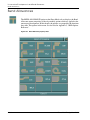
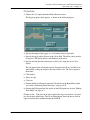
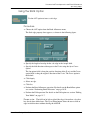
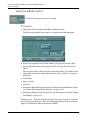
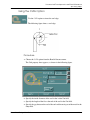
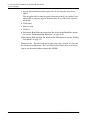
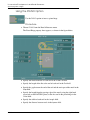
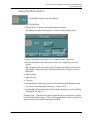
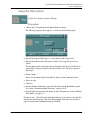
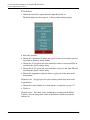
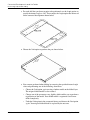
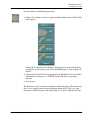
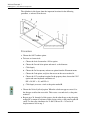
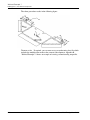
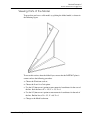
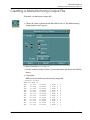
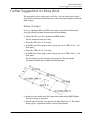
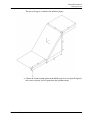
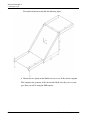
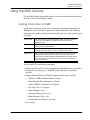
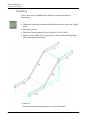
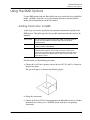
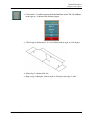
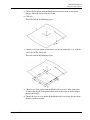
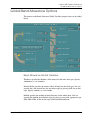
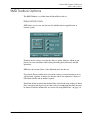
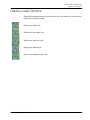
The Dfla-edge property sheet appears, as shown in the following figure.
2.
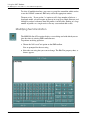
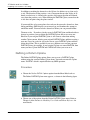
Specify the length of the flange as a real number in the Length field.
3.
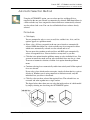
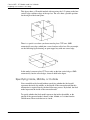
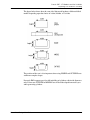
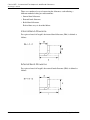
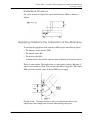
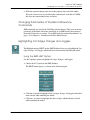
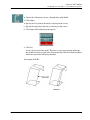
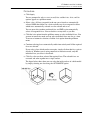
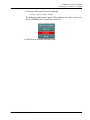
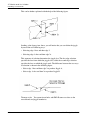
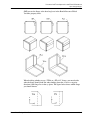
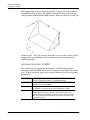
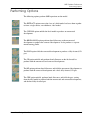
Specify the fold direction with respect to the Z axis using the Up or Down
option.
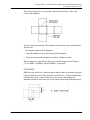
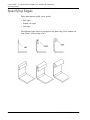
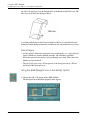
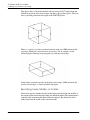
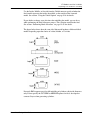
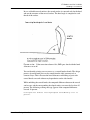
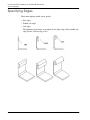
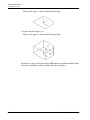
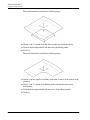
The Up option folds it along the positive direction of the Z axis and the Down
option folds it along the negative direction of the Z axis. The Down option is
the default.
4.
Choose Apply.
5.
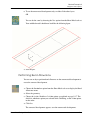
Select an edge.
6.
Click Go.
7.
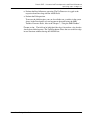
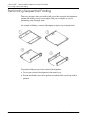
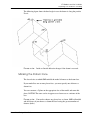
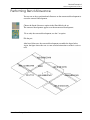
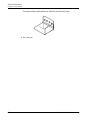
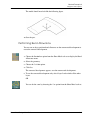
Perform the Bend Allowance operation. For details on the BendAllow option
see section “Performing Bend Allowance” on page 10-59.
8.
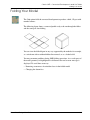
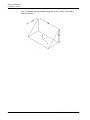
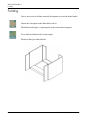
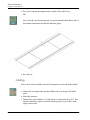
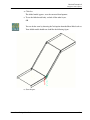
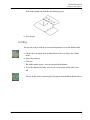
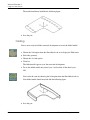
Perform the Fold operation. For details on the Fold option see section “Folding
Your Model” on page 11-7.
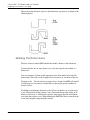
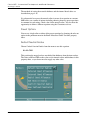
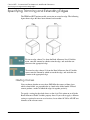
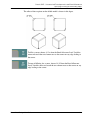
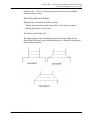
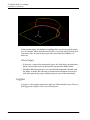
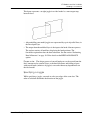
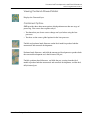
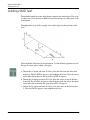
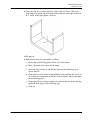
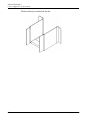
Please note: The fold can be left or right if the edge is located on a face that
has already been folded up once. The Up or Down button allows the user to fold an
edge in two directions without altering the ANGLE.
Sheet Metal Design User Guide
10-49