1
Classic SMD - 3D Models and the Unfolder
Extracting the Faces of a Thick Model
Interactive Selection Method
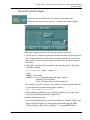
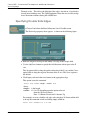
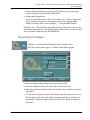
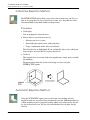
The INTERACTIVE option allows you to select one or more faces, one face at a
time or use group lines to select several faces at once. It is advisable to use this
selection method if your thick model has sharp corners.
Procedure
1.
Click Apply.
You are prompted to select the faces.
2.
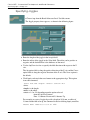
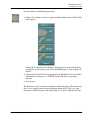
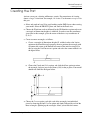
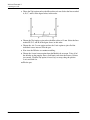
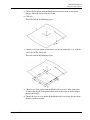
Select each face you wish to extract by:
•
Selecting one face at a time.
•
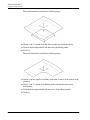
Surrounding the required faces with group lines.
•
Using a combination of the above two methods.
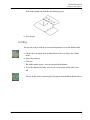
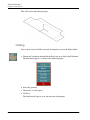
The selected faces are highlighted. If you accidentally select a face which you
do not require, select on that face again to deselect it.
3.
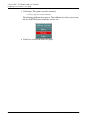
Click Go.
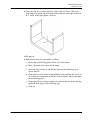
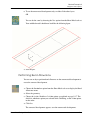
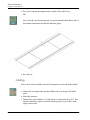
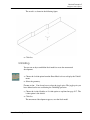
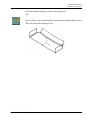
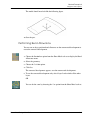
The selected faces are extracted and sewn together into a single surface suitable
for unfolding.
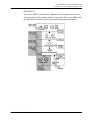
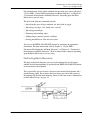
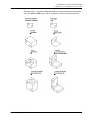
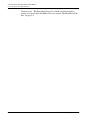
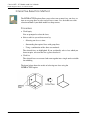
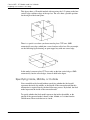
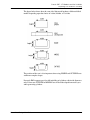
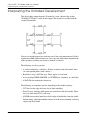
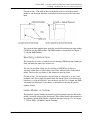
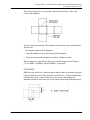
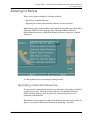
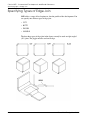
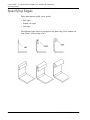
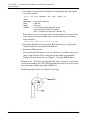
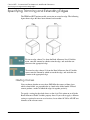
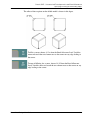
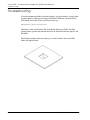
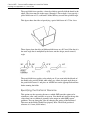
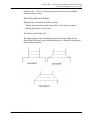
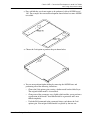
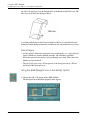
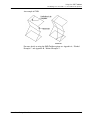
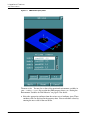
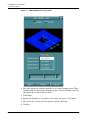
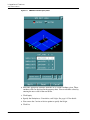
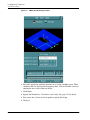
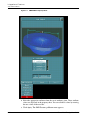
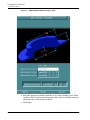
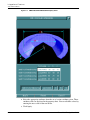
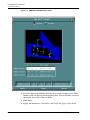
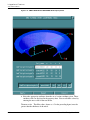
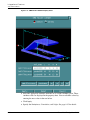
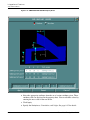
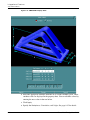
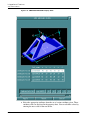
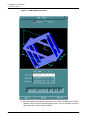
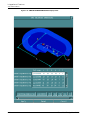
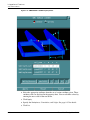
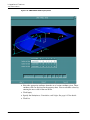
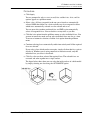
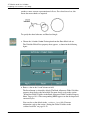
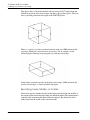
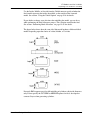
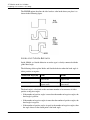
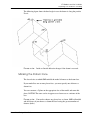
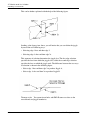
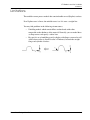
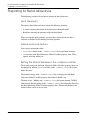
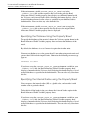
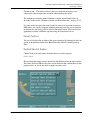
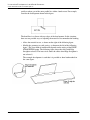
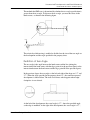
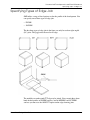
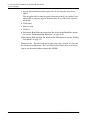
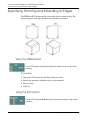
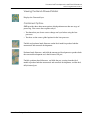
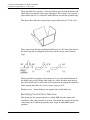
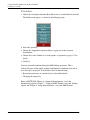
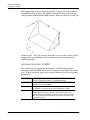
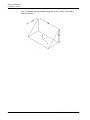
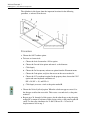
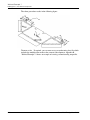
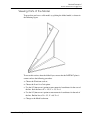
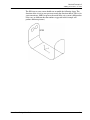
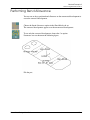
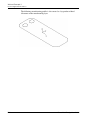
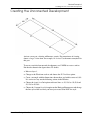
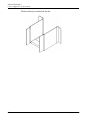
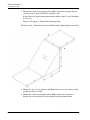
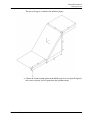
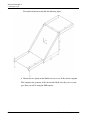
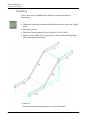
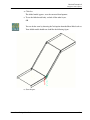
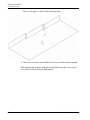
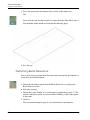
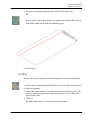
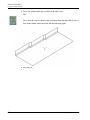
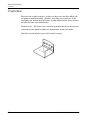
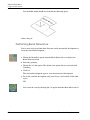
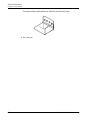
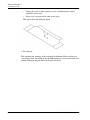
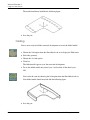
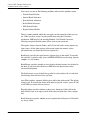
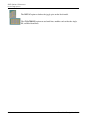
The figure below shows the results of selecting two faces using the
INTERACTIVE option.
3-4
Sheet Metal Design User Guide