1
Worked Example 6
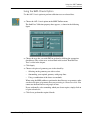
Using the SMD Options
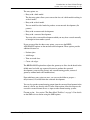
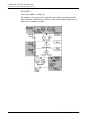
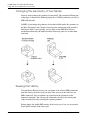
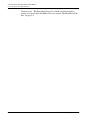
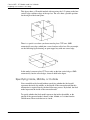
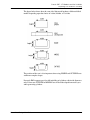
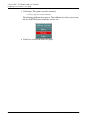
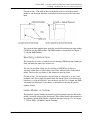
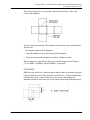
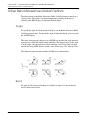
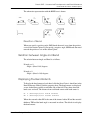
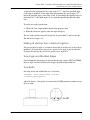
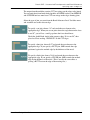
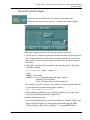
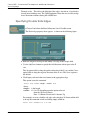
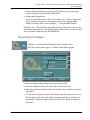
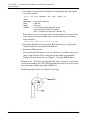
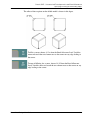
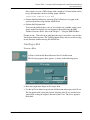
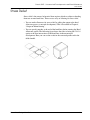
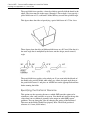
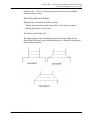
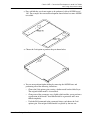
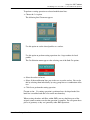
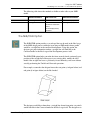
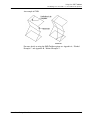
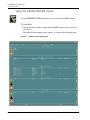
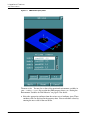
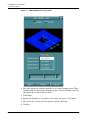
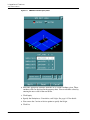
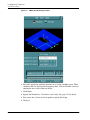
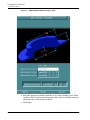
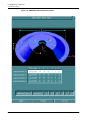
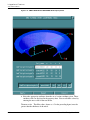
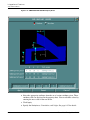
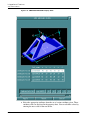
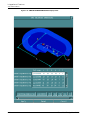
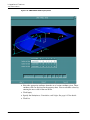
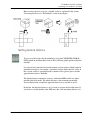
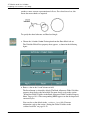
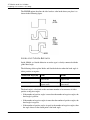
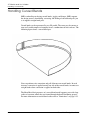
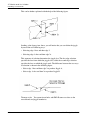
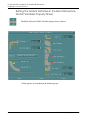
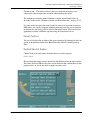
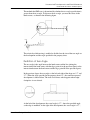
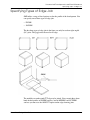
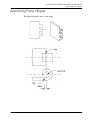
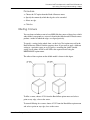
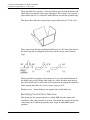
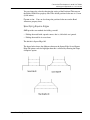
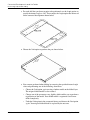
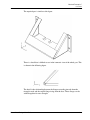
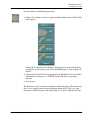
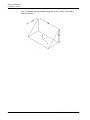
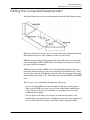
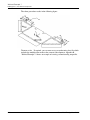
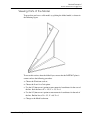
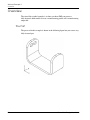
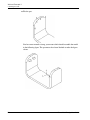
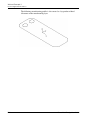
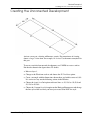
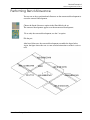
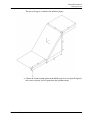
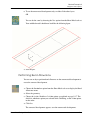
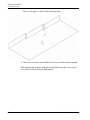
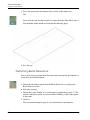
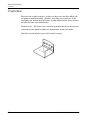
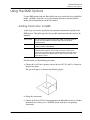
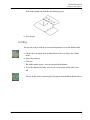
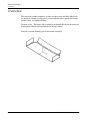
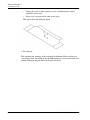
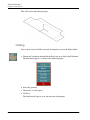
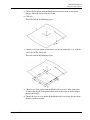
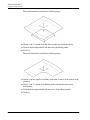
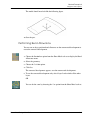
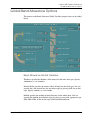
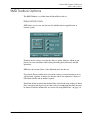
Your model should now look like the following figure.
6.
Save the part.
Folding
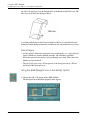
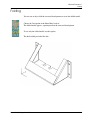
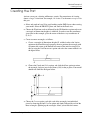
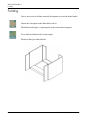
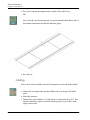
You are now ready to fold the corrected development to create the folded model.
1.
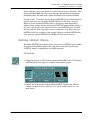
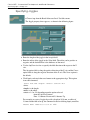
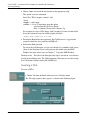
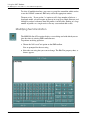
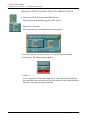
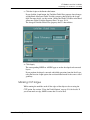
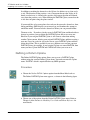
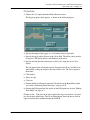
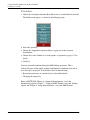
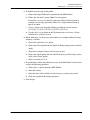
Choose the Fold option from the Sheet Metal task set to display the Unfold
menu.
2.
Select the geometry.
3.
Click Go.
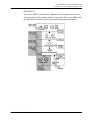
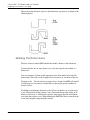
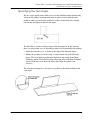
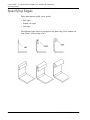
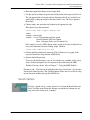
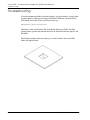
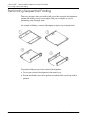
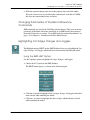
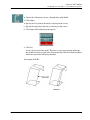
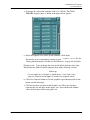
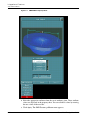
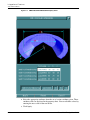
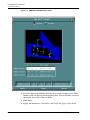
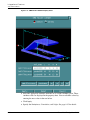
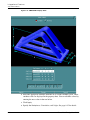
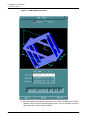
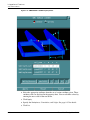
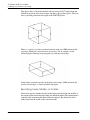
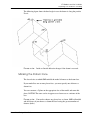
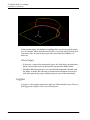
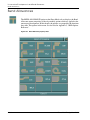
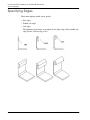
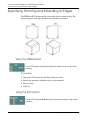
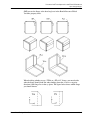
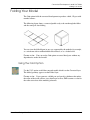
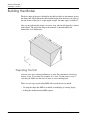
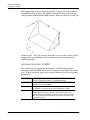
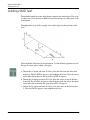
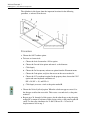
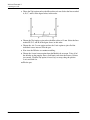
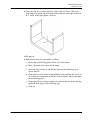
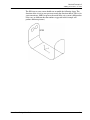
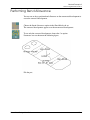
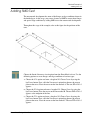
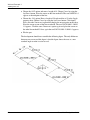
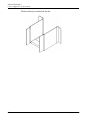
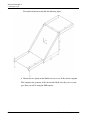
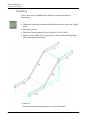
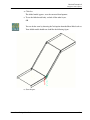
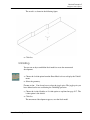
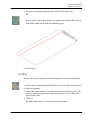
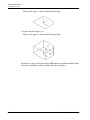
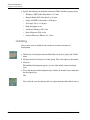
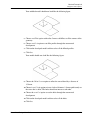
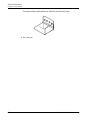
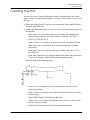
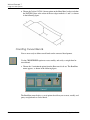
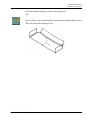
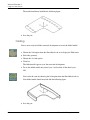
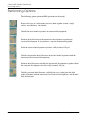
The folded model appears, over the corrected development.
4.
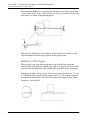
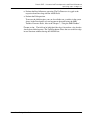
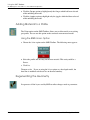
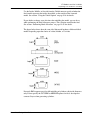
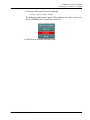
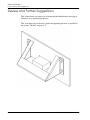
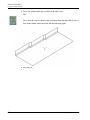
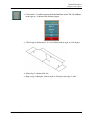
To see the folded model only select Layer 3 and exclude all the other layers.
OR
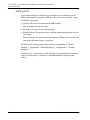
You can do the same by choosing the Fold option from the Sheet Metal task set.
Sheet Metal Design User Guide
F-9