1
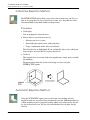
Uncorrected Developments and Bend Allowance
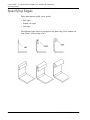
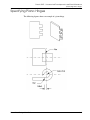
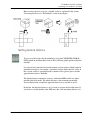
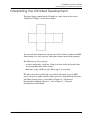
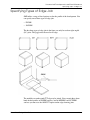
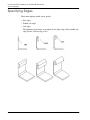
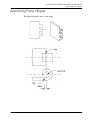
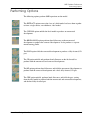
Specifying Piano Hinges
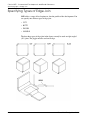
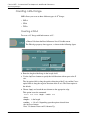
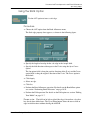
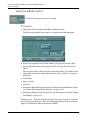
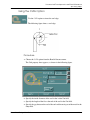
Using the PIANO Option
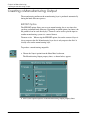
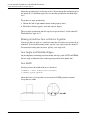
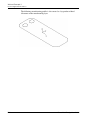
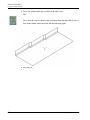
Use the PIANO option to insert a piano hinge.
Procedure
1.
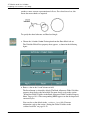
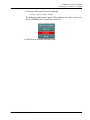
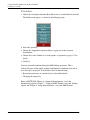
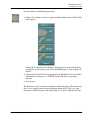
Choose PIANO from the Bend Allowance menu.
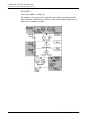
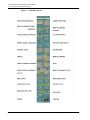
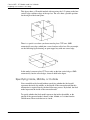
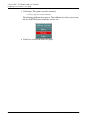
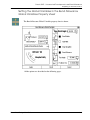
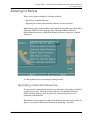
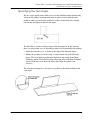
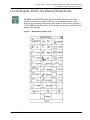
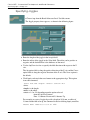
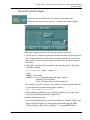
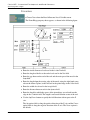
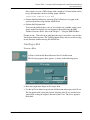
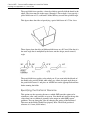
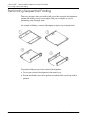
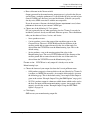
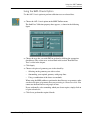
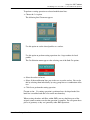
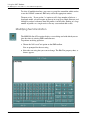
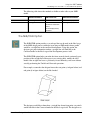
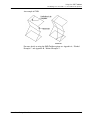
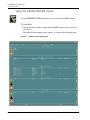
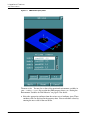
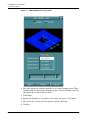
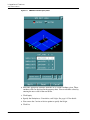
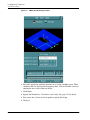
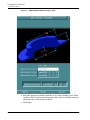
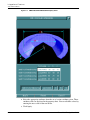
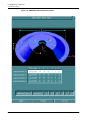
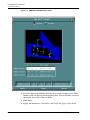
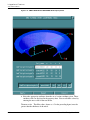
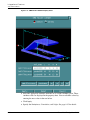
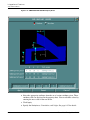
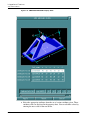
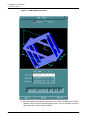
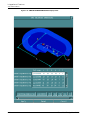
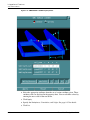
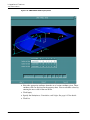
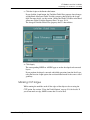
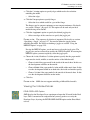
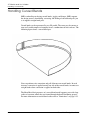
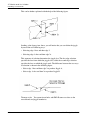
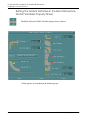
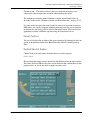
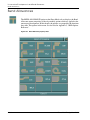
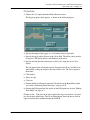
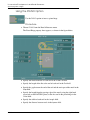
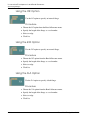
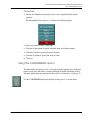
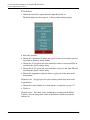
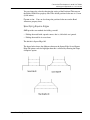
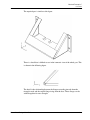
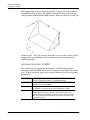
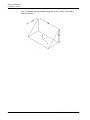
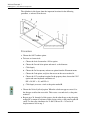
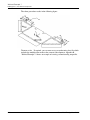
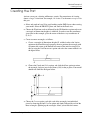
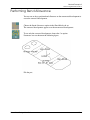
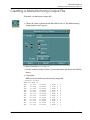
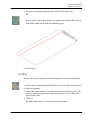
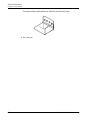
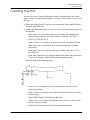
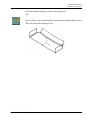
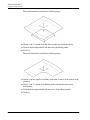
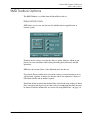
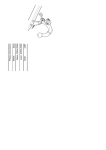
The Piano Hinge property sheet appears, as shown in the figure below.
10-42
2.
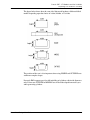
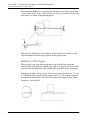
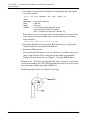
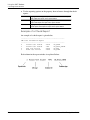
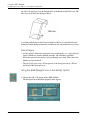
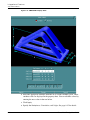
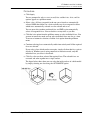
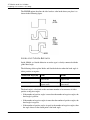
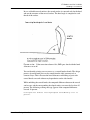
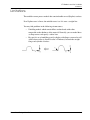
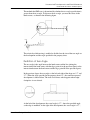
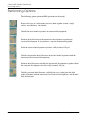
Specify the inside diameter of each curl in the Inside Dia field.
3.
Specify the length of the flat at the end of each curl in the Flat field.
4.
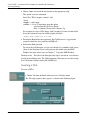
Specify the gap between the end of the curl and the main part of the metal in the
Gap field.
5.
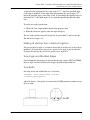
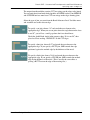
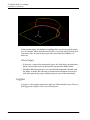
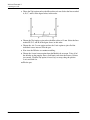
Specify the length from the starting edge of the metal (using the right hand
screw rule on the DATUM Cplane) to the first curl in the piano hinge in the
Offset field.
6.
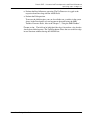
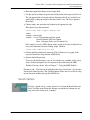
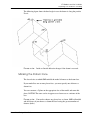
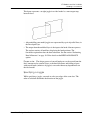
Specify the width of each curl in the Length field.
7.
Specify the distance between curls in the Space field.
Sheet Metal Design User Guide