1
4.5 Deleting invites to members with personal
Skype accounts
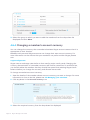
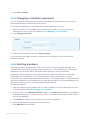
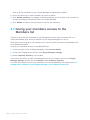
To delete an invite:
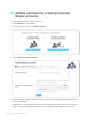
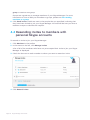
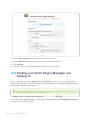
1. Click Members in the toolbar.
2. In the menu on the left, click Manage Invites.
A list of all of the members who have not yet accepted their invite to join your Skype
Manager is displayed.
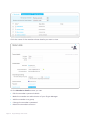
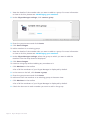
3. Check the box next to each member to whose invite you want to delete.
4. Click Delete invites.
4.6 Managing your members
Once you have added your member, it's easy to manage their accounts. You can allocate
them Skype Credit and if they are members with business Skype accounts, allocate them
features and manage their details.
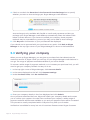
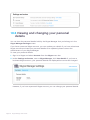
The quickest way to view or modify a member's details is to use the Search members
tool in the top right corner of Skype Manager. Simply enter the member's name and a list
of matching members will appear below.
Click the member you are looking for to view that member's details.
It's also possible to use the Filter this list tool to find members. To do so, click Members
in the toolbar to display a list of all members. Then click Filter this list to display the filter
options. You can filter by the date on which members joined Skype Manager, or by the
type of member. Only members matching this filter criteria are displayed.
Page 21 Skype Manager User Guide