1
w w w. d e l l . c o m | s u p p o r t . d e l l . c o m
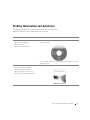
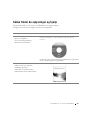
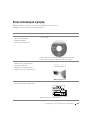
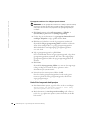
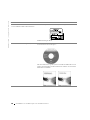
Starting the Dell Diagnostics From the Drivers and Utilities CD
1
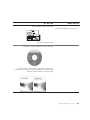
Insert the Drivers and Utilities CD into the CD drive.
2
Shut down and restart the computer.
When the DELL logo appears, press <F12> immediately.
If you wait too long and the Windows logo appears, continue to wait
until you see the Windows desktop. Then shut down your computer
through the Start menu and try again.
NOTE: This feature
changes the boot sequence
for one time only. On the
next start-up, the
computer boots according
to the devices specified in
system setup.
3
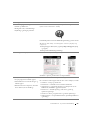
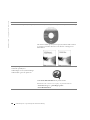
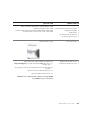
When the boot device list appears, highlight IDE CD-ROM Device
and press <Enter>.
4
Select the IDE CD-ROM Device option from the CD boot menu.
5
Select the Boot from CD-ROM option from the menu that appears.
6
Type 1 to start the ResourceCD menu.
7
Type 2 to start the Dell Diagnostics.
8
Select Run the 32 Bit Dell Diagnostics from the numbered list. If
multiple versions are listed, select the version appropriate for your
platform.
9
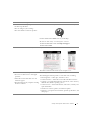
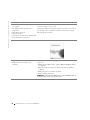
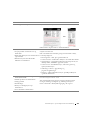
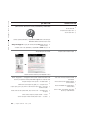
When the Dell Diagnostics Main Menu appears, select the test you
want to run.
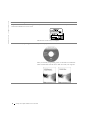
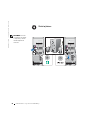
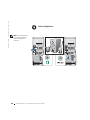
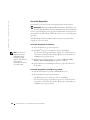
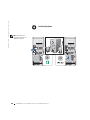
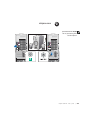
Dell Diagnostics Main Menu
1
NOTE: The Service Tag
for your computer is
located at the top of each
test screen
32
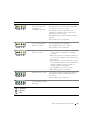
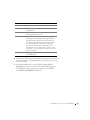
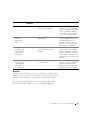
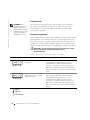
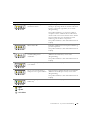
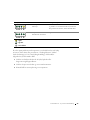
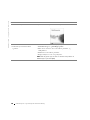
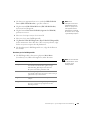
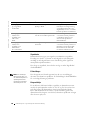
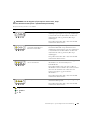
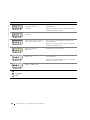
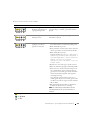
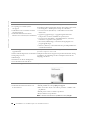
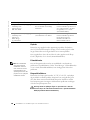
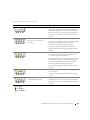
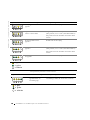
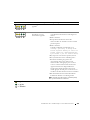
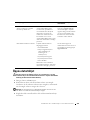
After the Dell Diagnostics loads and the Main Menu screen appears,
click the button for the option you want.
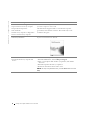
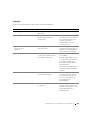
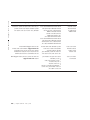
Option
Function
Express
Test
Performs a quick test of devices. This test typically takes 10
to 20 minutes and requires no interaction on your part.
Run Express Test first to increase the possibility of tracing
the problem quickly.
Extended
Test
Performs a thorough check of devices. This test typically
takes an hour or more and requires you to answer questions
periodically.
Custom
Test
Tests a specific device. You can customize the tests you
want to run.
Symptom
Tree
Lists the most common symptoms encountered and allows
you to select a test based on the symptom of the problem
you are having.
Setup and Quick Re ference Guide