1
•
•
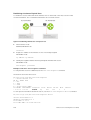
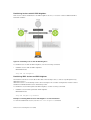
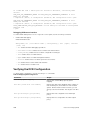
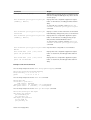
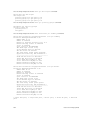
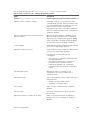
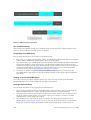
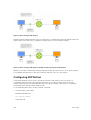
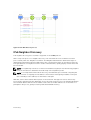
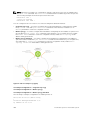
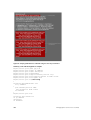
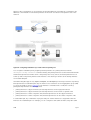
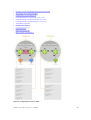
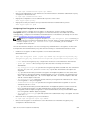
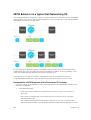
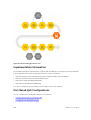
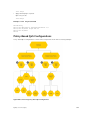
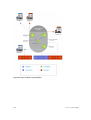
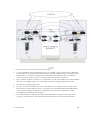
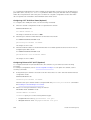
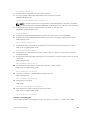
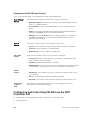
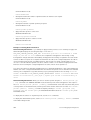
Mark the S-Tag dot1p and queue the frame according to the original C-Tag dot1p. In this case, you
must have other dot1p QoS configurations; this option is classic dot1p marking.
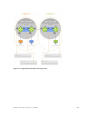
Mark the S-Tag dot1p and queue the frame according to the S-Tag dot1p. For example, if frames with
C-Tag dot1p values 0, 6, and 7 are mapped to an S-Tag dot1p value 0, all such frames are sent to the
queue associated with the S-Tag 802.1p value 0. This option requires two different CAM entries, each
in a different Layer 2 ACL FP block.
NOTE: The ability to map incoming C-Tag dot1p to any S-Tag dot1p requires installing up to eight
entries in the Layer 2 QoS and Layer 2 ACL table for each configured customer VLAN. The scalability
of this feature is limited by the impact of the 1:8 expansion in these content addressable memory
(CAM) tables.
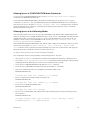
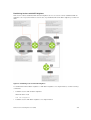
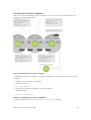
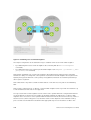
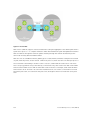
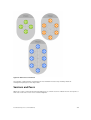
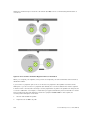
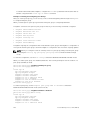
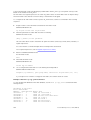
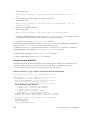
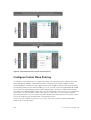
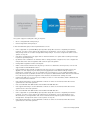
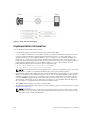
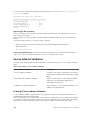
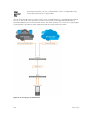
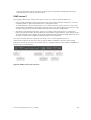
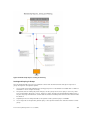
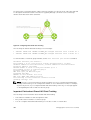
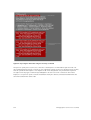
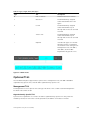
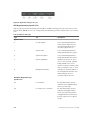
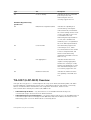
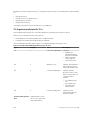
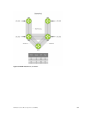
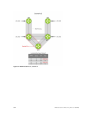
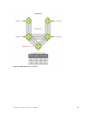
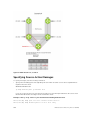
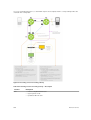
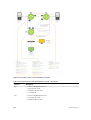
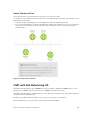
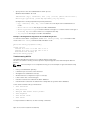
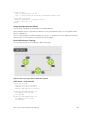
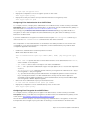
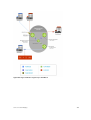
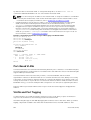
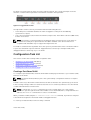
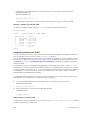
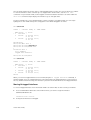
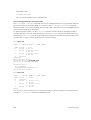
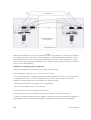
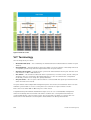
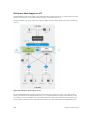
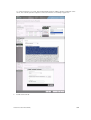
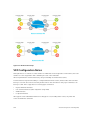
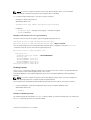
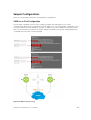
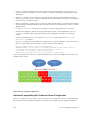
Dell Networking OS Behavior: For Option A shown in the previous illustration, when there is a conflict
between the queue selected by Dynamic Mode CoS (vlan-stack dot1p-mapping) and a QoS
configuration, the queue selected by Dynamic Mode CoS takes precedence. However, rate policing for
the queue is determined by QoS configuration. For example, the following access-port configuration
maps all traffic to Queue 0:
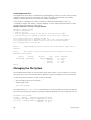
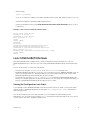
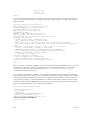
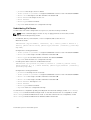
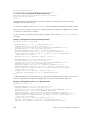
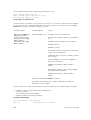
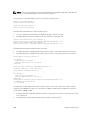
vlan-stack dot1p-mapping c-tag-dot1p 0-7 sp-tag-dot1p 1
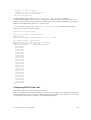
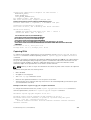
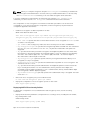
However, if the following QoS configuration also exists on the interface, traffic is queued to Queue 0 but
is policed at 40Mbps (qos-policy-input for queue 3) because class-map "a" of Queue 3 also matches
the traffic. This is an expected behavior.
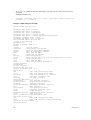
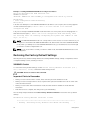
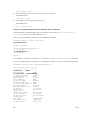
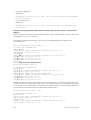
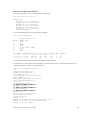
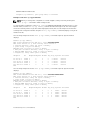
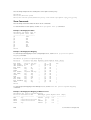
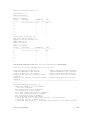
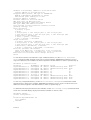
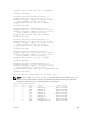
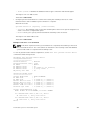
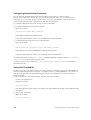
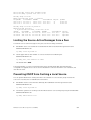
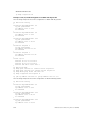
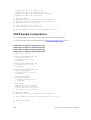
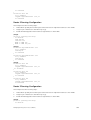
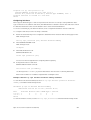
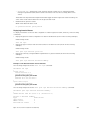
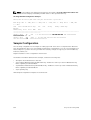
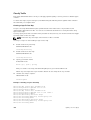
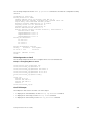
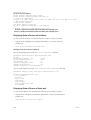
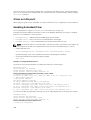
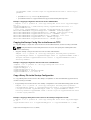
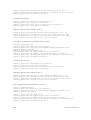
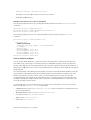
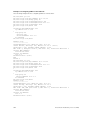
Examples of QoS Interface Configuration and Rate Policing
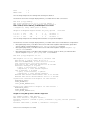
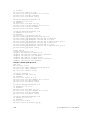
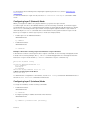
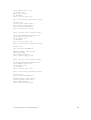
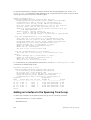
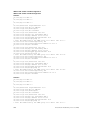
policy-map-input in layer2
service-queue 3 class-map a qos-policy 3
!
class-map match-any a layer2
match mac access-group a
!
mac access-list standard a
seq 5 permit any
!
qos-policy-input 3 layer2
rate-police 40
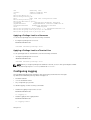
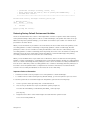
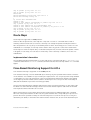
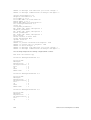
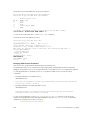
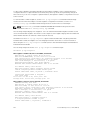
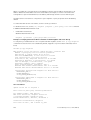
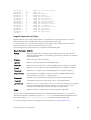
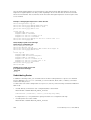
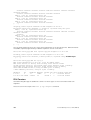
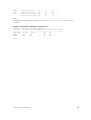
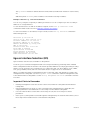
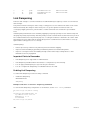
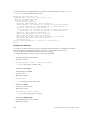
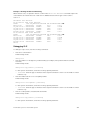
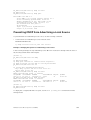
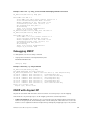
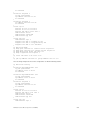
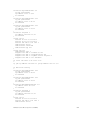
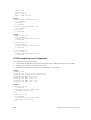
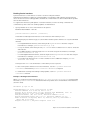
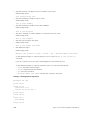
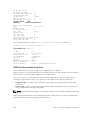
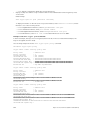
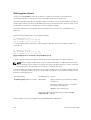
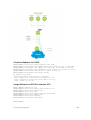
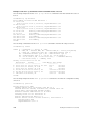
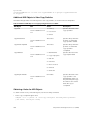
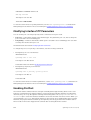
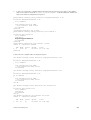
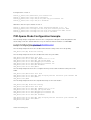
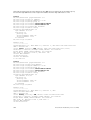
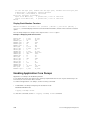
Likewise, in the following configuration, packets with dot1p priority 0–3 are marked as dot1p 7 in the
outer tag and queued to Queue 3. Rate policing is according to qos-policy-input 3. All other packets
will have outer dot1p 0 and hence are queued to Queue 1. They are therefore policed according to qospolicy-input 1.
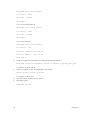
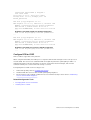
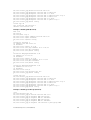
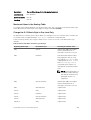
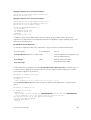
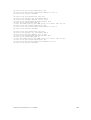
policy-map-input in layer2
service-queue 1 qos-policy 1
service-queue 3 qos-policy 3
!
qos-policy-input 1 layer2
rate-police 10
!
qos-policy-input 3 layer2
rate-police 30
!
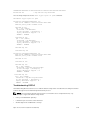
interface GigabitEthernet 0/21
no ip address
switchport
vlan-stack access
vlan-stack dot1p-mapping c-tag-dot1p 0-3 sp-tag-dot1p 7
Service Provider Bridging
769