1
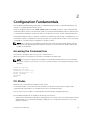
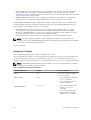
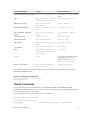
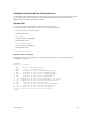
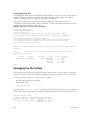
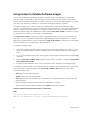
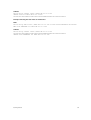
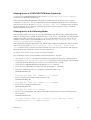
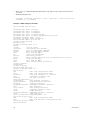
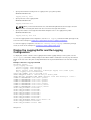
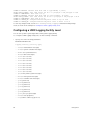
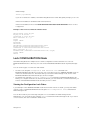
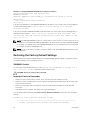
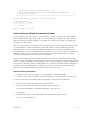
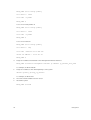
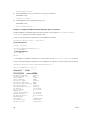
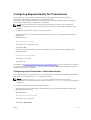
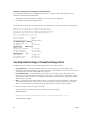
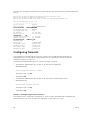
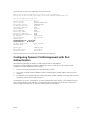
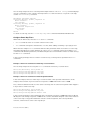
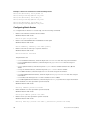
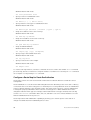
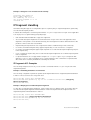
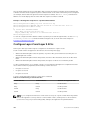
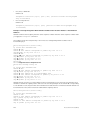
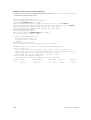
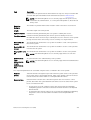
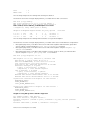
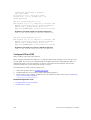
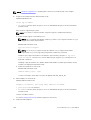
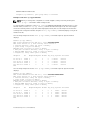
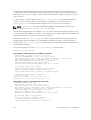
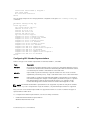
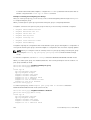
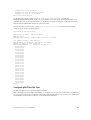
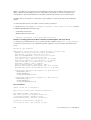
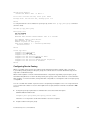
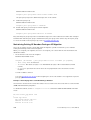
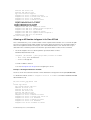
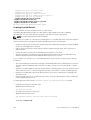
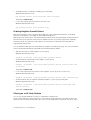
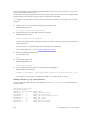
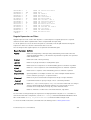
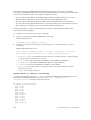
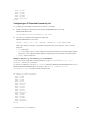
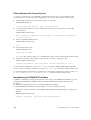
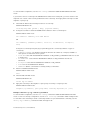
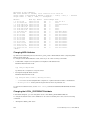
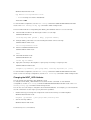
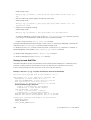
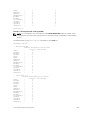
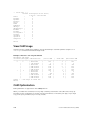
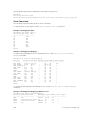
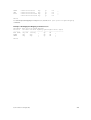
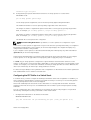
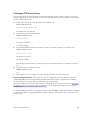
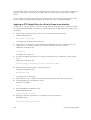
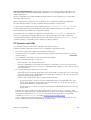
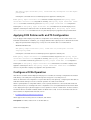
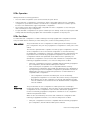
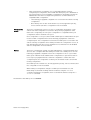
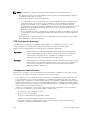
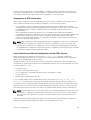
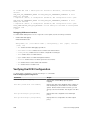
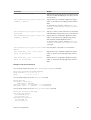
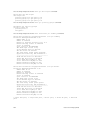
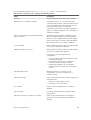
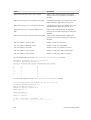
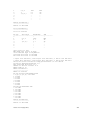
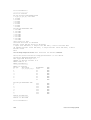
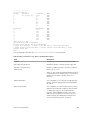
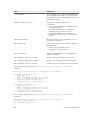
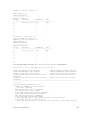
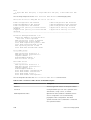
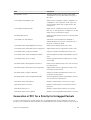
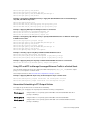
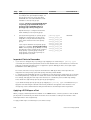
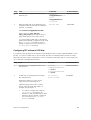
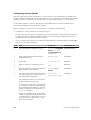
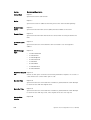
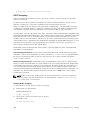
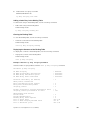
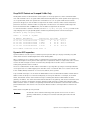
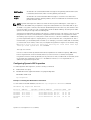
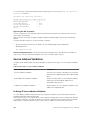
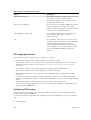
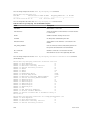
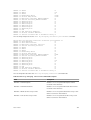
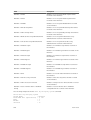
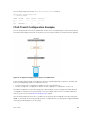
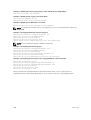
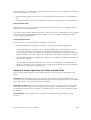
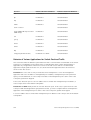
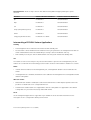
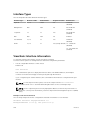
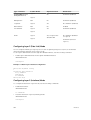
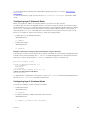
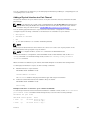
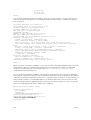
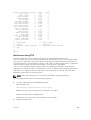
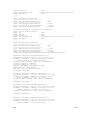
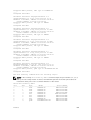
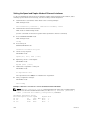
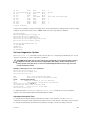
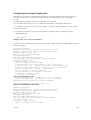
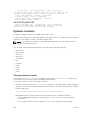
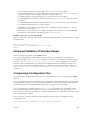
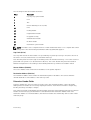
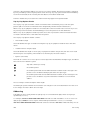
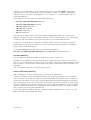
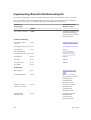
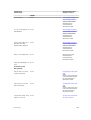
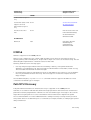
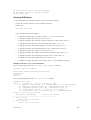
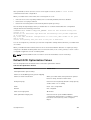
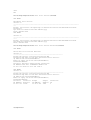
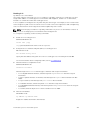
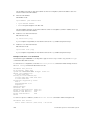
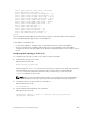
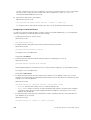
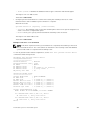
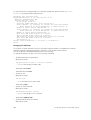
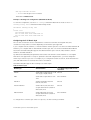
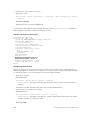
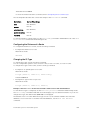
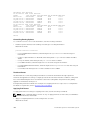
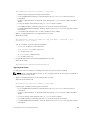
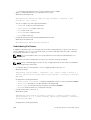
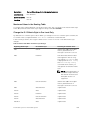
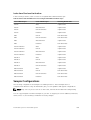
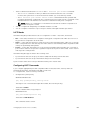
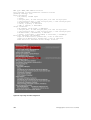
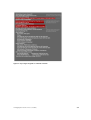
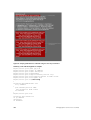
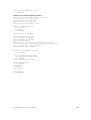
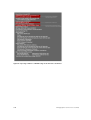
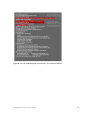
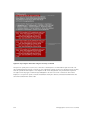
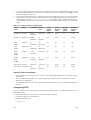
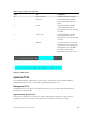
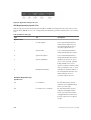
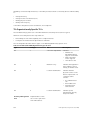
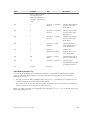
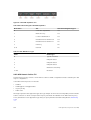
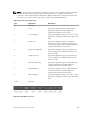
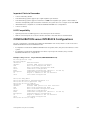
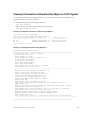
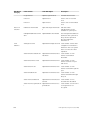
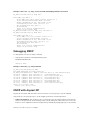
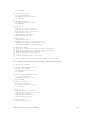
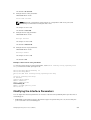
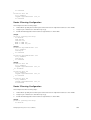
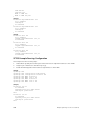
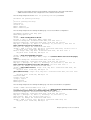
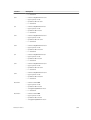
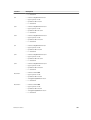
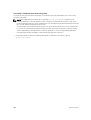
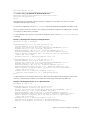
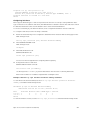
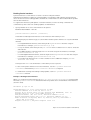
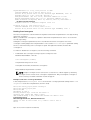
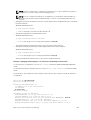
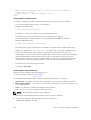
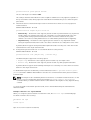
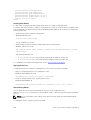
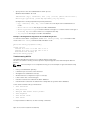
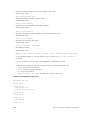
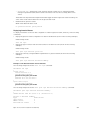
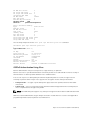
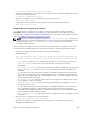
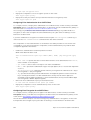
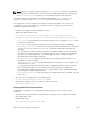
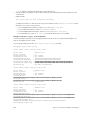
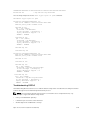
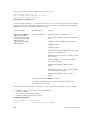
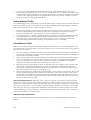
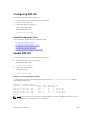
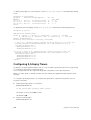
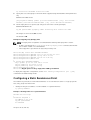
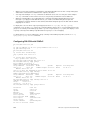
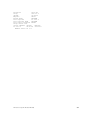
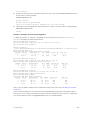
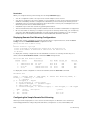
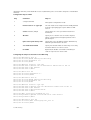
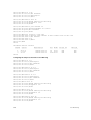
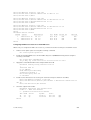
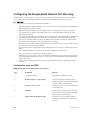
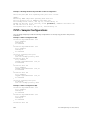
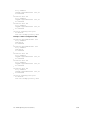
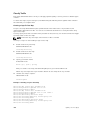
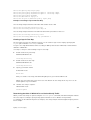
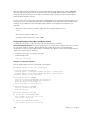
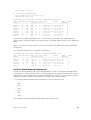
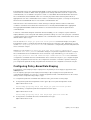
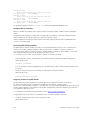
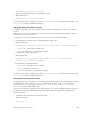
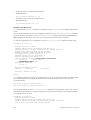
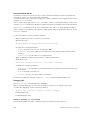
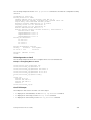
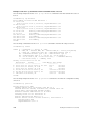
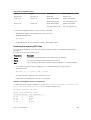
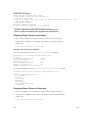
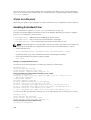
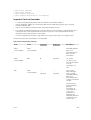
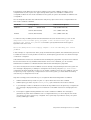
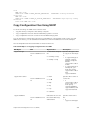
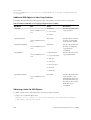
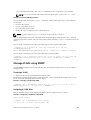
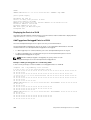
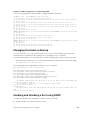
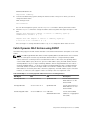
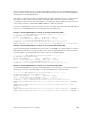
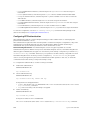
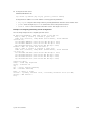
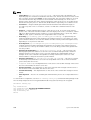
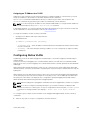
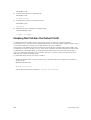
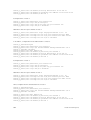
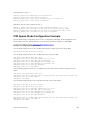
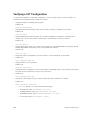
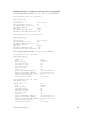
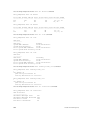
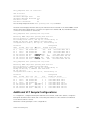
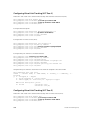
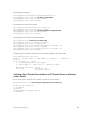
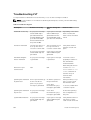
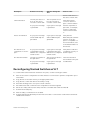
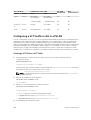
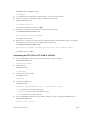
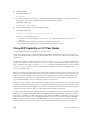
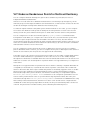
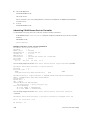
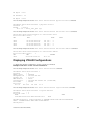
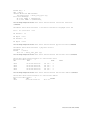
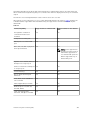
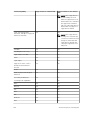
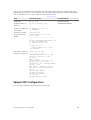
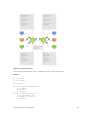
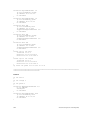
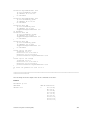
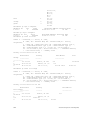
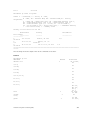
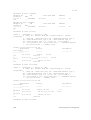
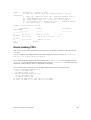
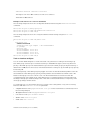
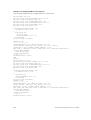
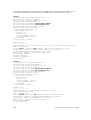
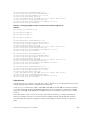
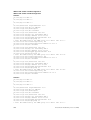
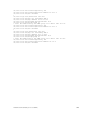
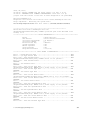
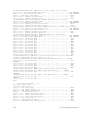
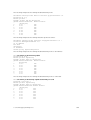
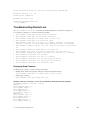
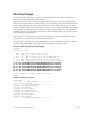
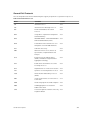
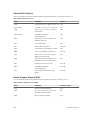
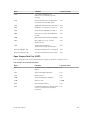
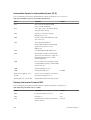
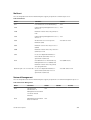
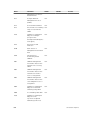
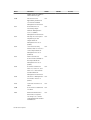
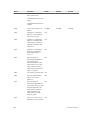
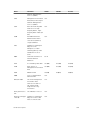
The following table describes the show interface pfc summary command fields.
Table 13. show interface pfc summary Command Description
Fields
Description
Interface
Interface type with stack-unit and port number.
Admin mode is on; Admin is enabled
PFC Admin mode is on or off with a list of the
configured PFC priorities . When PFC admin mode
is on, PFC advertisements are enabled to be sent
and received from peers; received PFC
configuration takes effect. The admin operational
status for a DCBx exchange of PFC configuration is
enabled or disabled.
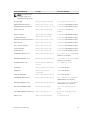
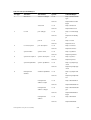
Remote is enabled; Priority list Remote Willing
Status is enabled
Operational status (enabled or disabled) of peer
device for DCBx exchange of PFC configuration
with a list of the configured PFC priorities. Willing
status of peer device for DCBx exchange (Willing
bit received in PFC TLV): enabled or disabled.
Local is enabled
DCBx operational status (enabled or disabled) with
a list of the configured PFC priorities
Operational status (local port)
DCBx operational status (enabled or disabled) with
a list of the configured PFC priorities.
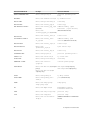
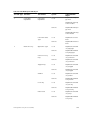
Port state for current operational PFC
configuration:
•
•
•
Init: Local PFC configuration parameters were
exchanged with peer.
Recommend: Remote PFC configuration
parameters were received from peer.
Internally propagated: PFC configuration
parameters were received from configuration
source.
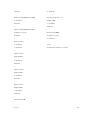
PFC DCBx Oper status
Operational status for exchange of PFC
configuration on local port: match (up) or
mismatch (down).
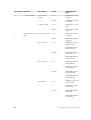
State Machine Type
Type of state machine used for DCBx exchanges of
PFC parameters:
•
•
Feature: for legacy DCBx versions
Symmetric: for an IEEE version
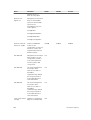
TLV Tx Status
Status of PFC TLV advertisements: enabled or
disabled.
PFC Link Delay
Link delay (in quanta) used to pause specified
priority traffic.
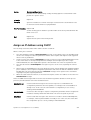
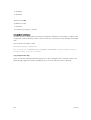
Application Priority TLV: FCOE TLV Tx Status
Status of FCoE advertisements in application
priority TLVs from local DCBx port: enabled or
disabled.
Data Center Bridging (DCB)
263