1
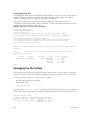
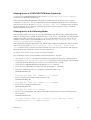
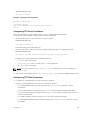
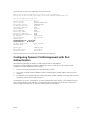
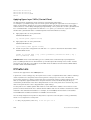
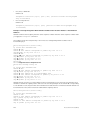
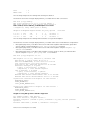
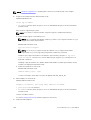
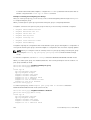
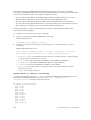
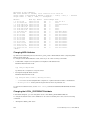
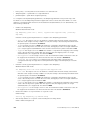
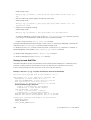
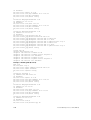
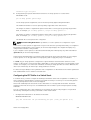
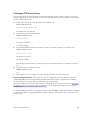
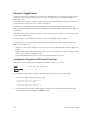
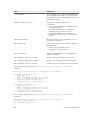
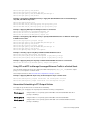
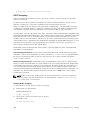
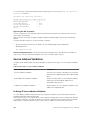
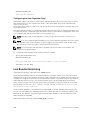
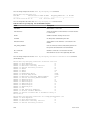
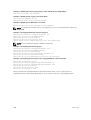
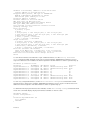
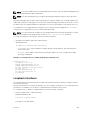
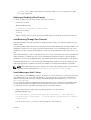
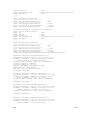
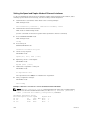
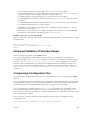
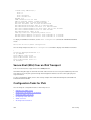
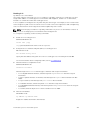
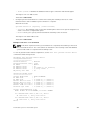
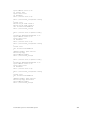
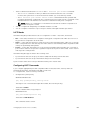
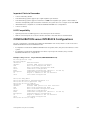
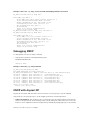
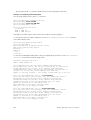
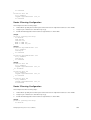
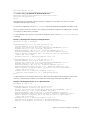
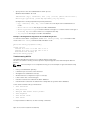
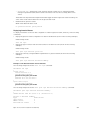
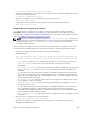
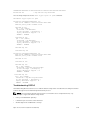
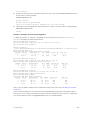
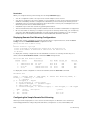
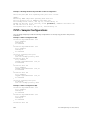
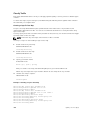
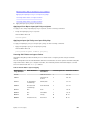
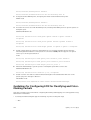
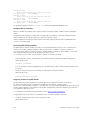
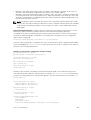
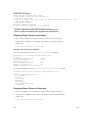
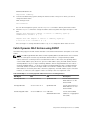
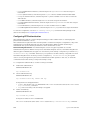
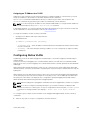
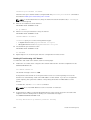
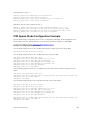
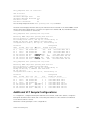
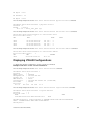
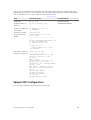
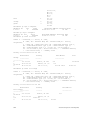
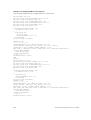
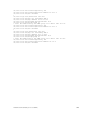
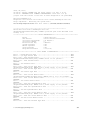
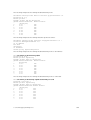
no shutdown
!
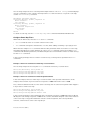
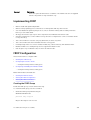
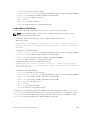
interface Vlan 300
no ip address
tagged GigabitEthernet 1/21,31
no shutdown
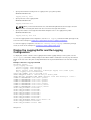
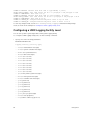
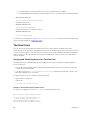
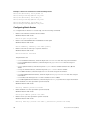
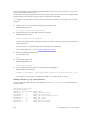
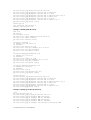
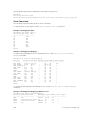
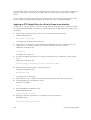
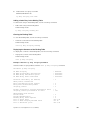
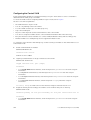
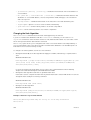
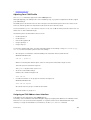
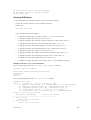
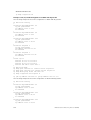
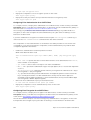
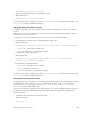
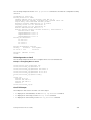
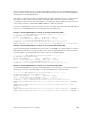
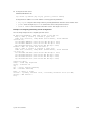
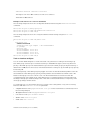
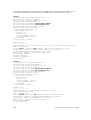
Router 2 Running-Configuration
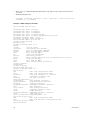
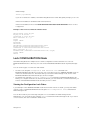
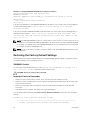
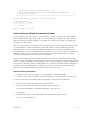
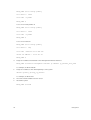
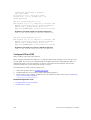
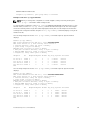
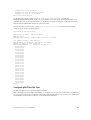
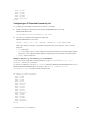
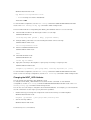
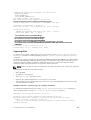
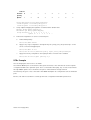
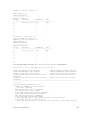
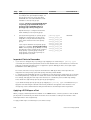
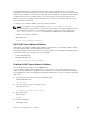
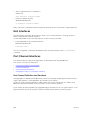
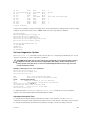
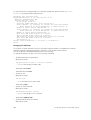
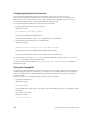
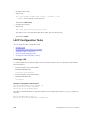
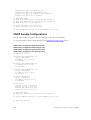
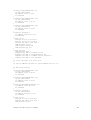
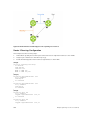
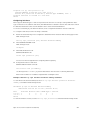
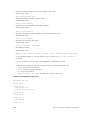
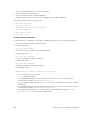
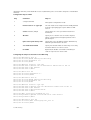
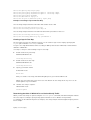
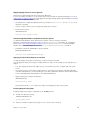
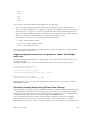
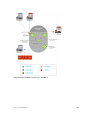
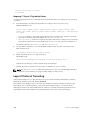
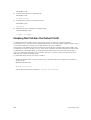
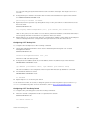
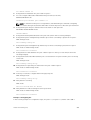
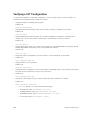
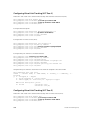
This example uses the following steps:
1.
Enable MSTP globally and set the region name and revision map MSTP instances to the VLANs.
2.
Assign Layer-2 interfaces to the MSTP topology.
3.
Create VLANs mapped to MSTP instances tag interfaces to the VLANs.
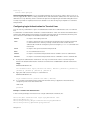
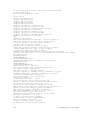
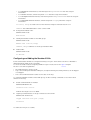
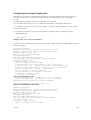
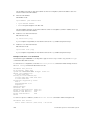
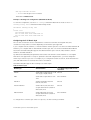
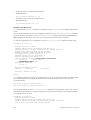
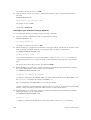
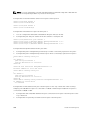
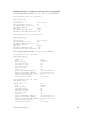
(Step 1)
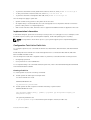
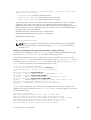
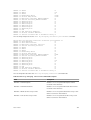
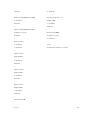
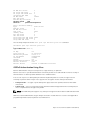
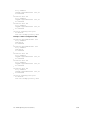
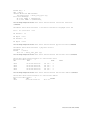
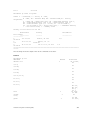
protocol spanning-tree mstp
no disable
name Tahiti
revision 123
MSTI 1 VLAN 100
MSTI 2 VLAN 200,300
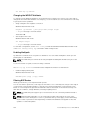
!
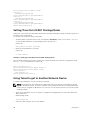
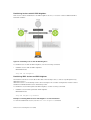
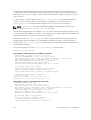
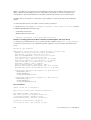
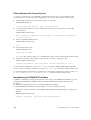
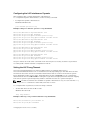
(Step 2)
interface GigabitEthernet 2/11
no ip address
switchport
no shutdown
!
interface GigabitEthernet 2/31
no ip address
switchport
no shutdown
!
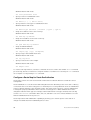
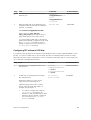
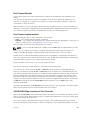
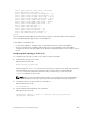
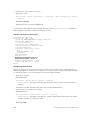
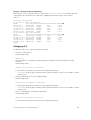
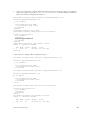
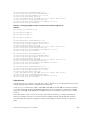
(Step 3)
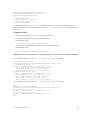
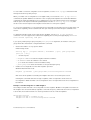
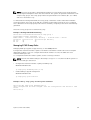
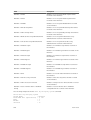
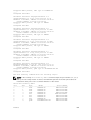
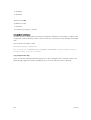
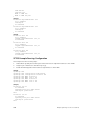
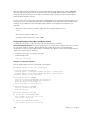
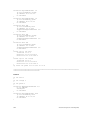
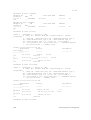
interface Vlan 100
no ip address
tagged GigabitEthernet 2/11,31
no shutdown
!
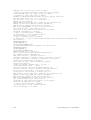
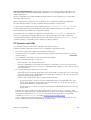
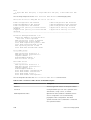
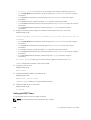
interface Vlan 200
no ip address
tagged GigabitEthernet 2/11,31
no shutdown
!
interface Vlan 300
no ip address
tagged GigabitEthernet 2/11,31
no shutdown
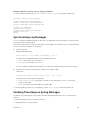
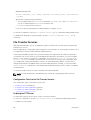
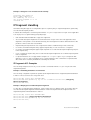
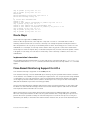
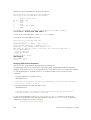
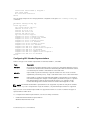
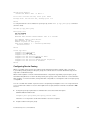
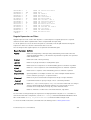
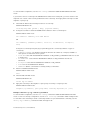
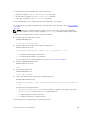
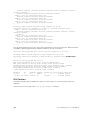
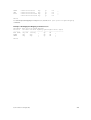
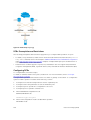
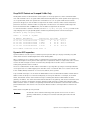
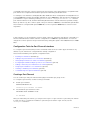
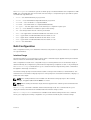
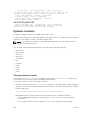
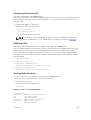
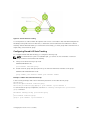
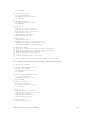
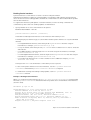
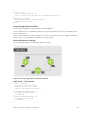
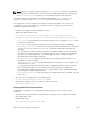
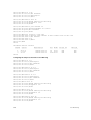
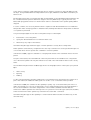
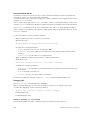
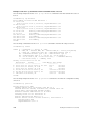
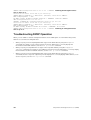
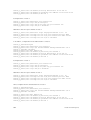
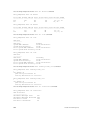
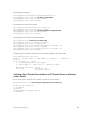
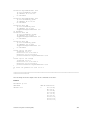
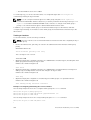
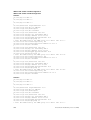
Router 3 Running-Configuration
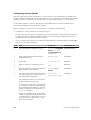
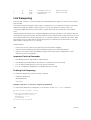
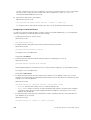
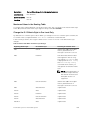
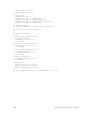
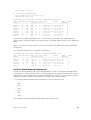
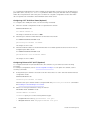
This example uses the following steps:
1.
Enable MSTP globally and set the region name and revision map MSTP instances to the VLANs.
2.
Assign Layer-2 interfaces to the MSTP topology.
3.
Create VLANs mapped to MSTP instances tag interfaces to the VLANs.
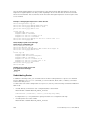
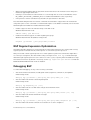
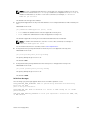
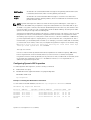
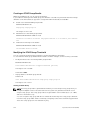
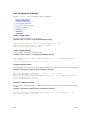
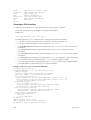
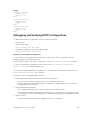
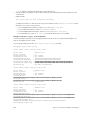
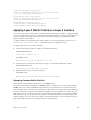
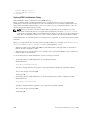
(Step 1)
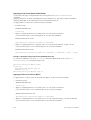
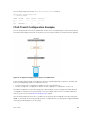
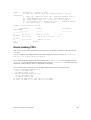
protocol spanning-tree mstp
no disable
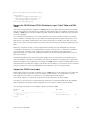
Multiple Spanning Tree Protocol (MSTP)
589