1
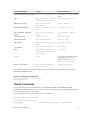
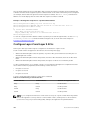
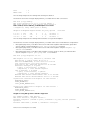
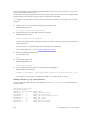
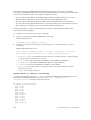
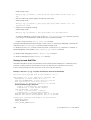
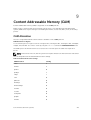
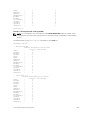
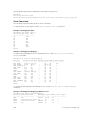
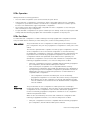
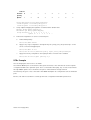
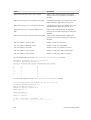
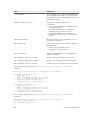
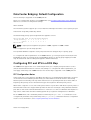
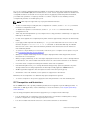
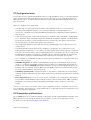
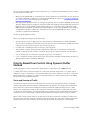
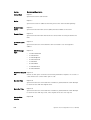
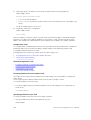
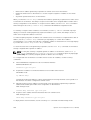
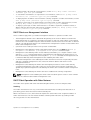
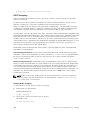
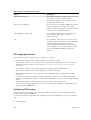
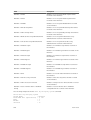
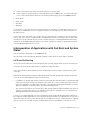
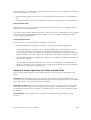
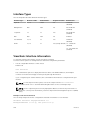
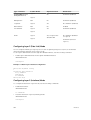
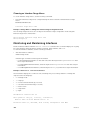
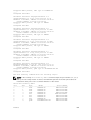
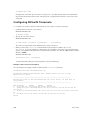
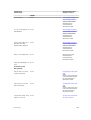
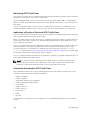
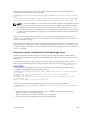
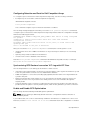
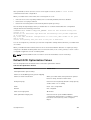
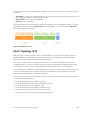
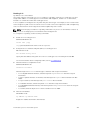
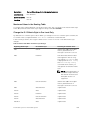
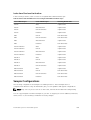
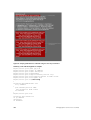
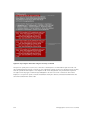
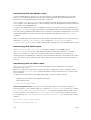
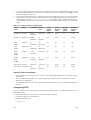
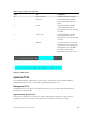
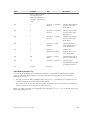
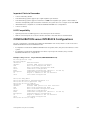
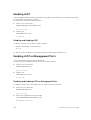
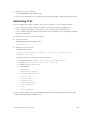
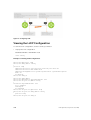
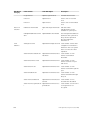
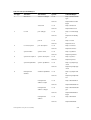
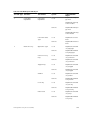
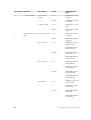
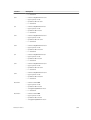
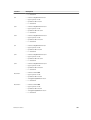
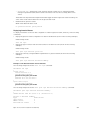
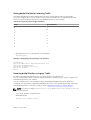
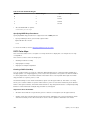
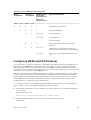
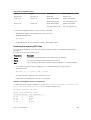
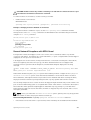
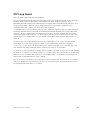
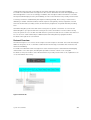
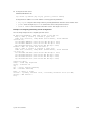
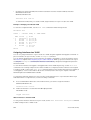
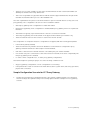
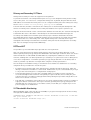
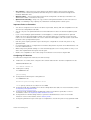
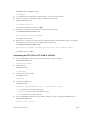
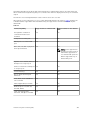
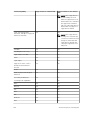
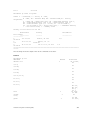
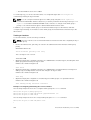
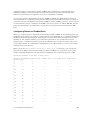
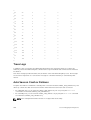
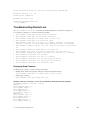
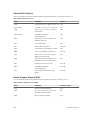
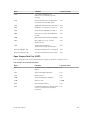
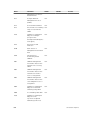
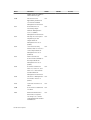
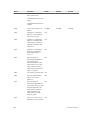
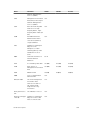
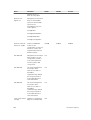
Table 11.
Internal- 0
priority
1
2
3
4
5
6
7
Queue
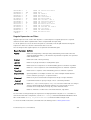
2
0
3
4
5
6
7
1
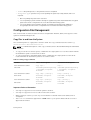
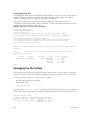
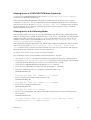
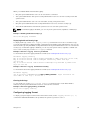
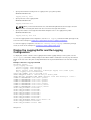
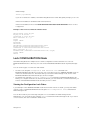
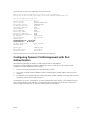
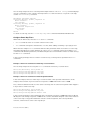
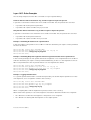
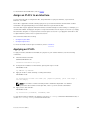
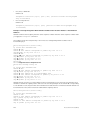
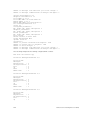
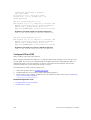
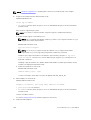
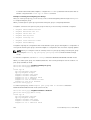
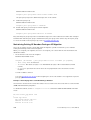
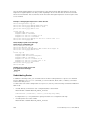
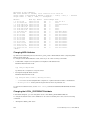
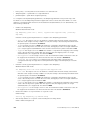
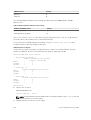
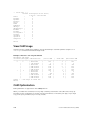
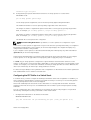
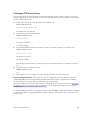
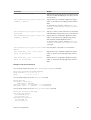
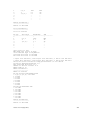
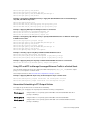
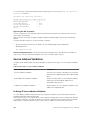
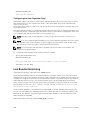
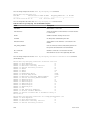
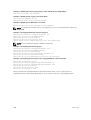
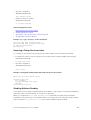
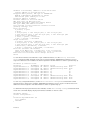
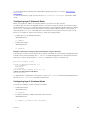
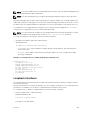
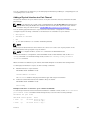
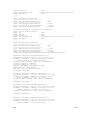
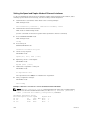
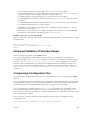
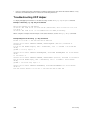
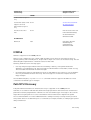
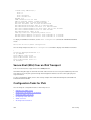
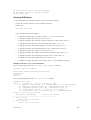
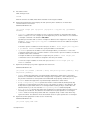
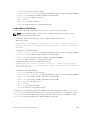
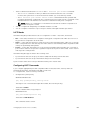
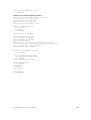
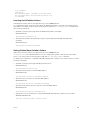
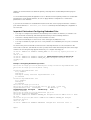
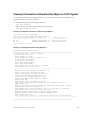
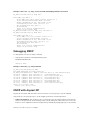
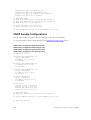
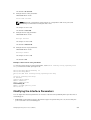
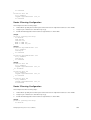
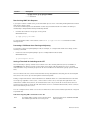
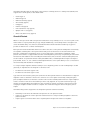
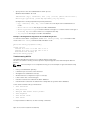
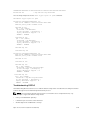
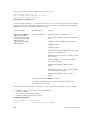
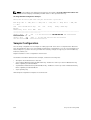
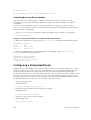
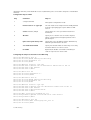
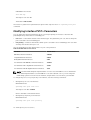
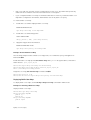
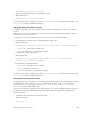
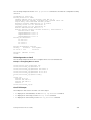
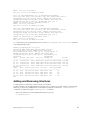
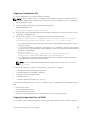
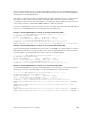
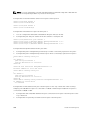
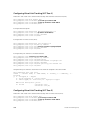
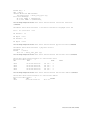
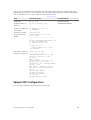
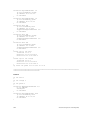
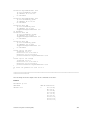
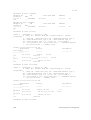
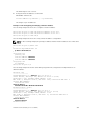
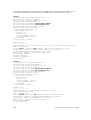
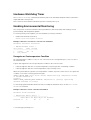
policy-map-input policy-dscp-based-pfc
service-queue 0 class-map dscp-pfc-1
service-queue 1 class-map dscp-pfc-2
3.
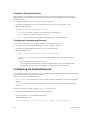
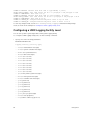
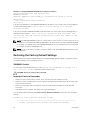
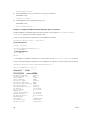
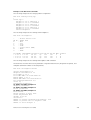
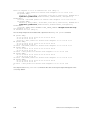
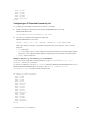
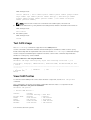
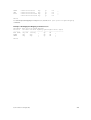
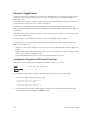
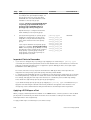
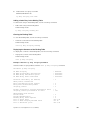
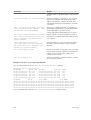
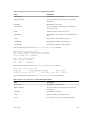
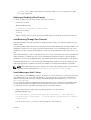
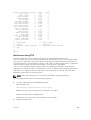
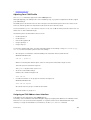
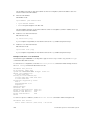
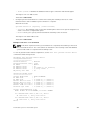
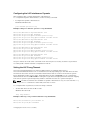
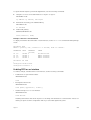
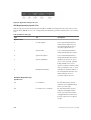
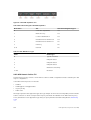
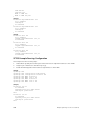
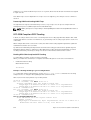
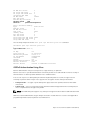
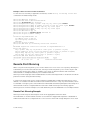
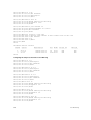
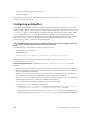
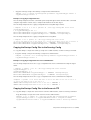
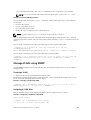
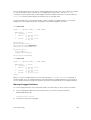
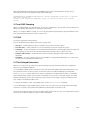
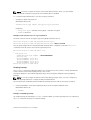
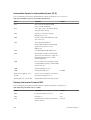
Dot1p->Queue Mapping Configuration is retained at the default value.
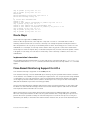
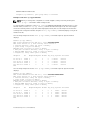
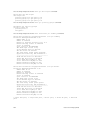
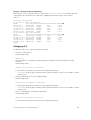
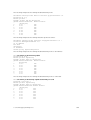
Default dot1p-queue mapping is,
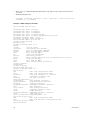
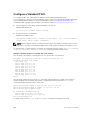
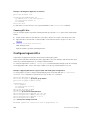
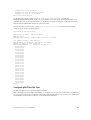
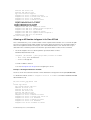
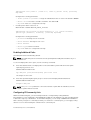
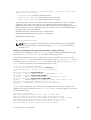
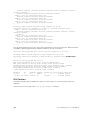
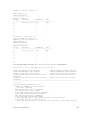
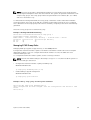
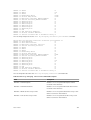
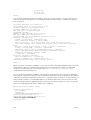
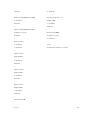
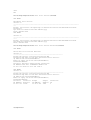
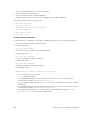
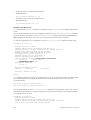
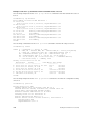
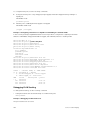
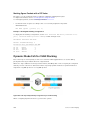
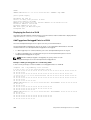
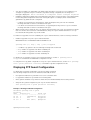
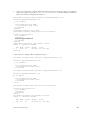
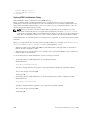
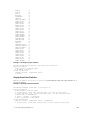
Dell#show qos dot1p-queue-mapping
Dot1p Priority : 0 1 2 3 4 5 6 7
Queue :2 0 1 3 4 5 6
4.
7
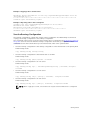
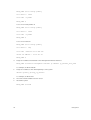
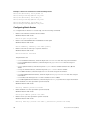
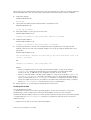
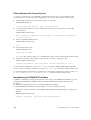
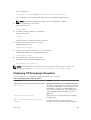
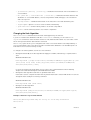
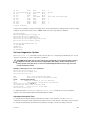
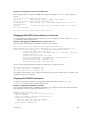
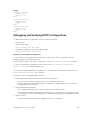
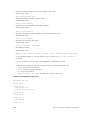
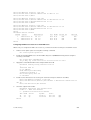
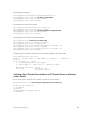
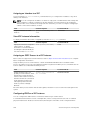
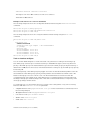
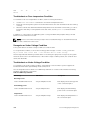
Interface Configurations on server connected ports.
a.
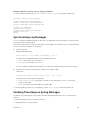
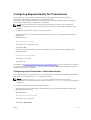
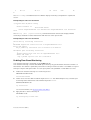
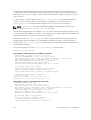
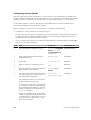
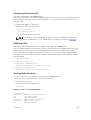
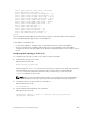
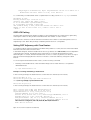
Enable DCB globally.
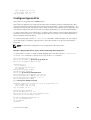
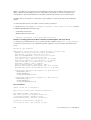
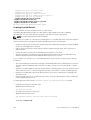
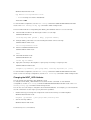
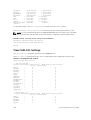
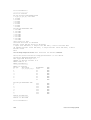
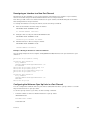
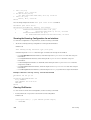
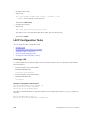
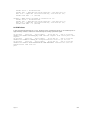
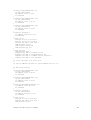
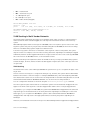
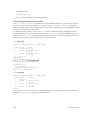
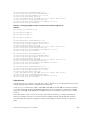
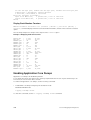
Dell(conf)#dcb enable
b.
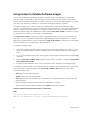
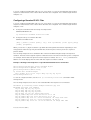
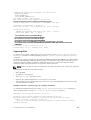
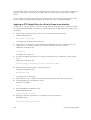
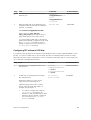
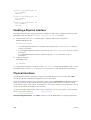
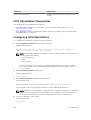
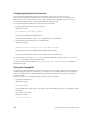
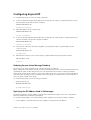
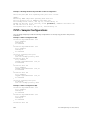
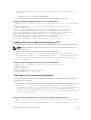
Apply Policy-map configuration. Configure the policy-map ‘policy-dscp-based-pfc’ on the
server connected untagged ports.
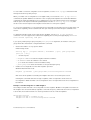
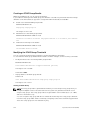
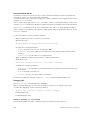
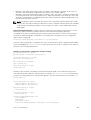
Dell(conf)#int te 0/0
Dell(conf-if-te-0/0)#service-policy input policy-dscp-based-pfc
c.
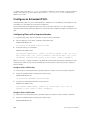
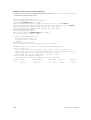
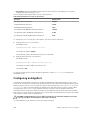
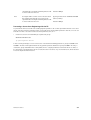
Apply PFC Priority configuration. Configure priorities on which PFC is enabled.
Dell(conf-if-te-0/0)#pfc priority 1,2
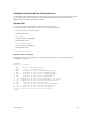
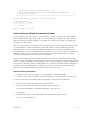
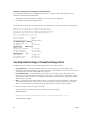
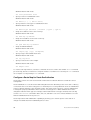
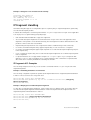
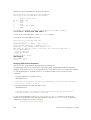
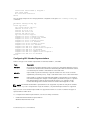
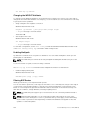
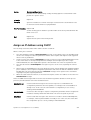
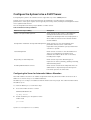
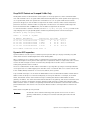
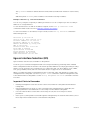
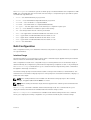
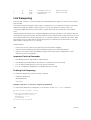
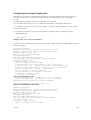
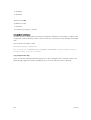
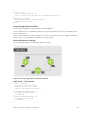
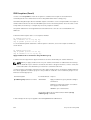
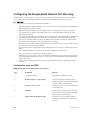
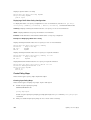
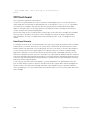
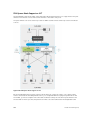
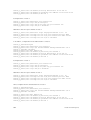
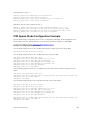
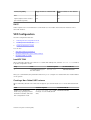
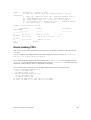
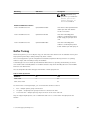
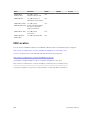
DCBx Example
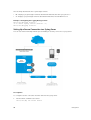
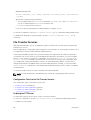
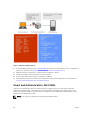
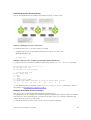
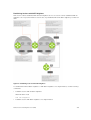
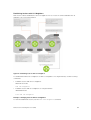
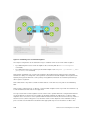
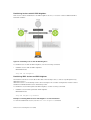
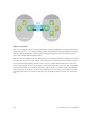
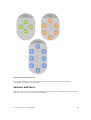
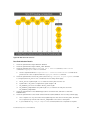
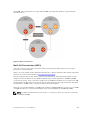
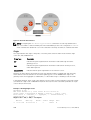
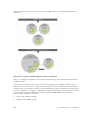
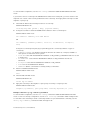
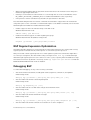
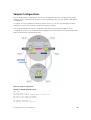
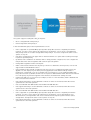
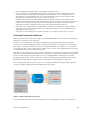
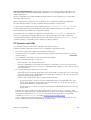
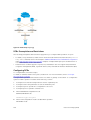
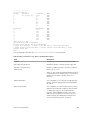
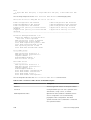
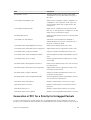
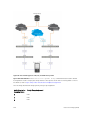
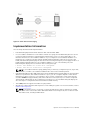
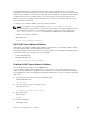
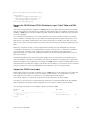
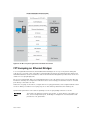
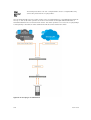
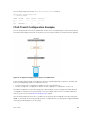
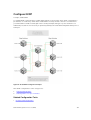
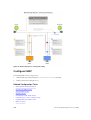
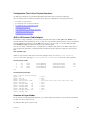
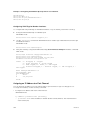
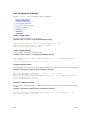
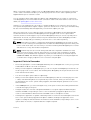
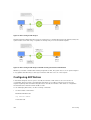
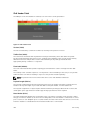
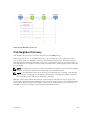
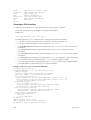
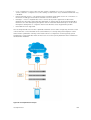
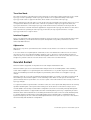
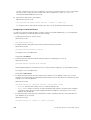
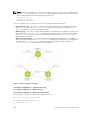
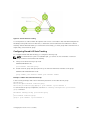
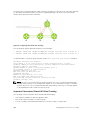
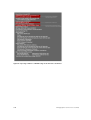
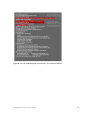
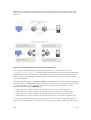
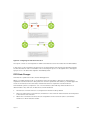
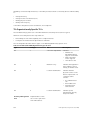
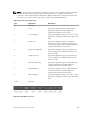
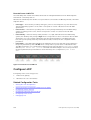
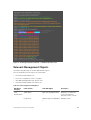
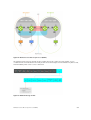
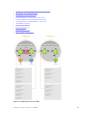
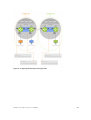
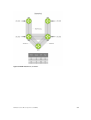
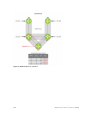
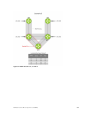
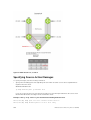
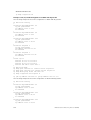
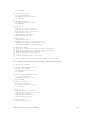
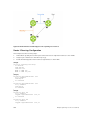
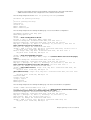
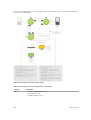
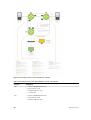
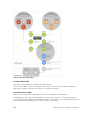
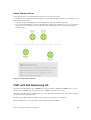
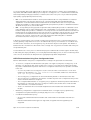
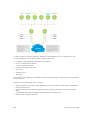
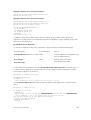
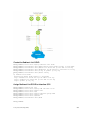
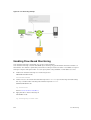
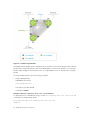
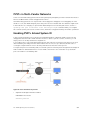
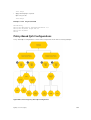
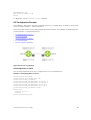
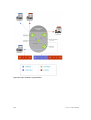
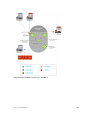
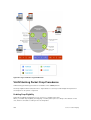
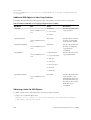
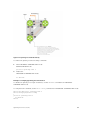
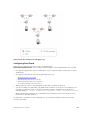
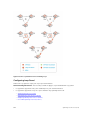
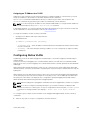
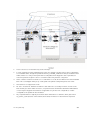
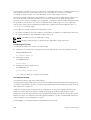
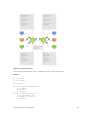
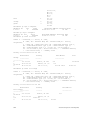
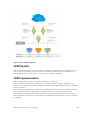
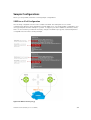
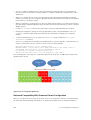
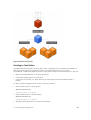
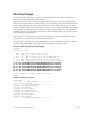
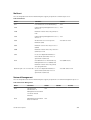
The following figure shows how to use DCBx.
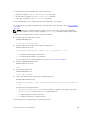
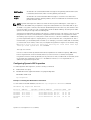
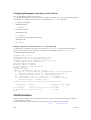
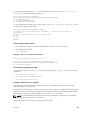
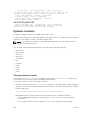
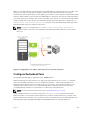
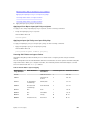
The external 40GbE ports on the base module (ports 33 and 37) of two switches are used for uplinks
configured as DCBx auto-upstream ports. The is connected to third-party, top-of-rack (ToR) switches
through 40GbE uplinks. The ToR switches are part of a Fibre Channel storage network.
The internal ports (ports 1-32) connected to the 10GbE backplane are configured as auto-downstream
ports.
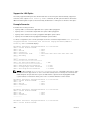
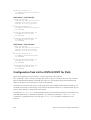
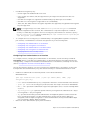
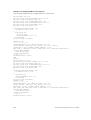
On the , PFC and ETS use DCBx to exchange link-level configuration with DCBx peer devices.
Data Center Bridging (DCB)
255