1
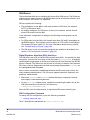
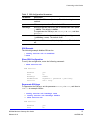
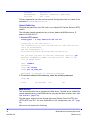
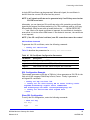
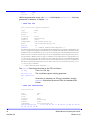
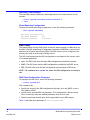
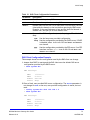
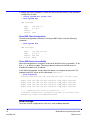
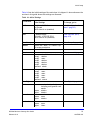
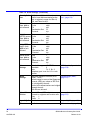
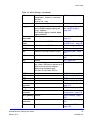
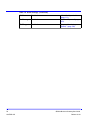
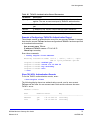
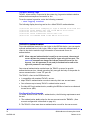
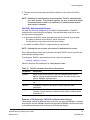
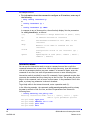
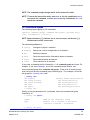
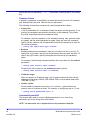
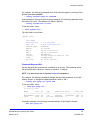
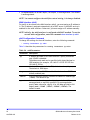
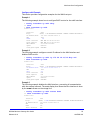
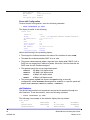
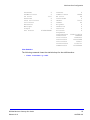
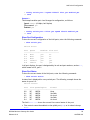
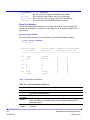
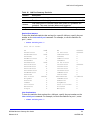
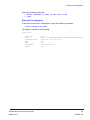
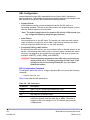
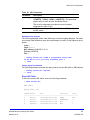
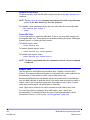
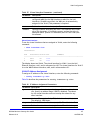
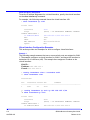
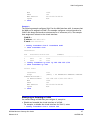
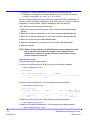
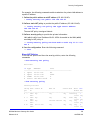
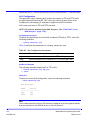
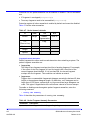
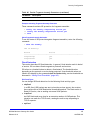
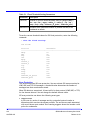
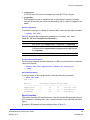
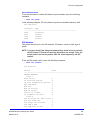
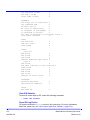
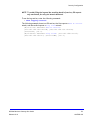
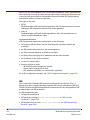
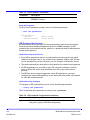
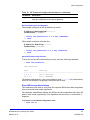
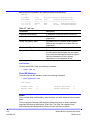
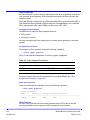
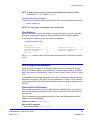
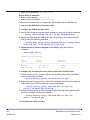
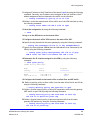
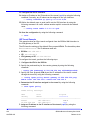
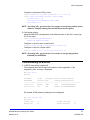
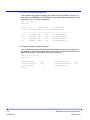
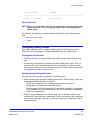
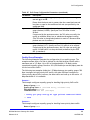
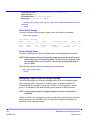
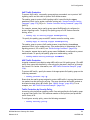
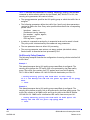
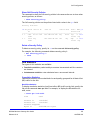
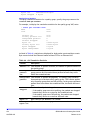
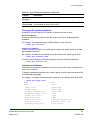
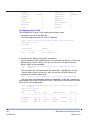
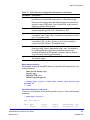
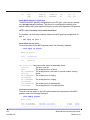
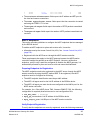
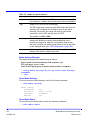
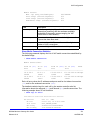
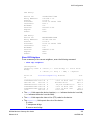
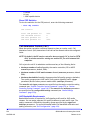
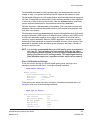
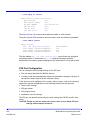
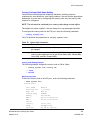
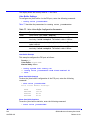
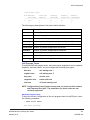
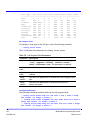
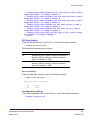
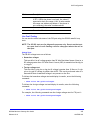
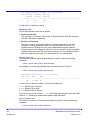
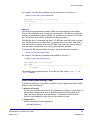
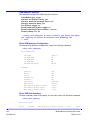
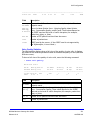
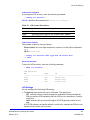
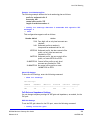
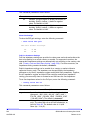
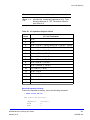
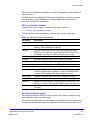
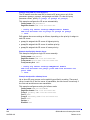
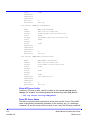
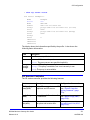
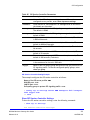
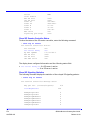
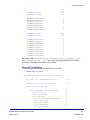
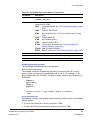
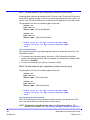
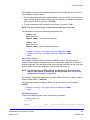
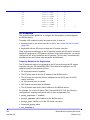
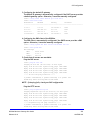
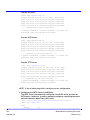
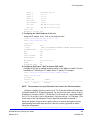
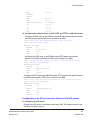
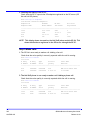
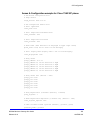
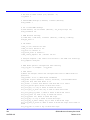
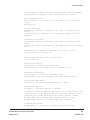
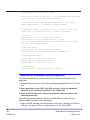
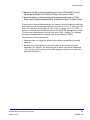
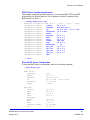
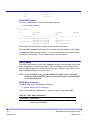
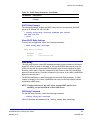
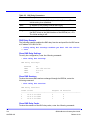
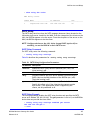
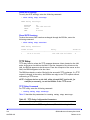
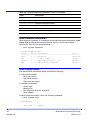
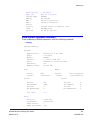
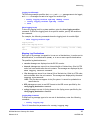
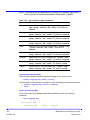
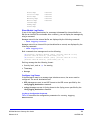
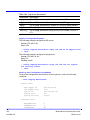
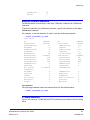
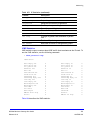
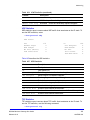
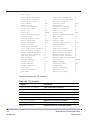
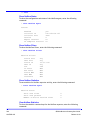
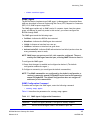
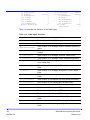
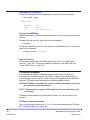
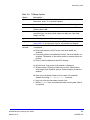
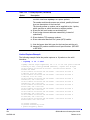
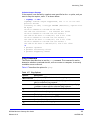
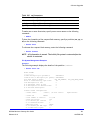
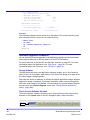
MGCP Configuration MGCP Gateway Settings Command To configure the MGCP protocol settings for the gateway, enter the following command: > config mgcp ua settings Table 72 describes the parameters for config mgcp ua settings. Table 72. MGCP Gateway Parameters Parameter Description domainformat Format of MGCP endpoint domain names. Currently, the only format supported is by MAC address (MACAddr). maxretxcount Maximum number of successive retransmissions when a request does not receive an answer. The default is 5 retransmissions. MGCP Gateway Settings Example This example configures the MGCP settings for the gateway, as follows: Domain format: MAC address Maximum number of re-transmission: 5 > config mgcp ua settings domainformat MACAddr maxretxcount 5 *> save Show MGCP Gateway Settings To show the MGCP settings for the gateway, enter the following command: > show mgcp ua settings MGCP Protocol Settings: DomainFormat MUAMaxReTxNum MACAddr 5 Configuring the MGCP Gateway To configure the gateway, the following information is required: Authentication information required by the MGCP server (user ID). The supported CODECs and the order that they are proposed in negotiations. Up to four CODECs can be configured. The supported CODECs are G.711 u-law, G.711 a-law, and G.729 with a 10ms or 20ms RTP packet interval. Feature activation for RFC 2833 for DTMF, modem pass-through, or fax pass-through. For a modem, you can configure the port to enable modem pass-through and force media to G.711 echo cancellation (mpt on). For a fax, you can configure the port to support fax pass-through and force media to G.711 echo cancellation (fax cc_on). BSGX4e Business Gateway User Guide Release 01.01 223 NN47928-102