1
310
Adding Dynamic Content
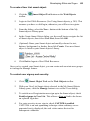
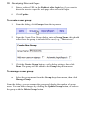
To create Smart object profiles:
1.
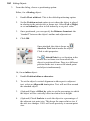
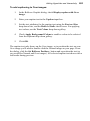
From the main Smart Objects dialog, click the Manage Profiles
button at the bottom of the My Smart Objects Library pane.
2.
Click New profile, then enter a new Name in the text box.
3.
Click Save, then click Exit.
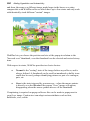
The profile is added to the top of the My Smart Object Library pane. You can
then add existing Smart objects into your new profile by drag and drop.
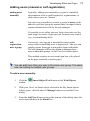
To add an object to the library:
1.
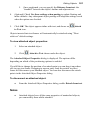
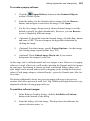
From the main Smart Objects dialog, click the New... button.
2.
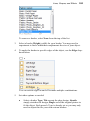
In the Create Smart Object dialog, use the scroll bar to navigate the
list, then select a Smart object.
3.
(Optional) For your Smart object to operate in a language other than
English, select from the Language drop-down menu.
4.
Select OK. Depending on the type of object selected, a different
Create dialog will be displayed showing options specific to the Smart
object.
5.
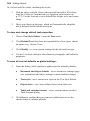
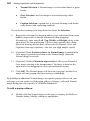
From the dialog:
6.
•
Enter your own Name for the object.
•
(Optional) Select a Profile from the drop-down menu if created
previously.
•
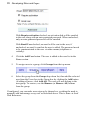
(Optional) A Filter Offsite string (access to the object will be
restricted to the domain entered and will prevent the URL from
being copied).
•
(Optional) Change the object specific settings, e.g. for some
objects you can also set the titling, colours (for body, text and
border), and border thickness if appropriate.
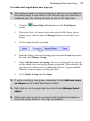
Click Create.