1
Developing Sites and Pages
4.
5.
39
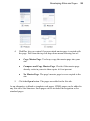
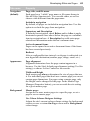
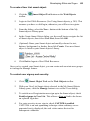
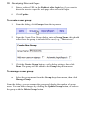
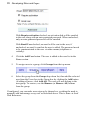
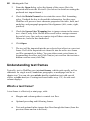
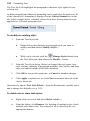
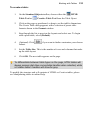
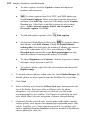
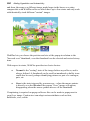
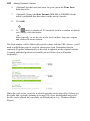
WebPlus lets you control if an associated master page is copied with
the page. Pick from the top-left drop-down menu choosing one of:
•
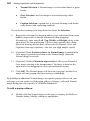
Copy Master Page. To always copy the master page into your
site.
•
Compare and Copy Master Page. Checks if the master page
already exists in your site then copies it if not present.
•
No Master Page. The page's master page is never copied to the
site.
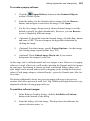
Click the Open button. The pages are added to the Site tab.
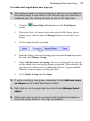
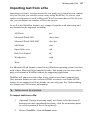
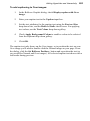
As an alternative to blank or template web pages, HTML pages can be added to
any Site tab's Site Structure. Such pages can be included in navigation as for
standard pages.