1
4
Command Line Interface
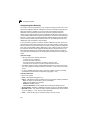
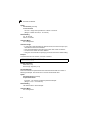
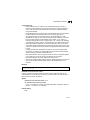
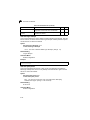
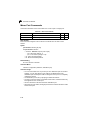
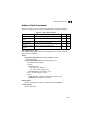
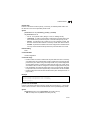
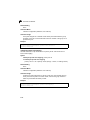
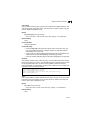
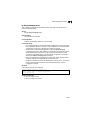
Default Setting
None
Command Mode
Privileged Exec
Example
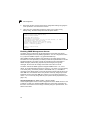
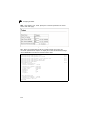
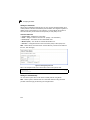
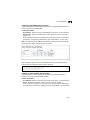
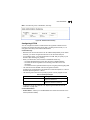
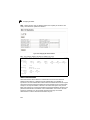
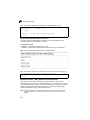
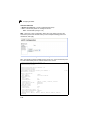
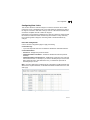
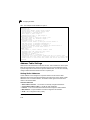
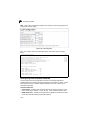
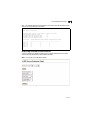
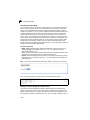
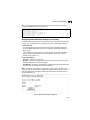
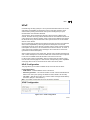
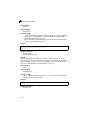
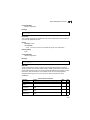
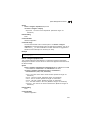
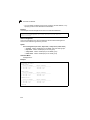
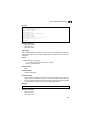
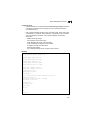
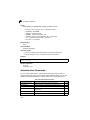
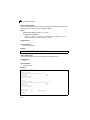
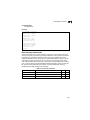
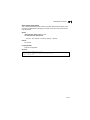
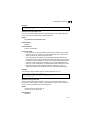
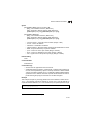
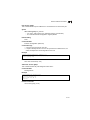
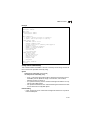
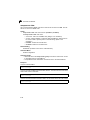
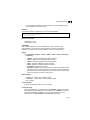
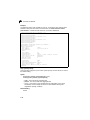
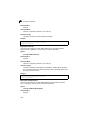
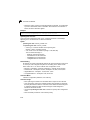
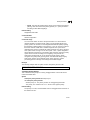
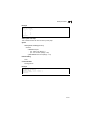
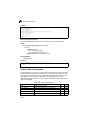
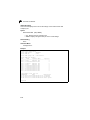
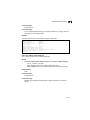
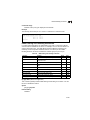
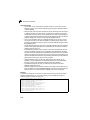
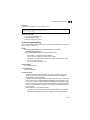
This example shows how to set the system clock to 15:12:34, April 1st, 2004.
Console#calendar set 15 12 34 1 April 2004
Console#
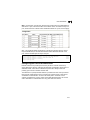
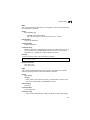
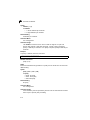
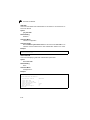
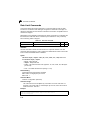
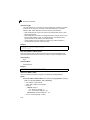
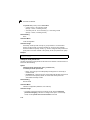
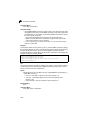
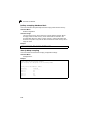
show calendar
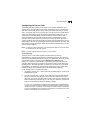
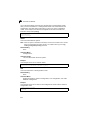
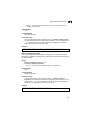
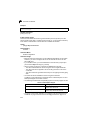
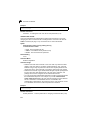
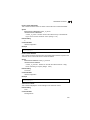
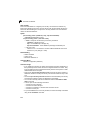
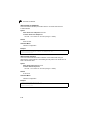
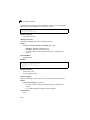
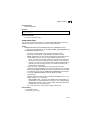
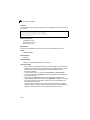
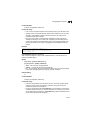
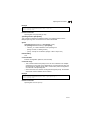
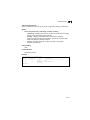
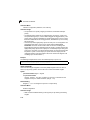
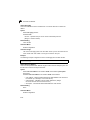
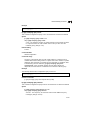
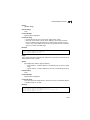
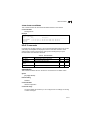
This command displays the system clock.
Default Setting
None
Command Mode
Normal Exec, Privileged Exec
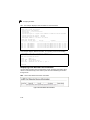
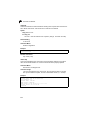
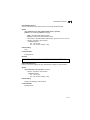
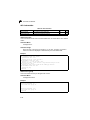
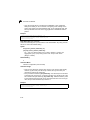
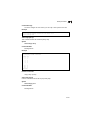
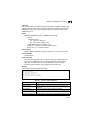
Example
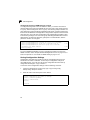
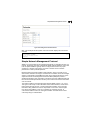
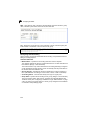
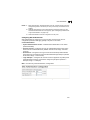
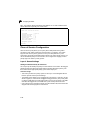
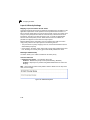
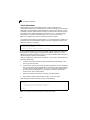
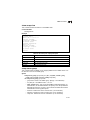
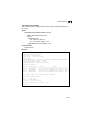
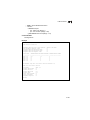
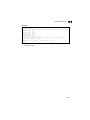
Console#show calendar
15:12:43 April 1 2004
Console#
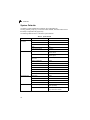
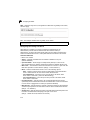
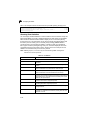
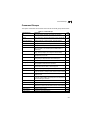
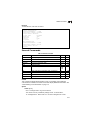
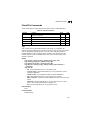
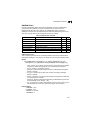
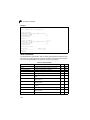
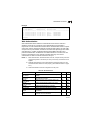
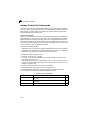
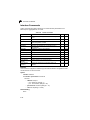
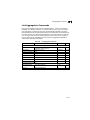
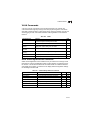
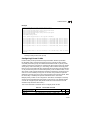
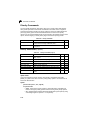
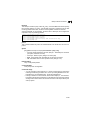
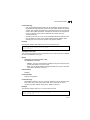
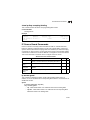
System Status Commands
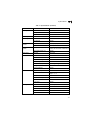
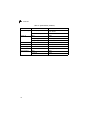
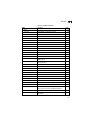
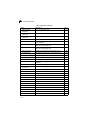
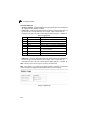
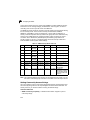
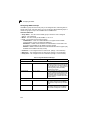
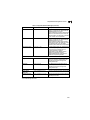
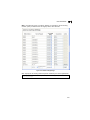
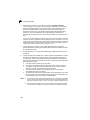
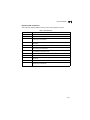
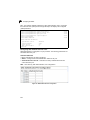
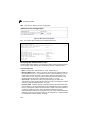
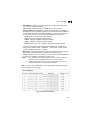
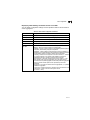
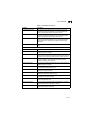
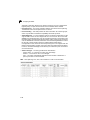
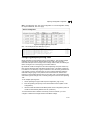
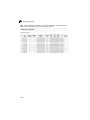
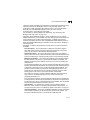
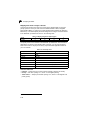
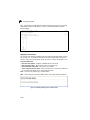
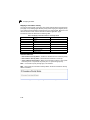
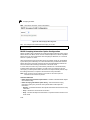
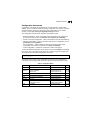
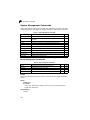
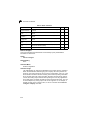
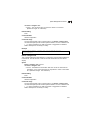
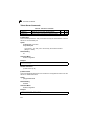
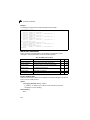
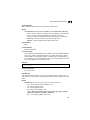
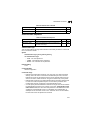
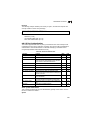
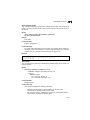
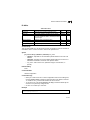
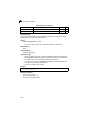
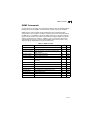
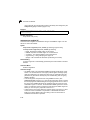
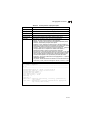
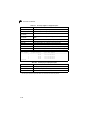
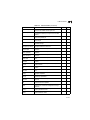
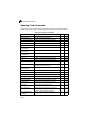
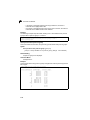
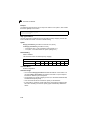
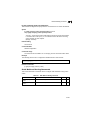
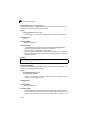
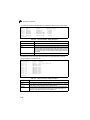
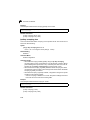
Table 4-24 System Status Commands
Command
Function
Mode
show startup-config
Displays the contents of the configuration file (stored in flash
memory) that is used to start up the system
PE
Page
4-66
show running-config
Displays the configuration data currently in use
PE
4-68
show system
Displays system information
NE, PE
4-70
show users
Shows all active console and Telnet sessions, including user
name, idle time, and IP address of Telnet clients
NE, PE
4-70
show version
Displays version information for the system
NE, PE
4-71
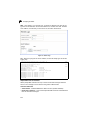
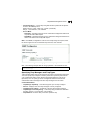
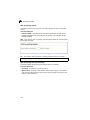
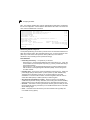
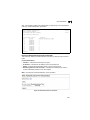
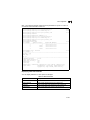
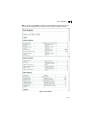
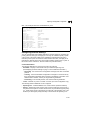
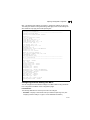
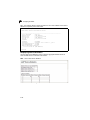
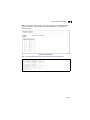
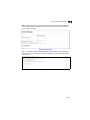
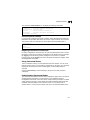
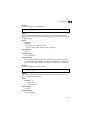
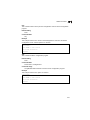
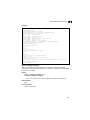
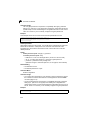
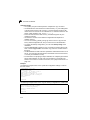
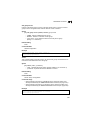
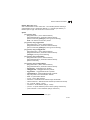
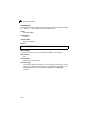
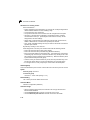
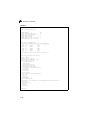
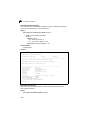
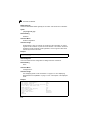
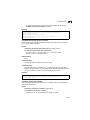
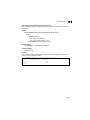
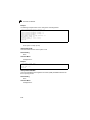
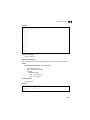
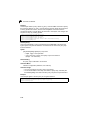
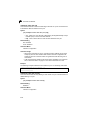
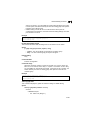
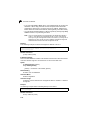
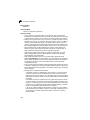
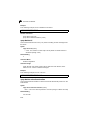
show startup-config
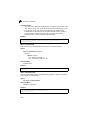
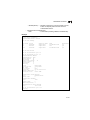
This command displays the configuration file stored in non-volatile memory that is
used to start up the system.
Default Setting
None
Command Mode
Privileged Exec
4-66