1
4
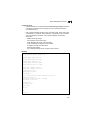
Command Line Interface
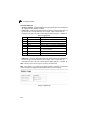
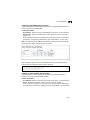
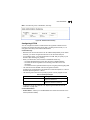
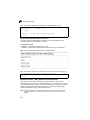
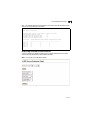
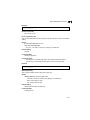
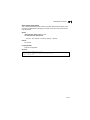
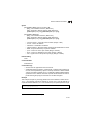
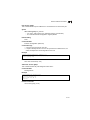
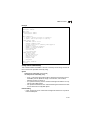
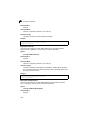
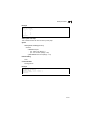
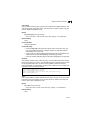
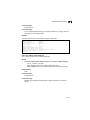
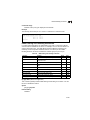
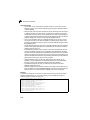
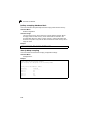
Example
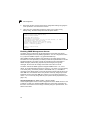
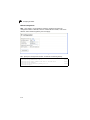
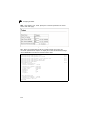
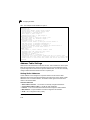
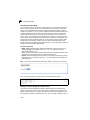
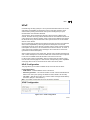
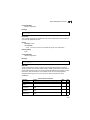
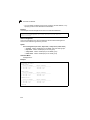
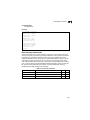
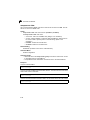
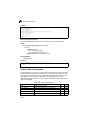
Console(config)#ip igmp snooping leave-proxy
Console(config)#
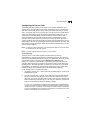
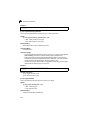
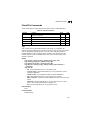
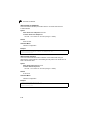
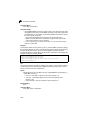
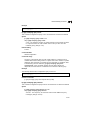
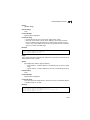
ip igmp snooping immediate-leave
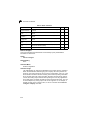
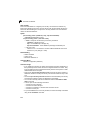
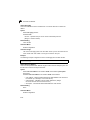
This command immediately deletes a member port of a multicast service if a leave
packet is received at that port and immediate-leave is enabled for the parent VLAN.
Use the no form to restore the default.
Syntax
[no] ip igmp snooping immediate-leave vlan-id
vlan-id - VLAN ID (1 to 4094)
Default Setting
Disabled
Command Mode
Interface Configuration (VLAN)
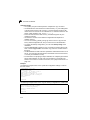
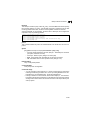
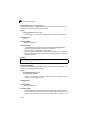
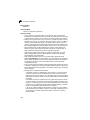
Command Usage
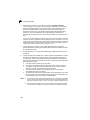
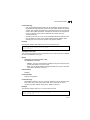
• If immediate-leave is not used, a multicast router (or querier) will send a
group-specific query message when an IGMPv2 or IGMPv3 group leave
message is received. The router/querier stops forwarding traffic for that group
only if no host replies to the query within the specified timeout period. Note
that the timeout period is determined by ip igmp snooping
query-max-response-time (see 4-282).
• If immediate-leave is enabled, the switch assumes that only one host is
connected to the interface. Therefore, immediate leave should only be
enabled on an interface if it is connected to only one IGMP-enabled device,
eiter a service host or a neighbor running IGMP snooping.
• This command is only effective if IGMP snooping is enabled, and IGMPv2 or
IGMPv3 snooping is used.
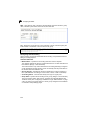
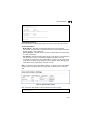
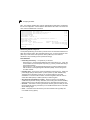
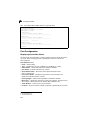
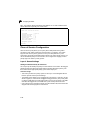
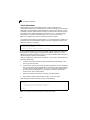
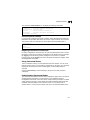
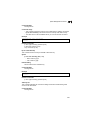
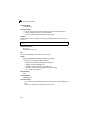
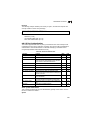
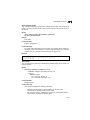
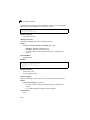
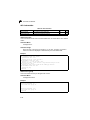
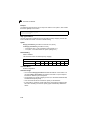
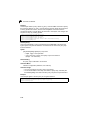
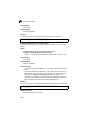
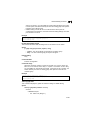
Example
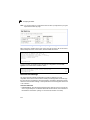
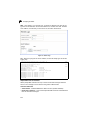
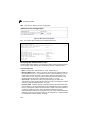
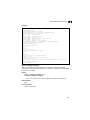
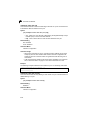
The following shows how to enable immediate leave.
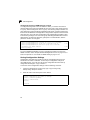
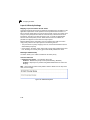
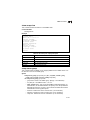
Console(config)#interface vlan 1
Console(config-if)#ip igmp snooping immediate-leave
Console(config-if)#
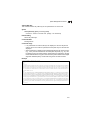
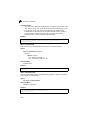
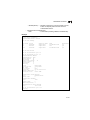
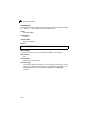
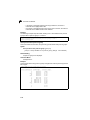
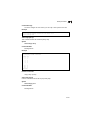
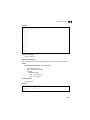
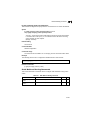
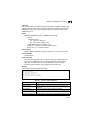
show ip igmp snooping
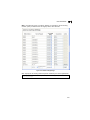
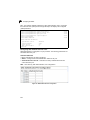
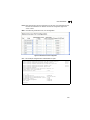
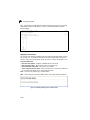
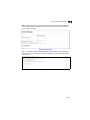
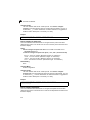
This command shows the IGMP snooping configuration.
Default Setting
None
4-278