1
LLDP Commands
4
Command Mode
Interface Configuration (Ethernet, Port Channel)
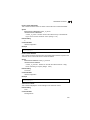
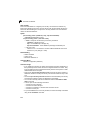
Command Usage
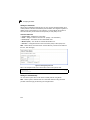
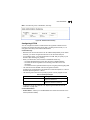
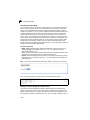
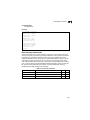
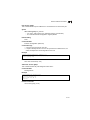
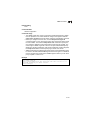
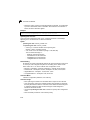
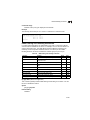
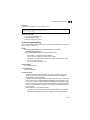
This option advertises network policy configuration information, aiding in the
discovery and diagnosis of VLAN configuration mismatches on a port.
Improper network policy configurations frequently result in voice quality
degradation or complete service disruption.
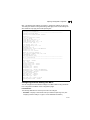
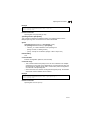
Example
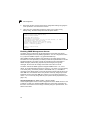
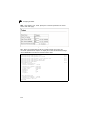
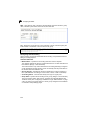
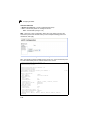
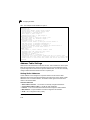
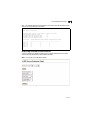
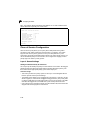
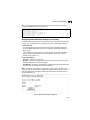
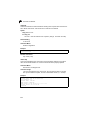
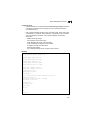
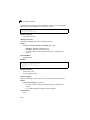
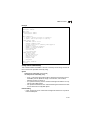
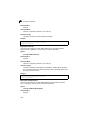
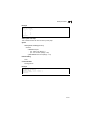
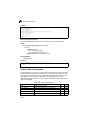
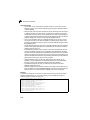
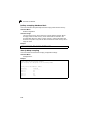
Console(config)#interface ethernet 1/1
Console(config-if)#lldp medtlv network-policy
Console(config-if)#
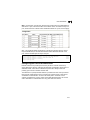
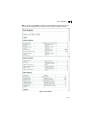
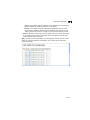
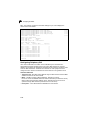
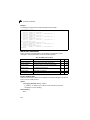
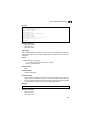
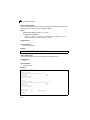
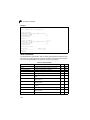
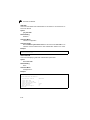
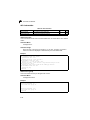
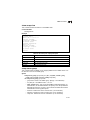
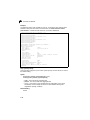
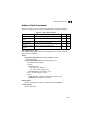
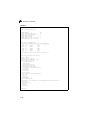
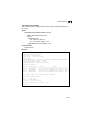
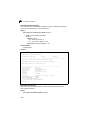
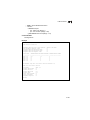
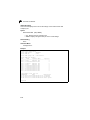
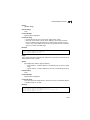
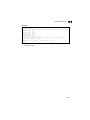
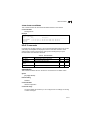
show lldp config
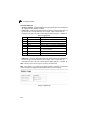
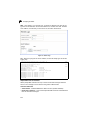
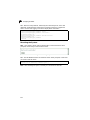
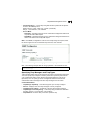
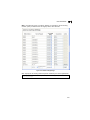
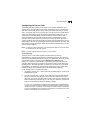
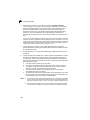
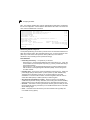
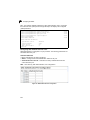
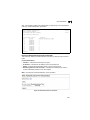
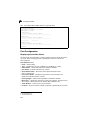
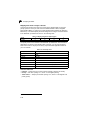
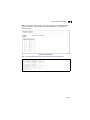
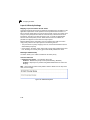
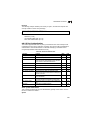
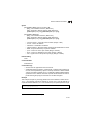
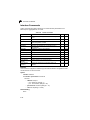
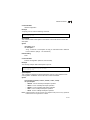
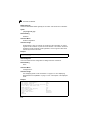
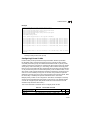
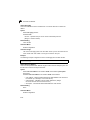
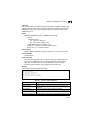
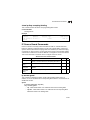
This command shows LLDP configuration settings for all ports.
Syntax
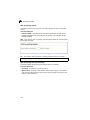
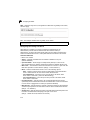
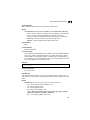
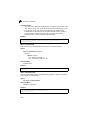
show lldp config [detail interface]
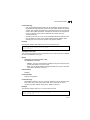
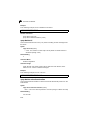
• detail - Shows configuration summary.
• interface
• ethernet unit/port
- unit - Stack unit. (Range: 1)
- port - Port number. (Range: 1-26)
• port-channel channel-id (Range: 1-12)
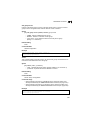
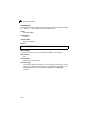
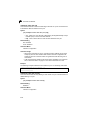
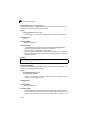
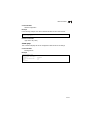
Command Mode
Privileged Exec
4-195