1
4
Spanning Tree Commands
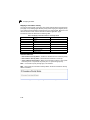
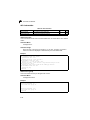
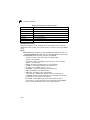
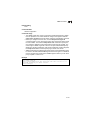
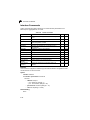
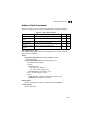
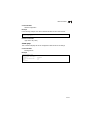
• Fast Ethernet – half duplex: 200,000; full duplex: 100,000; trunk: 50,000
• Gigabit Ethernet – full duplex: 10,000; trunk: 5,000
• 10 Gigabit Ethernet – full duplex: 1000; trunk: 500
Command Mode
Interface Configuration (Ethernet, Port Channel)
Command Usage
• This command is used by the Spanning Tree Algorithm to determine the best
path between devices. Therefore, lower values should be assigned to ports
attached to faster media, and higher values assigned to ports with slower
media.
• Path cost takes precedence over port priority.
• When the spanning-tree pathcost method (page 4-205) is set to short, the
maximum value for path cost is 65,535.
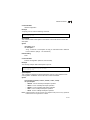
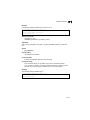
Example
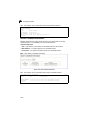
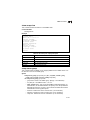
Console(config)#interface ethernet 1/5
Console(config-if)#spanning-tree cost 50
Console(config-if)#
spanning-tree port-priority
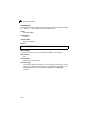
This command configures the priority for the specified interface. Use the no form to
restore the default.
Syntax
spanning-tree port-priority priority
no spanning-tree port-priority
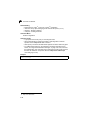
priority - The priority for a port. (Range: 0-240, in steps of 16)
Default Setting
128
Command Mode
Interface Configuration (Ethernet, Port Channel)
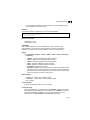
Command Usage
• This command defines the priority for the use of a port in the Spanning Tree
Algorithm. If the path cost for all ports on a switch are the same, the port with
the highest priority (that is, lowest value) will be configured as an active link in
the spanning tree.
• Where more than one port is assigned the highest priority, the port with lowest
numeric identifier will be enabled.
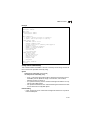
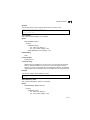
Example
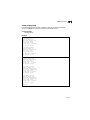
Console(config)#interface ethernet 1/5
Console(config-if)#spanning-tree port-priority 0
4-211