1
4
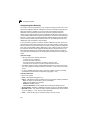
Command Line Interface
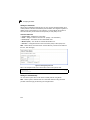
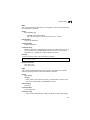
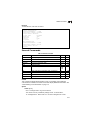
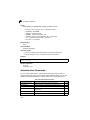
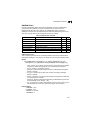
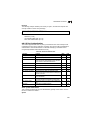
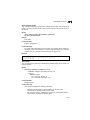
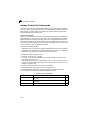
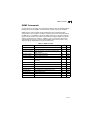
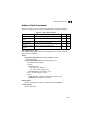
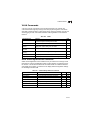
ACL Information
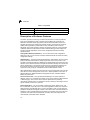
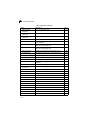
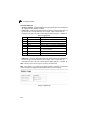
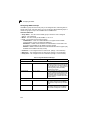
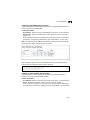
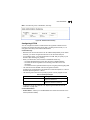
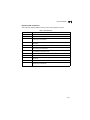
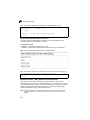
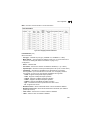
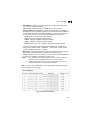
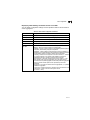
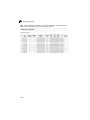
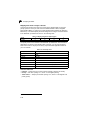
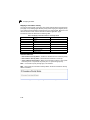
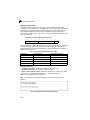
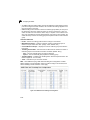
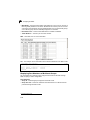
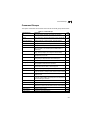
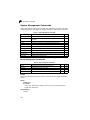
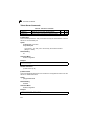
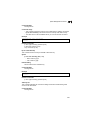
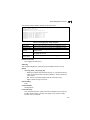
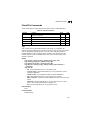
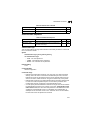
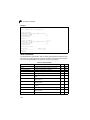
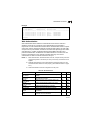
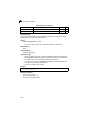
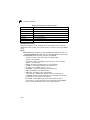
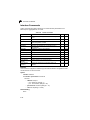
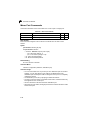
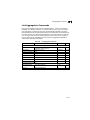
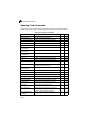
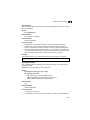
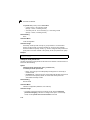
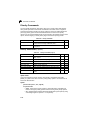
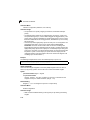
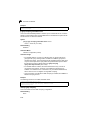
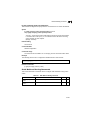
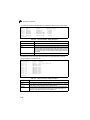
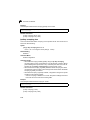
Table 4-40 ACL Information
Command
Function
Mode
Page
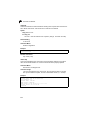
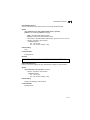
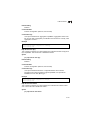
show access-list
Show all ACLs and associated rules
PE
4-132
show access-group
Shows the ACLs assigned to each port
PE
4-132
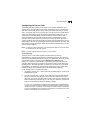
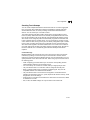
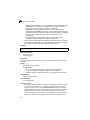
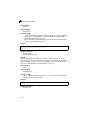
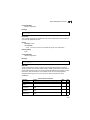
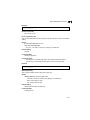
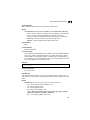
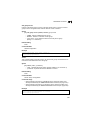
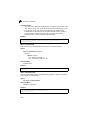
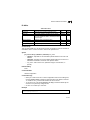
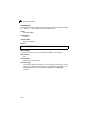
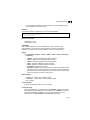
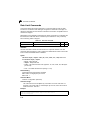
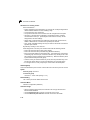
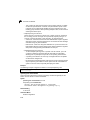
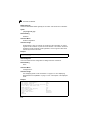
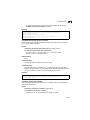
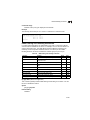
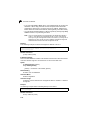
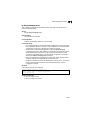
show access-list
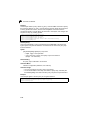
This command shows all ACLs and associated rules, as well as all the user-defined
masks.
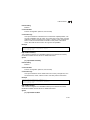
Command Mode
Privileged Exec
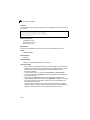
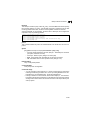
Command Usage
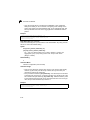
Once the ACL is bound to an interface (i.e., the ACL is active), the order in
which the rules are displayed is determined by the associated mask.
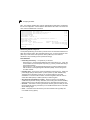
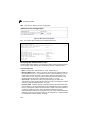
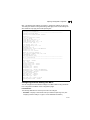
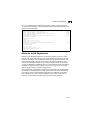
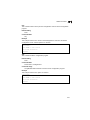
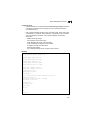
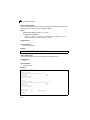
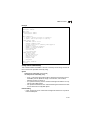
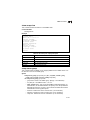
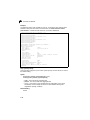
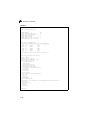
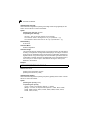
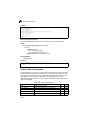
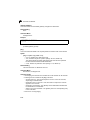
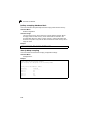
Example
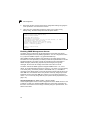
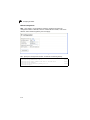
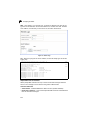
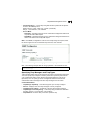
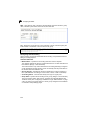
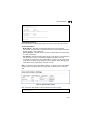
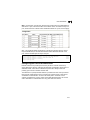
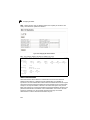
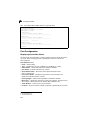
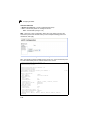
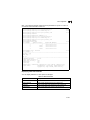
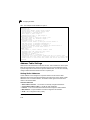
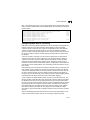
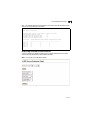
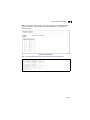
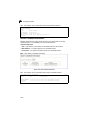
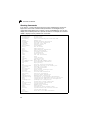
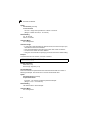
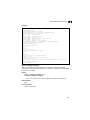
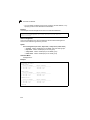
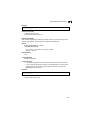
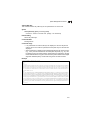
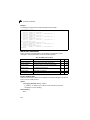
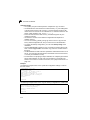
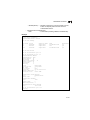
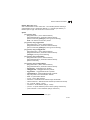
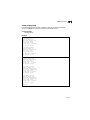
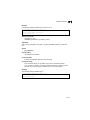
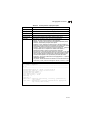
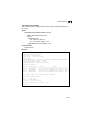
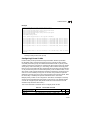
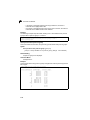
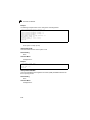
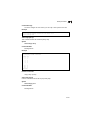
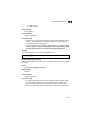
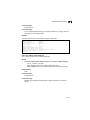
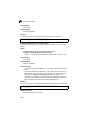
Console#show access-list
IP standard access-list david:
permit host 10.1.1.21
permit 168.92.16.0 255.255.240.0
IP extended access-list bob:
permit 10.7.1.1 255.255.255.0 any
permit 192.168.1.0 255.255.255.0 any destination-port 80 80
IP access-list jerry:
permit any host 00-30-29-94-34-de ethertype 800 800
IP extended access-list A6:
permit any any
Console#
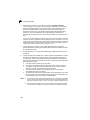
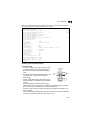
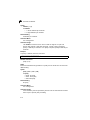
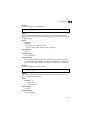
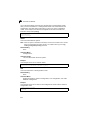
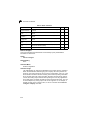
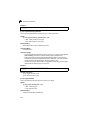
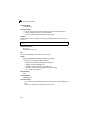
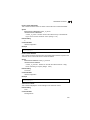
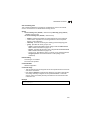
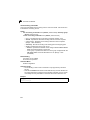
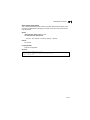
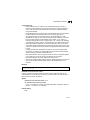
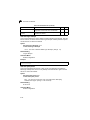
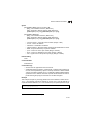
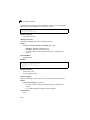
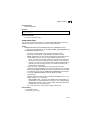
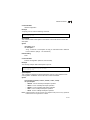
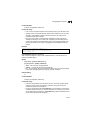
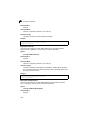
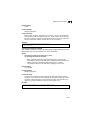
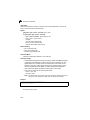
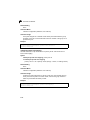
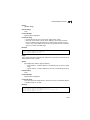
show access-group
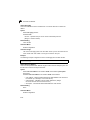
This command shows the port assignments of ACLs.
Command Mode
Privileged Executive
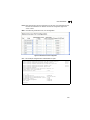
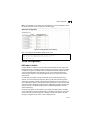
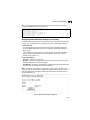
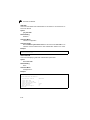
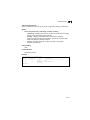
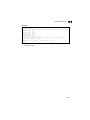
Example
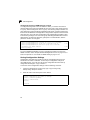
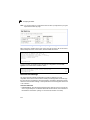
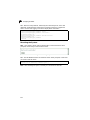
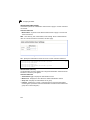
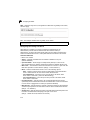
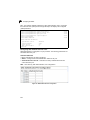
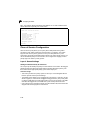
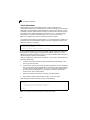
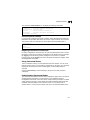
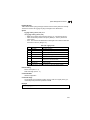
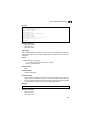
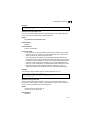
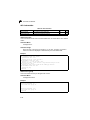
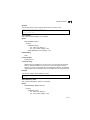
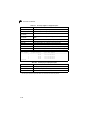
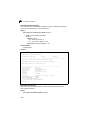
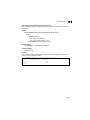
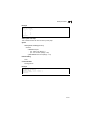
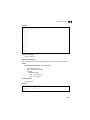
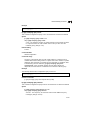
Console#show access-group
Interface ethernet 1/1
IP access-list jerry in
.
.
.
Interface ethernet 1/10
IP access-list jerry in
Console#
4-132