1
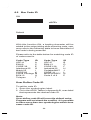
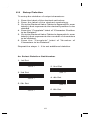
6.10 Setup Insertion
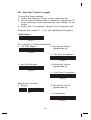
To setup the insertion of output characters:
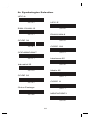
1. Scan the label of the desired set.
2. Scan the label of the desired symbology.
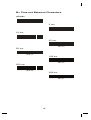
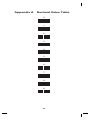
3. Go to theDecimal Value Tables inAppendix A, scan
label(s) that represents the desired position to be
inserted.
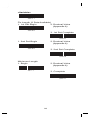
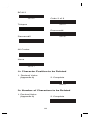
4. Scan the "Complete" label of "Character Position
to be Inserted".
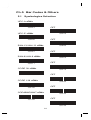
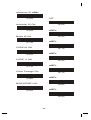
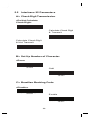
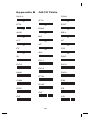
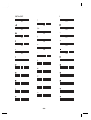
5. Go to the ASCII Tables in Appendix B or Function
Key Tables in Appendix C, scan label(s) that
represents the desired characters to be inserted.
6. Scan the "Complete" label of "Characters to be
Inserted".
Repeat the steps 1 - 6 to set additional insertion.
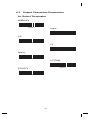
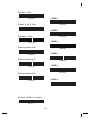
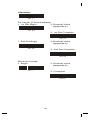
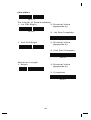
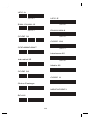
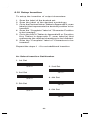
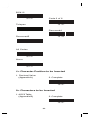
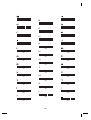
A> Select Insertion Set Number
1. 1st Set
2. 2nd Set
%5 0 0 +
3. 3rd Set
%5 0 1 +
4. 4th Set
%5 0 2 +
5. 5th Set
%5 0 3 +
6. 6th Set
%5 0 4 +
%5 0 5 +
60