1
Management Guide
TigerAccess™ EE
CLI
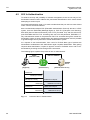
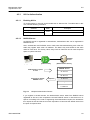
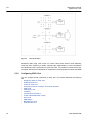
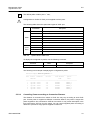
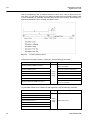
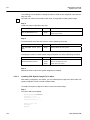
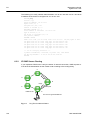
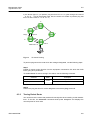
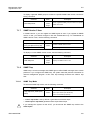
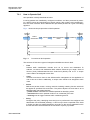
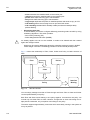
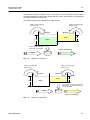
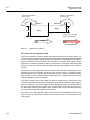
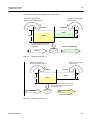
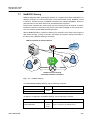
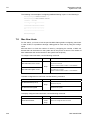
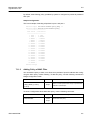
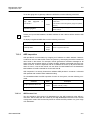
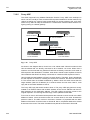
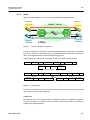
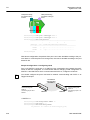
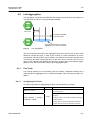
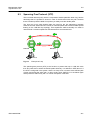
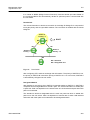
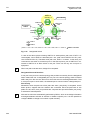
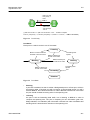
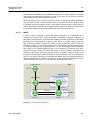
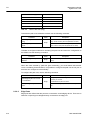
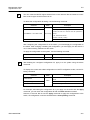
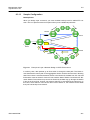
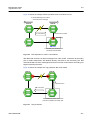
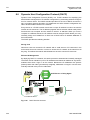
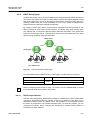
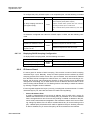
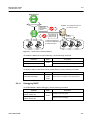
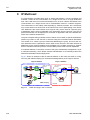
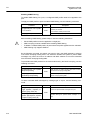
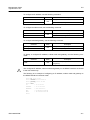
In the above figure, if you perform ping test from PC to C, it goes through the route of
「A→B→C」. This is the general case. But, the switch can enable to perform ping test
from PC as the route of「A→E→D→C」.
C
D
Reply
B
Request
E
A Switch
PING test to C
PC
Fig. 6.2
IP Source Routing
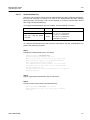
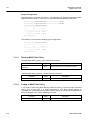
To perform ping test as the route which the manager designated, use the following steps.
Step 1
Enable IP source-routing function from the equipment connected to PC which the PING
test is going to be performed.
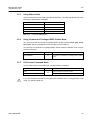
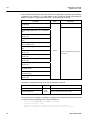
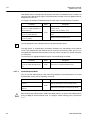
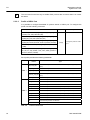
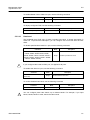
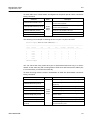
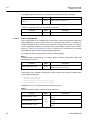
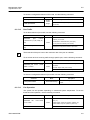
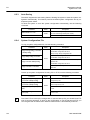
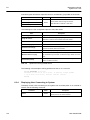
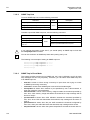
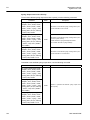
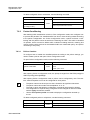
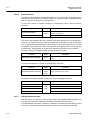
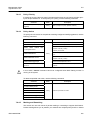
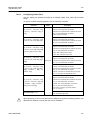
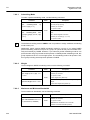
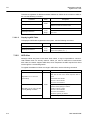
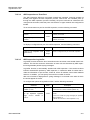
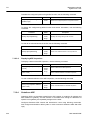
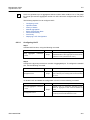
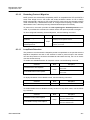
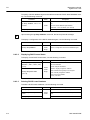
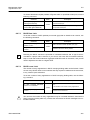
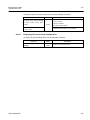
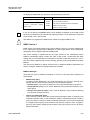
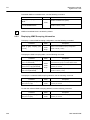
To enable/disable IP source-routing in the switch, use the following command.
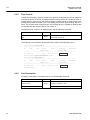
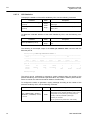
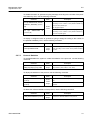
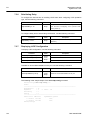
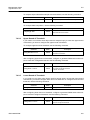
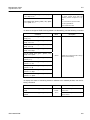
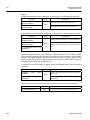
Command
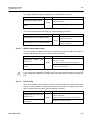
ip icmp source-route
no ip icmp source-route
Mode
Global
Description
Enable IP source-routing function.
Disable IP source-routing function.
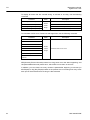
Step 2
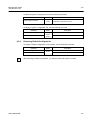
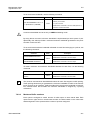
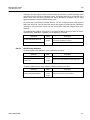
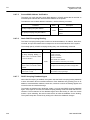
Perform the ping test from PC as the designate route with the ping command.
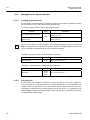
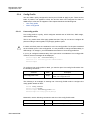
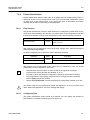
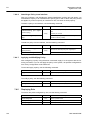
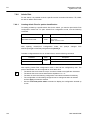
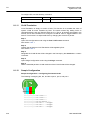
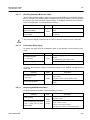
6.3.3
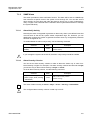
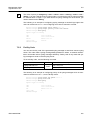
Tracing Packet Route
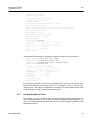
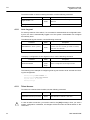
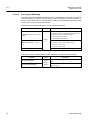
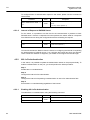
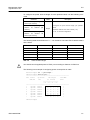
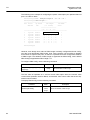
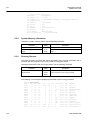
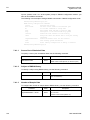
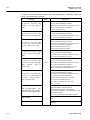
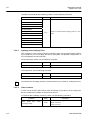
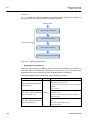
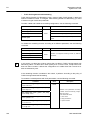
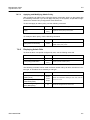
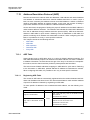
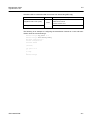
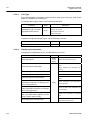
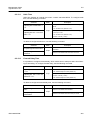
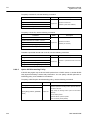
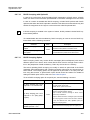
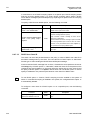
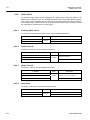
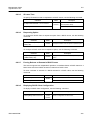
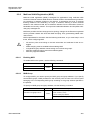
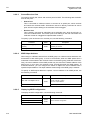
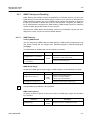
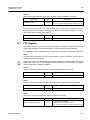
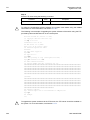
You can discover the routes that packets will actually take when traveling to their destinations. To do this, the traceroute command sends probe datagrams and displays the
round-trip time for each node.
SMC7824M/VSW
129