1
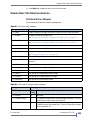
CHAPTER 3—CONFIGURING THE LIBRARY
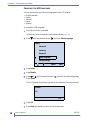
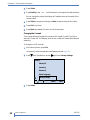
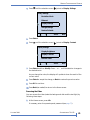
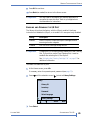
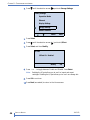
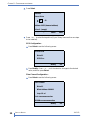
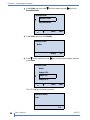
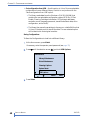
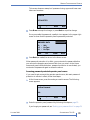
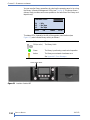
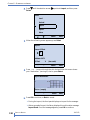
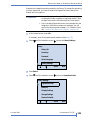
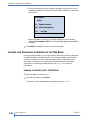
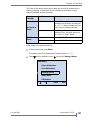
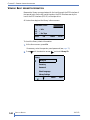
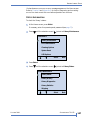
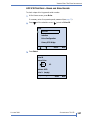
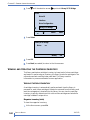
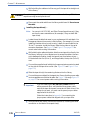
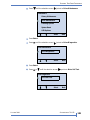
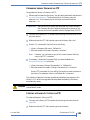
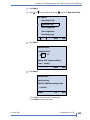
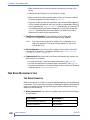
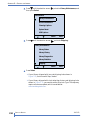
4. Press
until the selection arrow (
) points to Storage Settings.
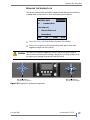
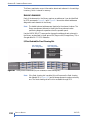
Library Settings
Operation Mode
Ethernet
Display Settings
Storage Settings
Restore Defaults
Select
Back
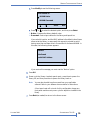
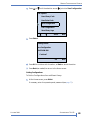
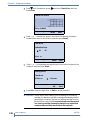
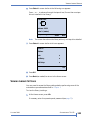
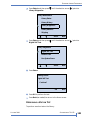
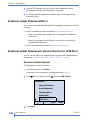
5. Press Select.
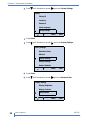
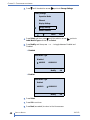
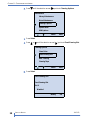
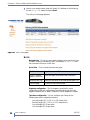
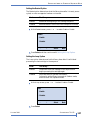
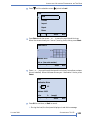
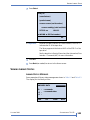
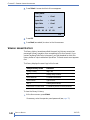
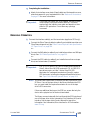
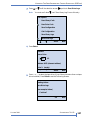
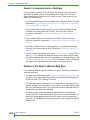
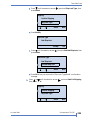
6. Press
until the selection arrow (
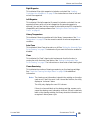
) points to I/E Port.
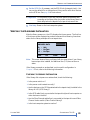
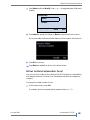
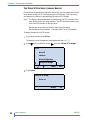
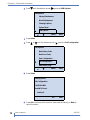
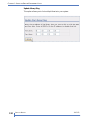
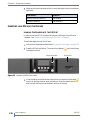
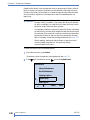
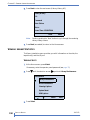
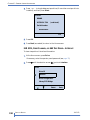
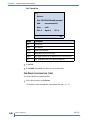
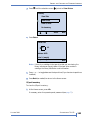
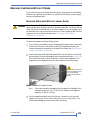
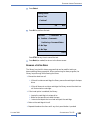
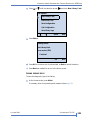
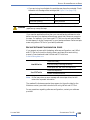
7. Press Select, and then Modify.
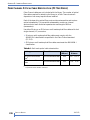
I/E Port
I/E Port 01: Enabled
Modify
OK
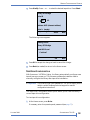
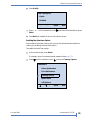
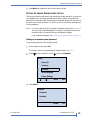
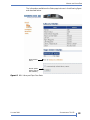
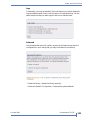
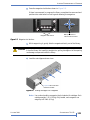
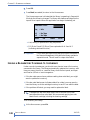
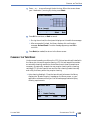
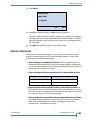
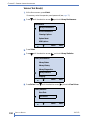
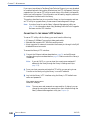
8. Press + or – to toggle between Enable and Disable. Press Select.
Note:
Enabling the I/E port allows you to use it to import and export
cartridges. Disabling the I/E port allows you to use it as a storage slot.
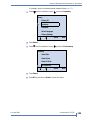
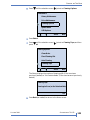
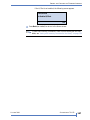
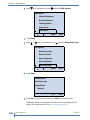
9. Press OK to continue.
10. Press Back (as needed) to return to the Home screen.
46
PRODUCT MANUAL
1017472