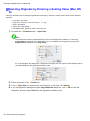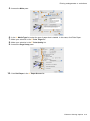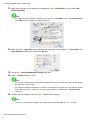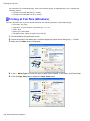
1
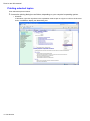
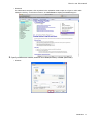
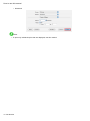
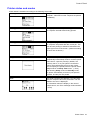
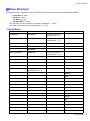
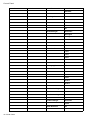
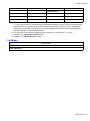
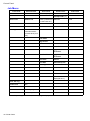
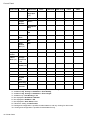
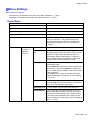
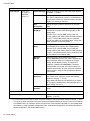
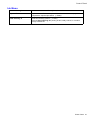
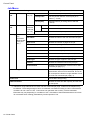
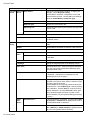
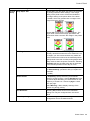
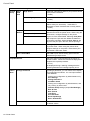
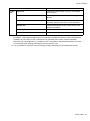
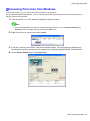
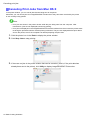
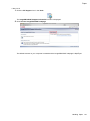
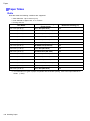
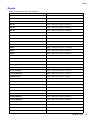
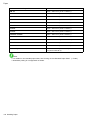
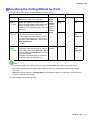
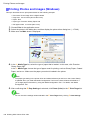
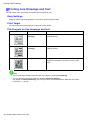
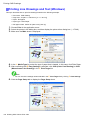
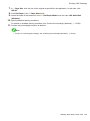
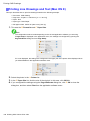
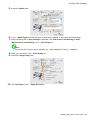
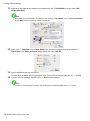
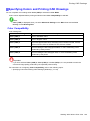
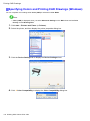
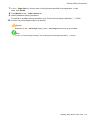
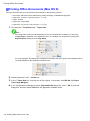
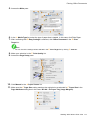
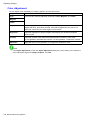
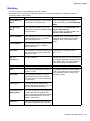
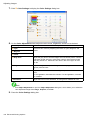
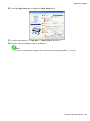
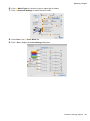
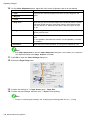
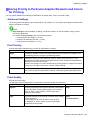
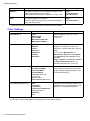
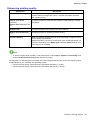
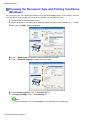
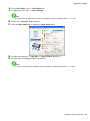
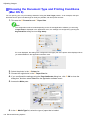
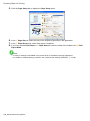
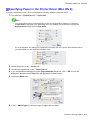
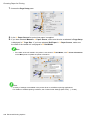
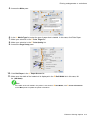
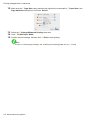
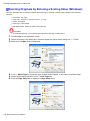
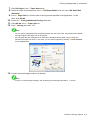
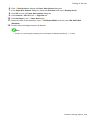
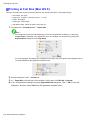
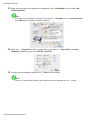
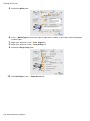
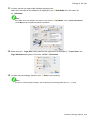
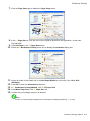
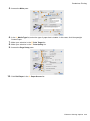
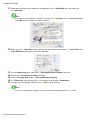
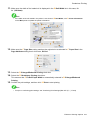
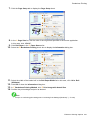
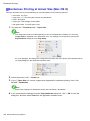
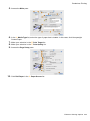
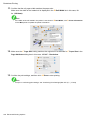
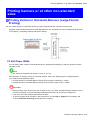
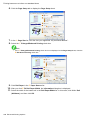
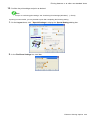
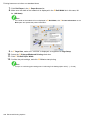
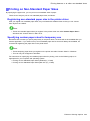
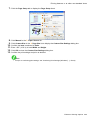
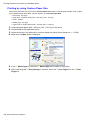
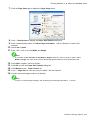
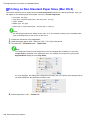
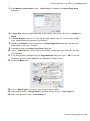
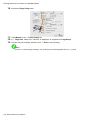
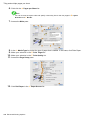
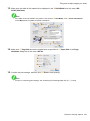
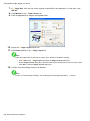
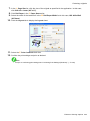
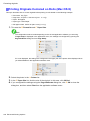
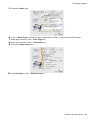
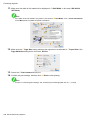
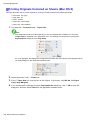
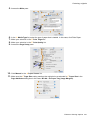
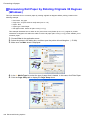
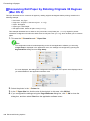
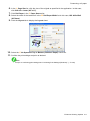
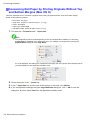
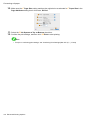
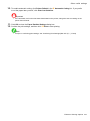
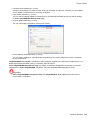
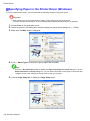
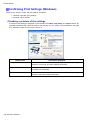
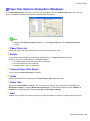
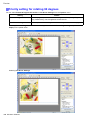
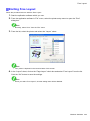
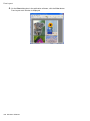
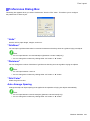
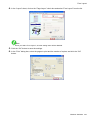
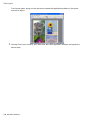
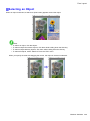
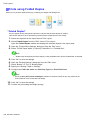
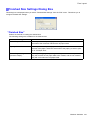
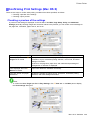
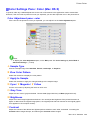
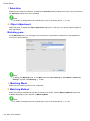
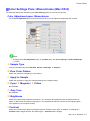
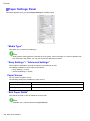
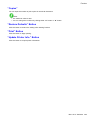
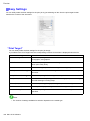
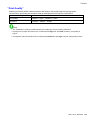
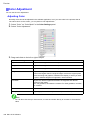
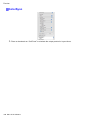
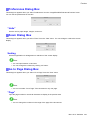
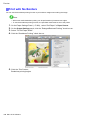
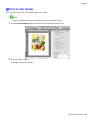
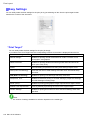
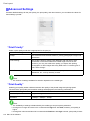
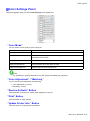
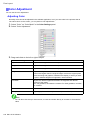
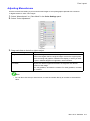
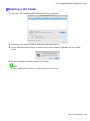
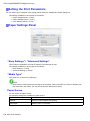
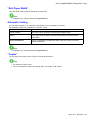
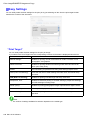
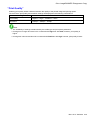
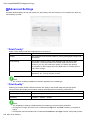
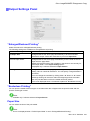
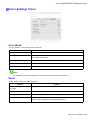
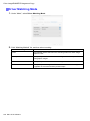
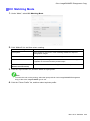
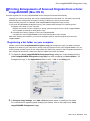
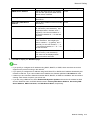
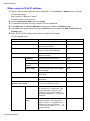
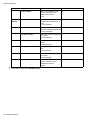
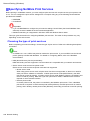
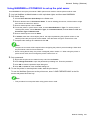
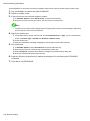
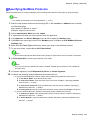
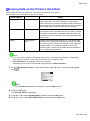
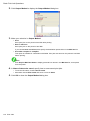
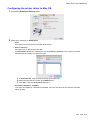
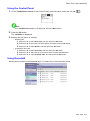
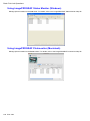
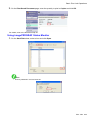
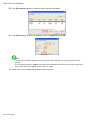
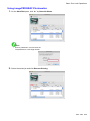
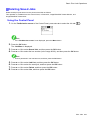
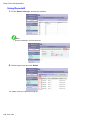
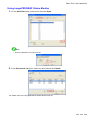
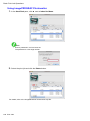
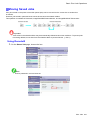
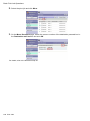
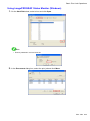
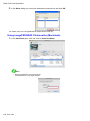
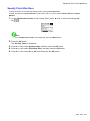
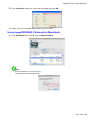
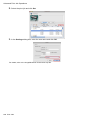
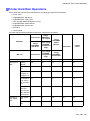
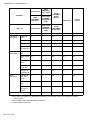
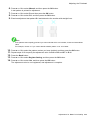
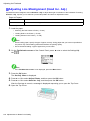
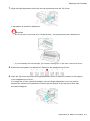
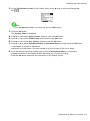
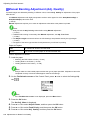
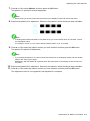
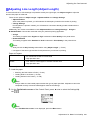
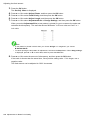
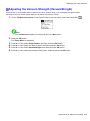
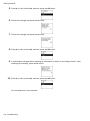
Printing CAD Drawings Specifying Colors and Printing CAD Drawings You can complete color settings when Color (CAD) is selected in Color Mode. Colors can be adjusted before printing as follows when Color Compatibility is selected. Note • Color (CAD) is displayed when you select Advanced Settings on the Main sheet and set Print Priority to Line Drawing/Text. Color Compatibility Color Setting Item Color Setting Description Color (CAD) 1 Print in standard colors. Color (CAD) 2 Print in brighter colors. Color (CAD) 3 Print with approximate colors emulating Canon iPF500, iPF600, iPF700, iPF510, iPF610, iPF710, iPF605, iPF720, iPF810, iPF820. Color (CAD) 4 Print emulating the HP Designjet 500/800, in colors resembling colors produced by these printers. Color (CAD) 5 Print emulating the HP Designjet 1000, in colors resembling colors produced by this printer. Important • If you have selected Color (CAD) 3, Color (CAD) 4, or Color (CAD) 5, it is not possible to match the colors and image quality produced by the specied printer exactly. For instructions on conguring Color Compatibility, refer to the following topics. • Specifying Colors and Printing CAD Drawings (Windows) (→P.170) Working With Various Print Jobs 169