1
Printheads
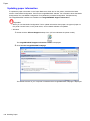
Replace the Printhead
1.
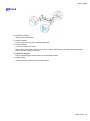
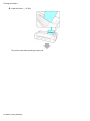
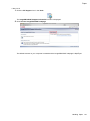
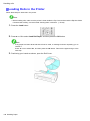
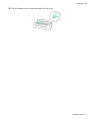
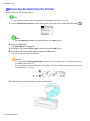
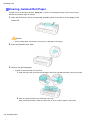
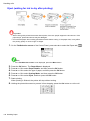
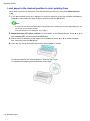
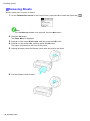
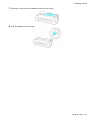
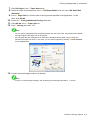
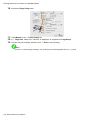
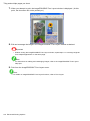
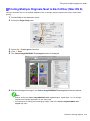
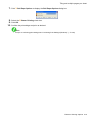
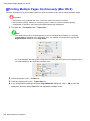
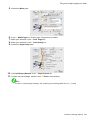
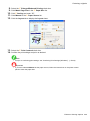
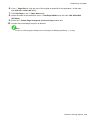
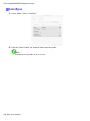
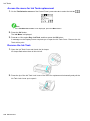
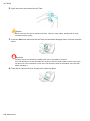
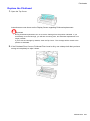
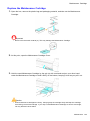
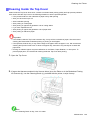
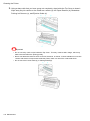
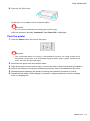
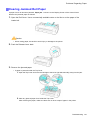
Open the Top Cover.
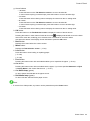
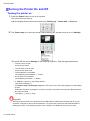
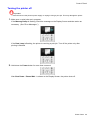
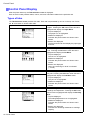
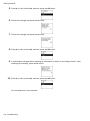
Instructions are now shown on the Display Screen regarding Printhead replacement.
Important
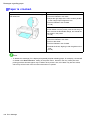
• During Printhead replacement, do not move the Carriage from the position indicated. If you
accidentally move the Carriage, you will hear a warning tone, and Printhead replacement is no
longer possible.
If you move the Carriage by mistake, close the Top Cover. The Carriage will be moved to the
position as indicated.
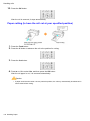
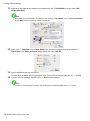
2.
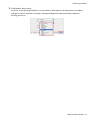
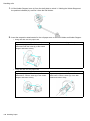
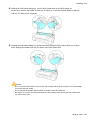
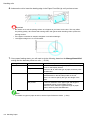
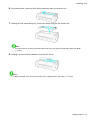
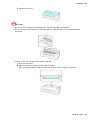
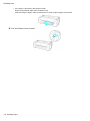
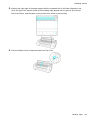
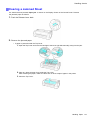
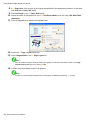
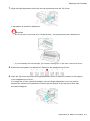
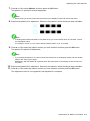
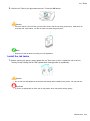
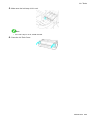
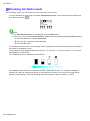
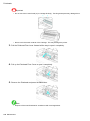
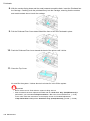
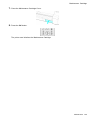
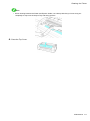
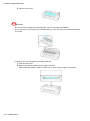
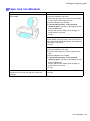
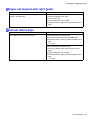
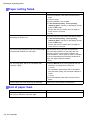
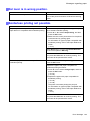
If the Printhead Fixer Cover or Printhead Fixer Lever is dirty, use a damp cloth that you have
wrung out completely to wipe it clean.
Maintenance 697