1
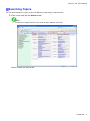
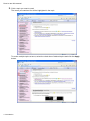
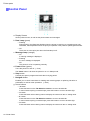
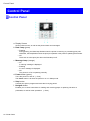
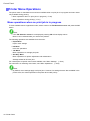
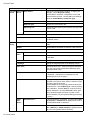
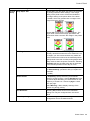
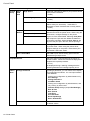
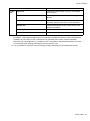
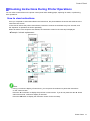
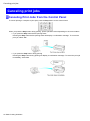
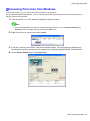
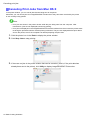
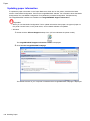
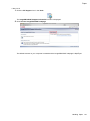
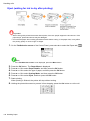
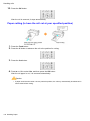
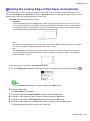
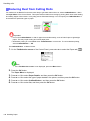
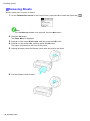
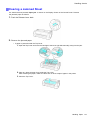
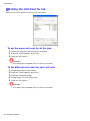
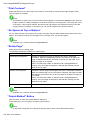
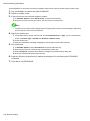
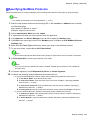
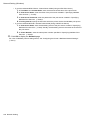
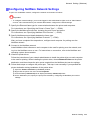
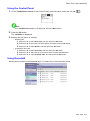
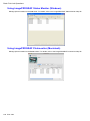
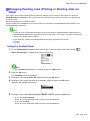
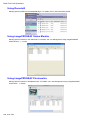
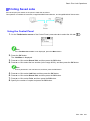
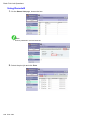
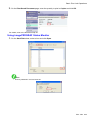
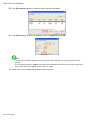
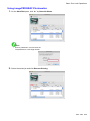
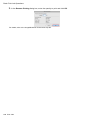
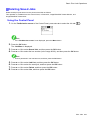
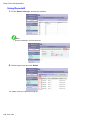
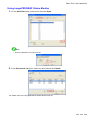
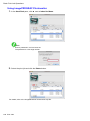
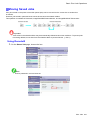
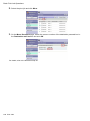
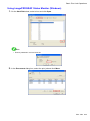
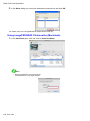
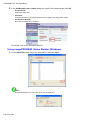
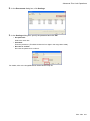
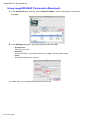
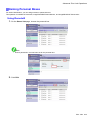
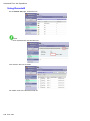
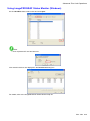
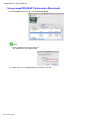
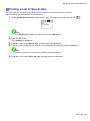
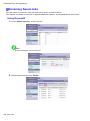
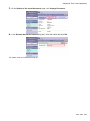
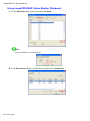
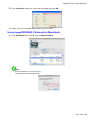
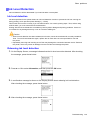
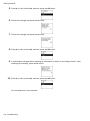
Basic Print Job Operations Managing the Job Queue (Deleting or Preempting Other Jobs) Print jobs being processed by the printer are collectively called the job queue. You can delete or preempt jobs in the job queue as needed. These operations are available from the Control Panel, in RemoteUI, imagePROGRAF Status Monitor, and imagePROGRAF Printmonitor. • Delete Note that only jobs that are not currently being deleted can be deleted from the job queue. • Preempting other jobs You can preempt other jobs by printing jobs that are currently being received or prepared for processing rst. Note • For information on managing jobs being held, see “Managing Pending Jobs (Printing or Deleting Jobs on Hold)”. (→P.619) 616 Print Jobs