1
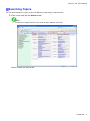
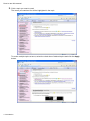
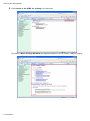
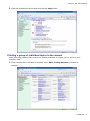
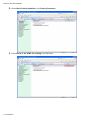
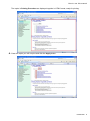
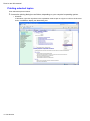
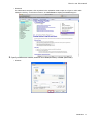
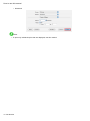
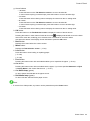
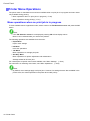
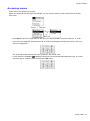
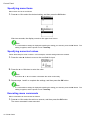
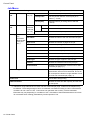
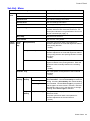
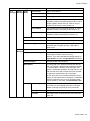
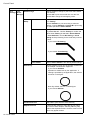
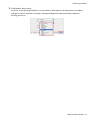
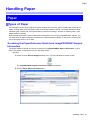
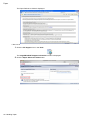
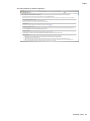
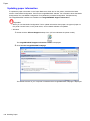
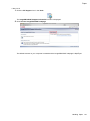
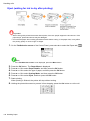
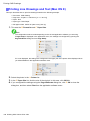
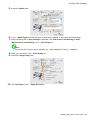
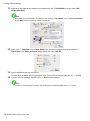
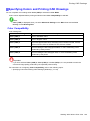
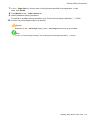
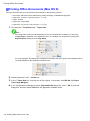
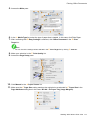
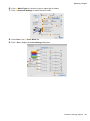
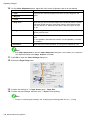
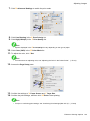
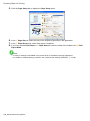
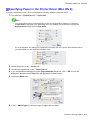
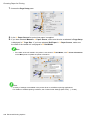
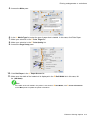
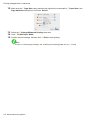
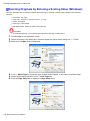
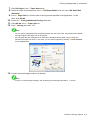
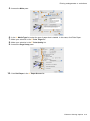
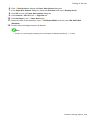
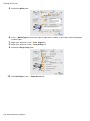
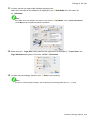
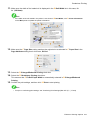
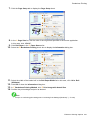
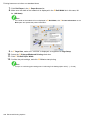
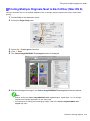
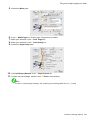
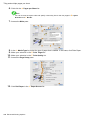
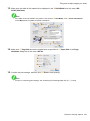
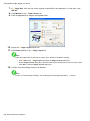
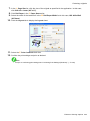
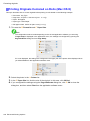
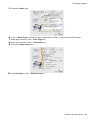
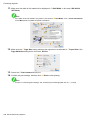
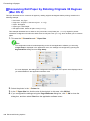
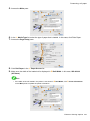
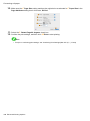
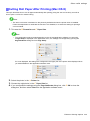
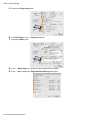
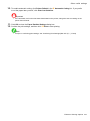
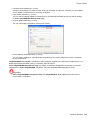
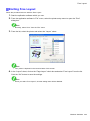
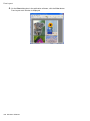
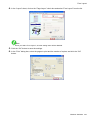
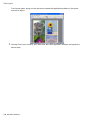
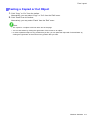
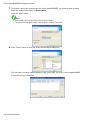
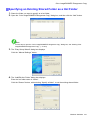
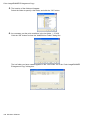
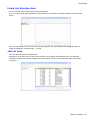
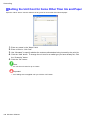
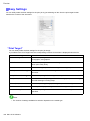
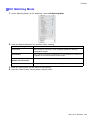
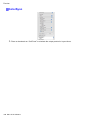
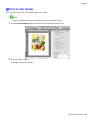
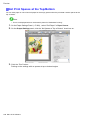
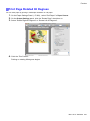
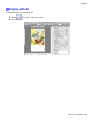
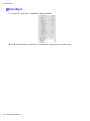
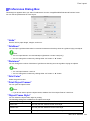
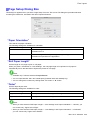
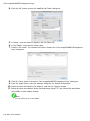
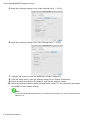
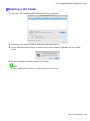
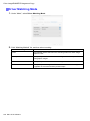
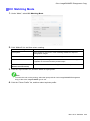
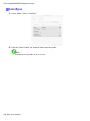
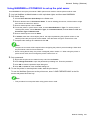
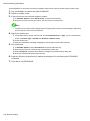
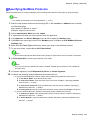
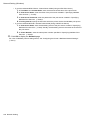
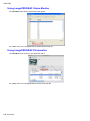
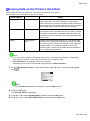
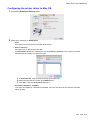
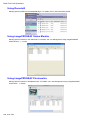
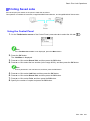
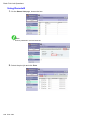
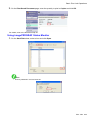
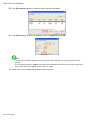
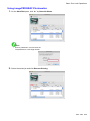
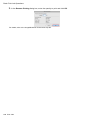
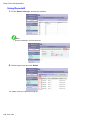
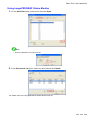
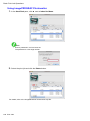
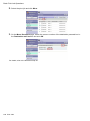
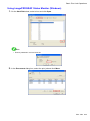
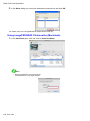
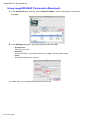
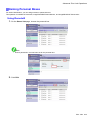
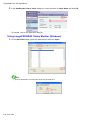
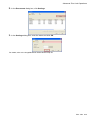
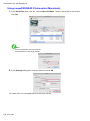
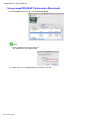
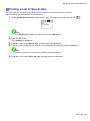
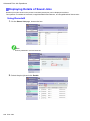
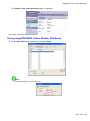
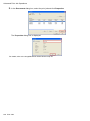
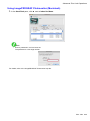
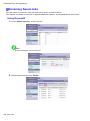
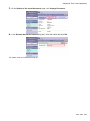
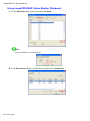
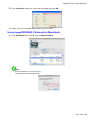
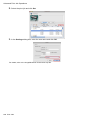
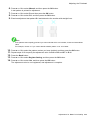
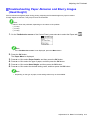
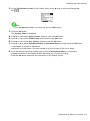
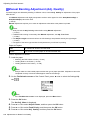
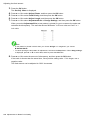
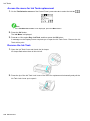
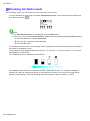
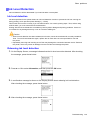
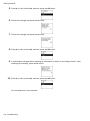
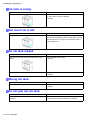
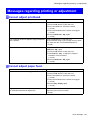
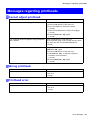
Advanced Print Job Operations Using imagePROGRAF Printmonitor (Macintosh) 1. In the Hard Disk pane, click “►” next to Inbox No./Name. Select a saved job in the list and click Set. Note • Enter a password if one has been set. The password is a four-digit number. 2. In the Settings dialog box, enter the name and click OK. For details, refer to the imagePROGRAF Printmonitor help le. 646 Print Jobs