1
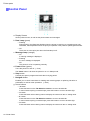
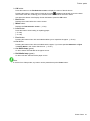
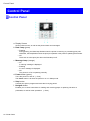
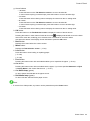
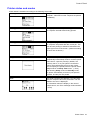
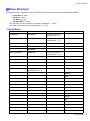
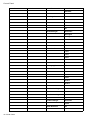
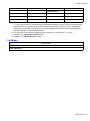
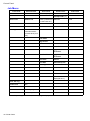
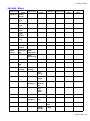
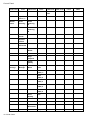
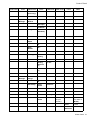
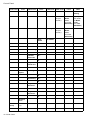
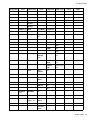
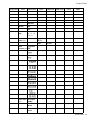
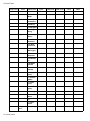
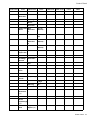
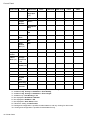
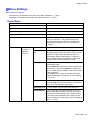
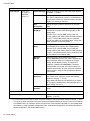
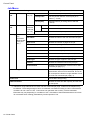
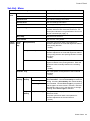
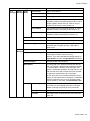
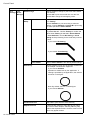
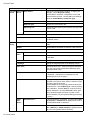
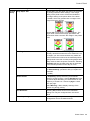
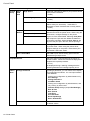
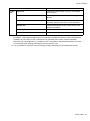
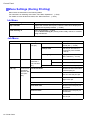
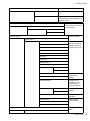
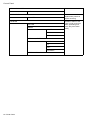
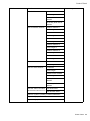
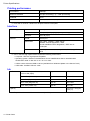
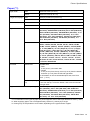
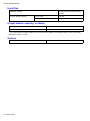
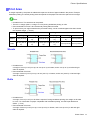
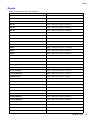
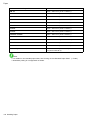
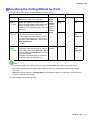
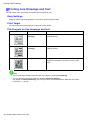
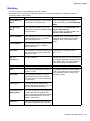
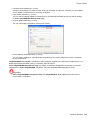
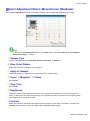
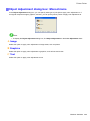
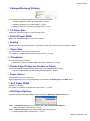
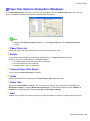
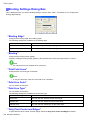
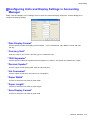
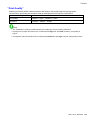
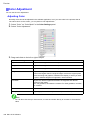
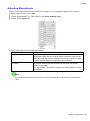
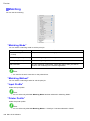
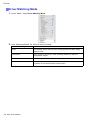
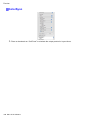
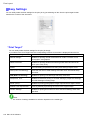
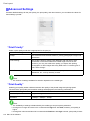
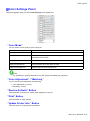
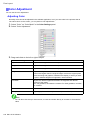
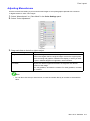
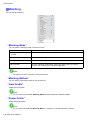
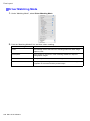
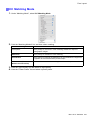
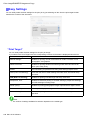
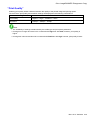
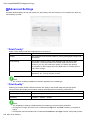
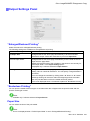
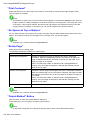
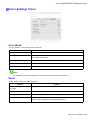
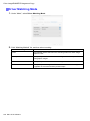
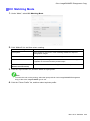
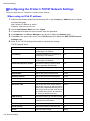
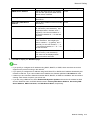
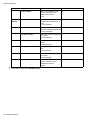
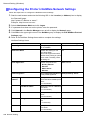
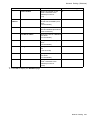
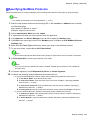
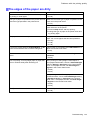
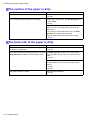
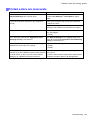
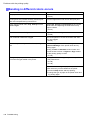
Control Panel Setting Item GL2 Quality Color Settings Manager Mode Description, Instructions Monochrome Print in monochrome. Color (CAD) 1 Print in standard colors. Color (CAD) 2 Print in brighter colors. Color (CAD) 3 Print emulating the following printers, in colors resembling colors produced by these printers: Canon iPF500, iPF600, iPF700, iPF510, iPF610, iPF710, iPF605, iPF720, iPF810, and iPF820.(*2) Color (CAD) 4 Print emulating the HP Designjet 500/800, in colors resembling colors produced by these printers.(*2) Color (CAD) 5 Print emulating the HP Designjet 1000, in colors resembling colors produced by this printer.(*2) Print Quality Choose the print quality. Input Resolution Choose the printer input resolution, 600dpi or 300dpi. Print (Economy) Although printing quality is diminished, less ink is consumed than in regular printing. Select On to conserve ink. Paper Paper Source Manager Margin Choose the source of paper for HP-GL/2 printing. Specify the margin around paper. The margin for the trailing edge of sheets is 23 mm (0.9 in). However, if you have specied the leading margin in Paper Details, the value in Paper Details has priority. Conserve Paper Conserves paper when printing. Auto Rotate If the long side of an original is shorter than the roll width, the original is automatically rotated 90 degrees to conserve paper. Similarly, if the long side of an original in landscape orientation is longer than the roll width and the short side is shorter than the roll width, the original is repositioned to t on the paper. HP RTL print jobs are not rotated. Because HP RTL images are not rotated even if the paper is rotated 90 degrees, images may be cut off or the blank paper may be ejected. In this case, set Auto Rotate to Off. Nesting Use Nesting Selecting On will store print jobs until multiple documents can be arranged to ll up the roll width, instead of printing each print job as it is received. Nesting WaitTime Specify a time to wait until printing, as desired. Cut Lines Select On to print cut lines between each document on the roll. Printer Parts 55