1
Handling rolls
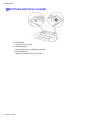
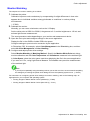
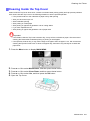
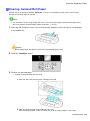
Removing the Roll Feed Unit
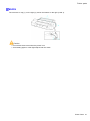
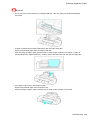
Important
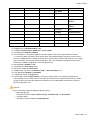
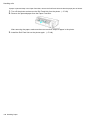
• Always make sure the printer is off before removing the Roll Feed Unit.
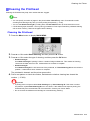
1.
2.
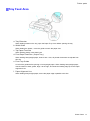
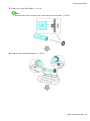
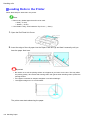
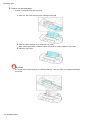
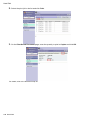
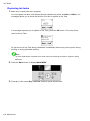
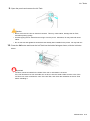
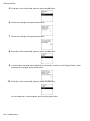
Remove any rolls in the Roll Feed Unit. (→P.121)
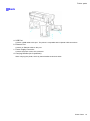
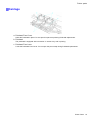
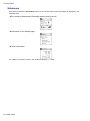
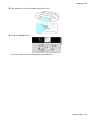
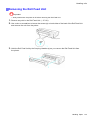
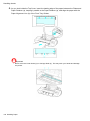
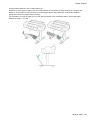
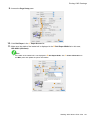
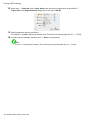
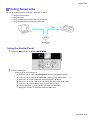
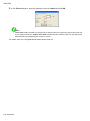
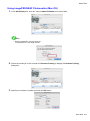
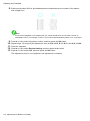
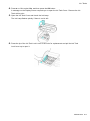
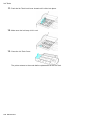
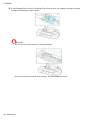
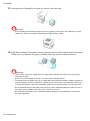
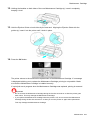
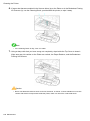
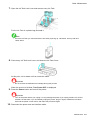
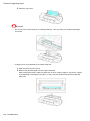
Use a coin or screwdriver to loosen the screws (a) on both sides of the back of the Roll Feed Unit
and remove the unit from the printer.
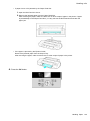
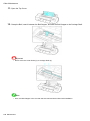
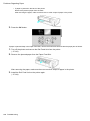
3.
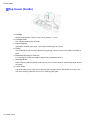
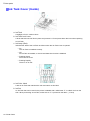
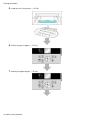
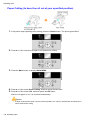
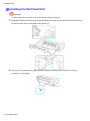
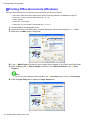
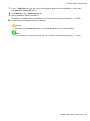
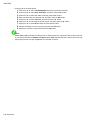
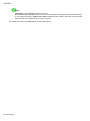
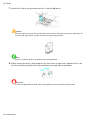
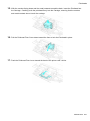
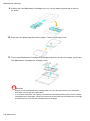
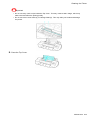
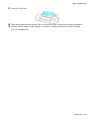
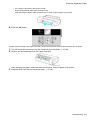
Hold the Roll Feed Unit by the Carrying Handles (a) as you remove the Roll Feed Unit from
the printer.
Handling Paper 143