1
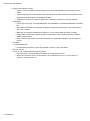
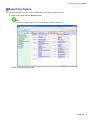
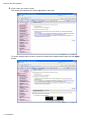
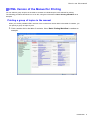
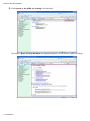
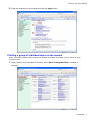
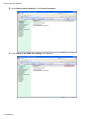
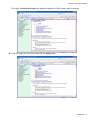
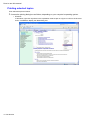
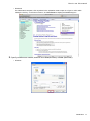
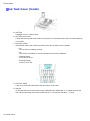
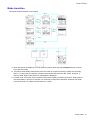
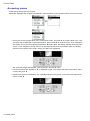
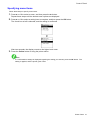
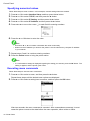
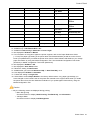
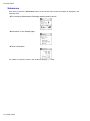
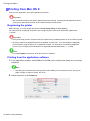
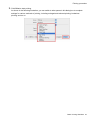
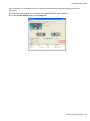
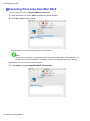
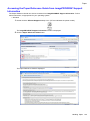
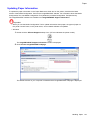
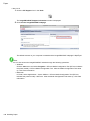
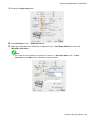
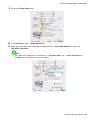
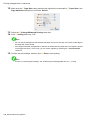
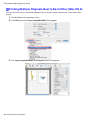
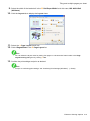
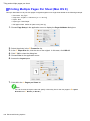
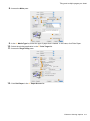
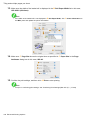
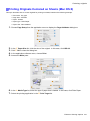
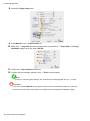
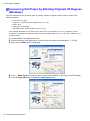
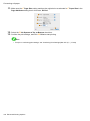
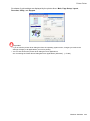
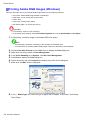
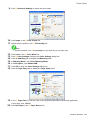
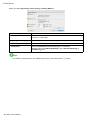
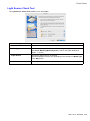
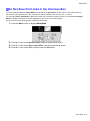
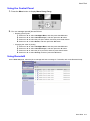
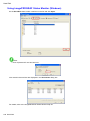
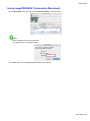
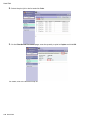
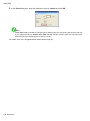
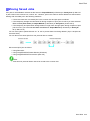
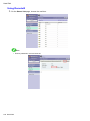
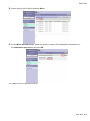
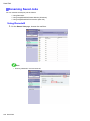
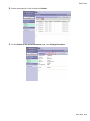
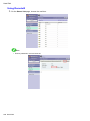
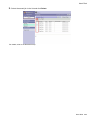
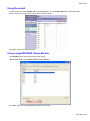
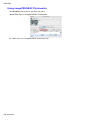
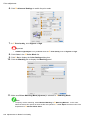
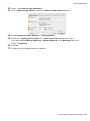
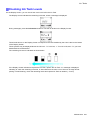
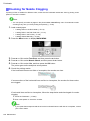
How to use this manual 3. Clear the sections you will not print and click the Apply button. Printing a group of individual topics in the manual When you access printable HTML versions from subtitles in the table of contents, you can specify a group of topics to print. 1. Click a section title in the table of contents. Here, Basic Printing Workow is used as an example. Introduction 7