1
Printing enlargements or reductions
Printing enlargements or reductions
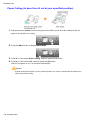
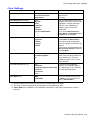
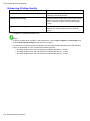
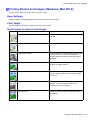
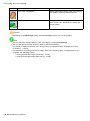
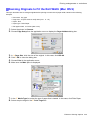
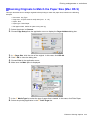
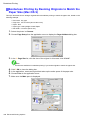
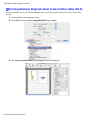
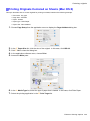
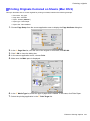
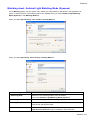
Resizing Originals to Match the Paper Size
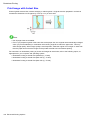
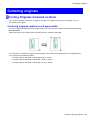
You can freely adjust the size of originals by enlarging or reducing them as desired.
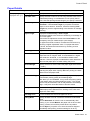
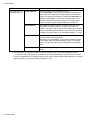
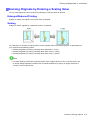
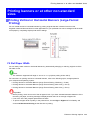
Enlarged/Reduced Printing
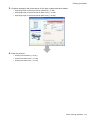
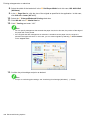
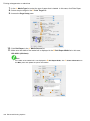
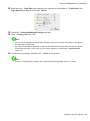
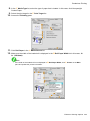
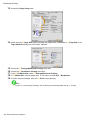
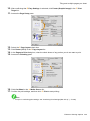
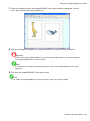
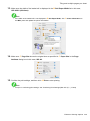
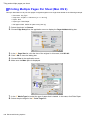
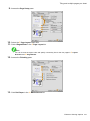
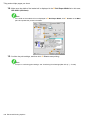
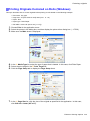
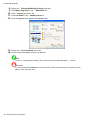
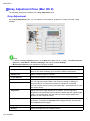
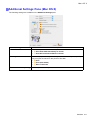
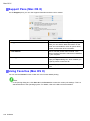
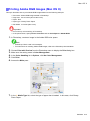
Enlarge or reduce the original in the printer driver, as desired.
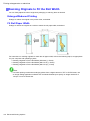
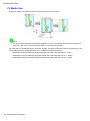
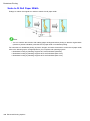
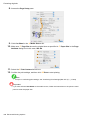
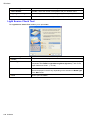
Fit Media Size
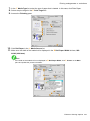
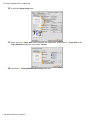
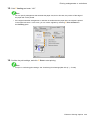
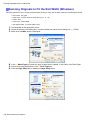
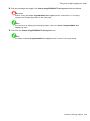
Enlarge or reduce the original to match the size of the paper you are using.
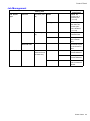
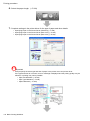
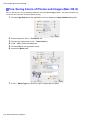
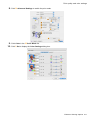
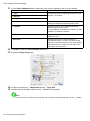
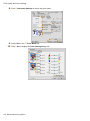
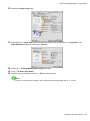
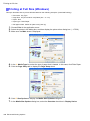
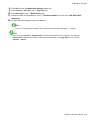
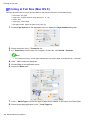
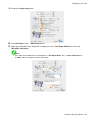
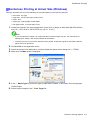
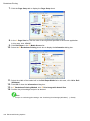
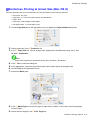
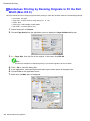
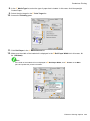
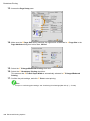
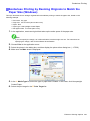
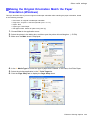
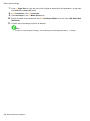
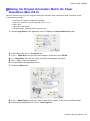
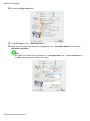
For instructions on resizing originals to match the paper size, refer to the following topics, as appropriate for
your computer and operating system.
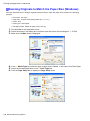
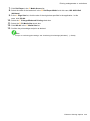
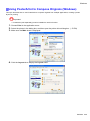
• Resizing Originals to Match the Paper Size (Windows) (→P.338)
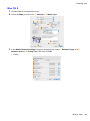
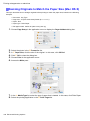
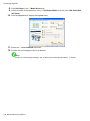
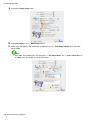
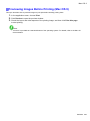
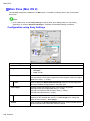
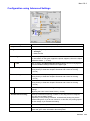
• Resizing Originals to Match the Paper Size (Mac OS X) (→P.340)
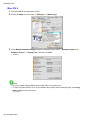
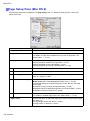
• Resizing Originals to Match the Paper Size (Mac OS 9) (→P.343)
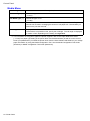
Note
• For better printing results when enlarging photos from a digital camera in TIFF or JPEG format, use
an image-editing application software such as Adobe Photoshop to specify an image resolution of
150 dpi or more at actual size.
Enhanced Printing Options 313