1
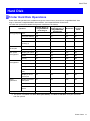
Hard Disk
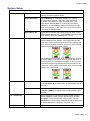
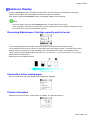
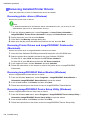
Displaying details of saved jobs
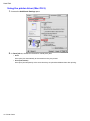
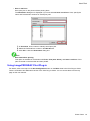
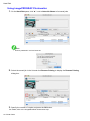
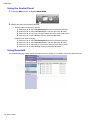
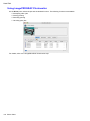
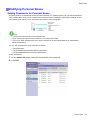
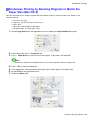
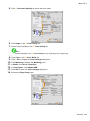
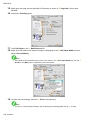
You can view details of stored print jobs as follows.
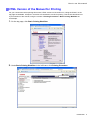
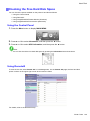
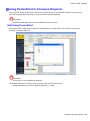
• Using RemoteUI
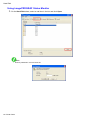
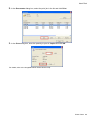
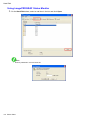
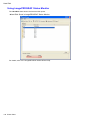
• Using imagePROGRAF Status Monitor
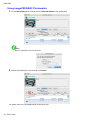
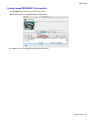
• Using imagePROGRAF Printmonitor
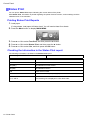
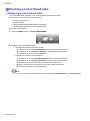
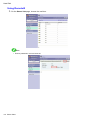
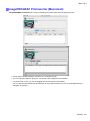
(Using RemoteUI )
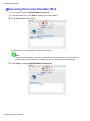
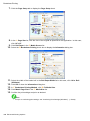
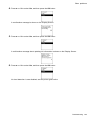
1.
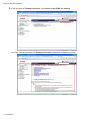
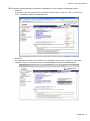
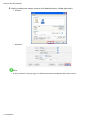
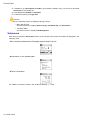
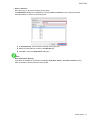
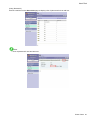
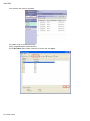
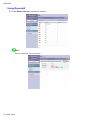
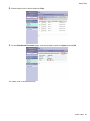
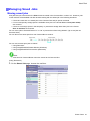
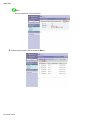
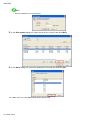
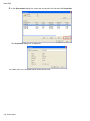
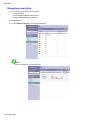
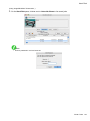
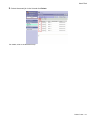
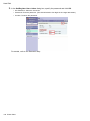
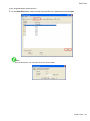
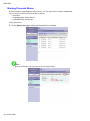
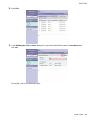
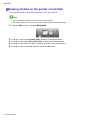
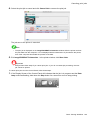
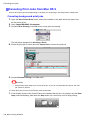
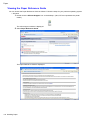
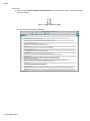
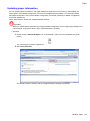
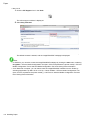
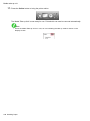
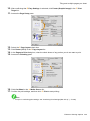
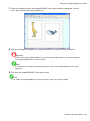
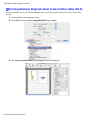
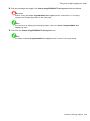
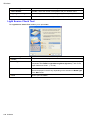
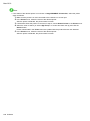
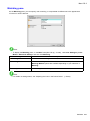
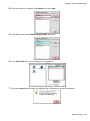
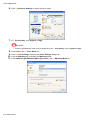
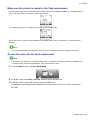
On the Stored Job page, choose the mail box.
Note
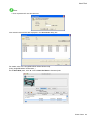
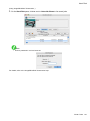
• Enter a password if one has been set.
Printer Parts 97