1
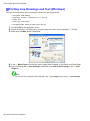
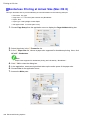
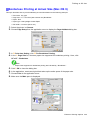
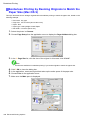
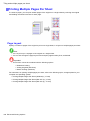
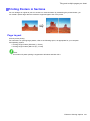
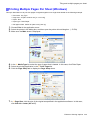
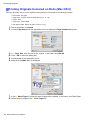
Tiling and multiple pages per sheet
8.
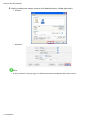
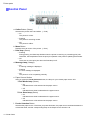
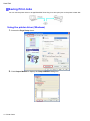
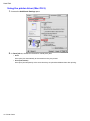
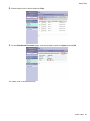
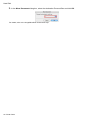
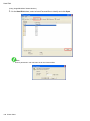
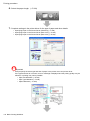
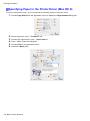
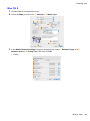
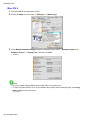
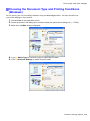
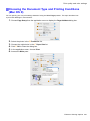
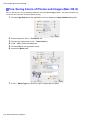
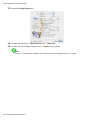
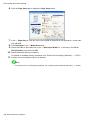
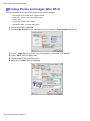
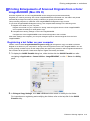
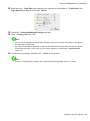
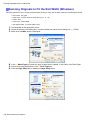
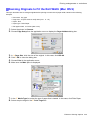
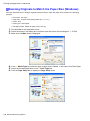
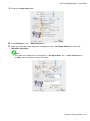
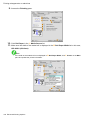
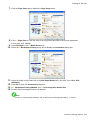
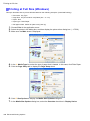
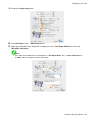
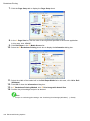
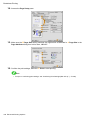
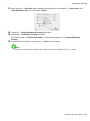
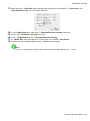
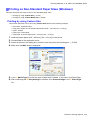
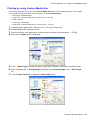
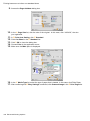
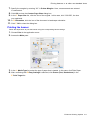
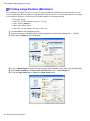
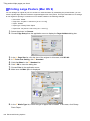
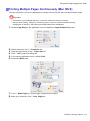
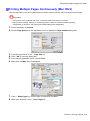
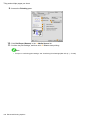
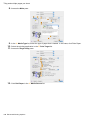
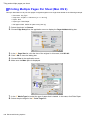
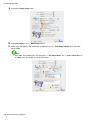
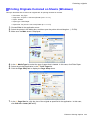
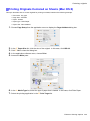
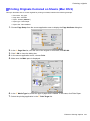
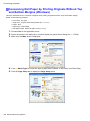
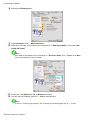
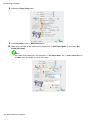
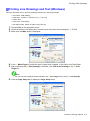
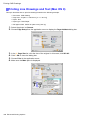
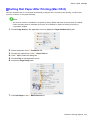
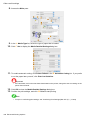
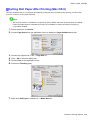
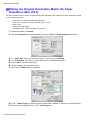
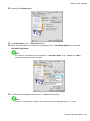
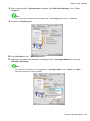
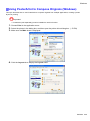
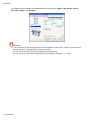
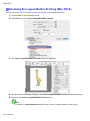
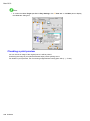
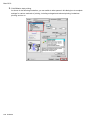
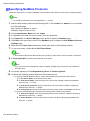
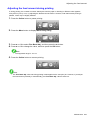
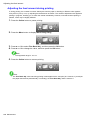
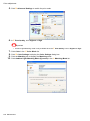
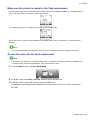
Access the Main pane.
9.
10.
11.
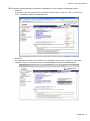
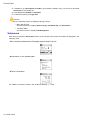
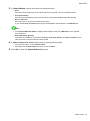
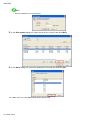
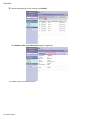
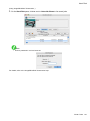
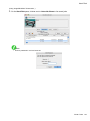
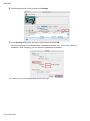
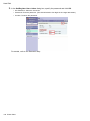
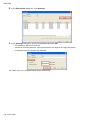
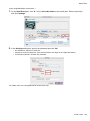
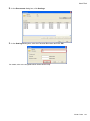
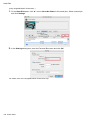
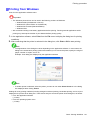
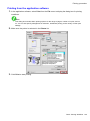
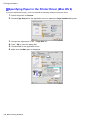
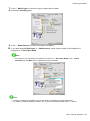
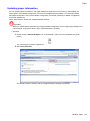
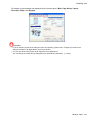
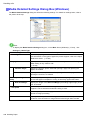
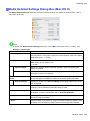
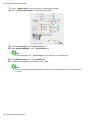
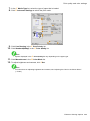
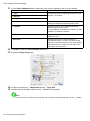
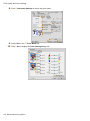
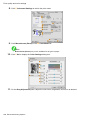
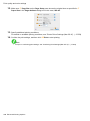
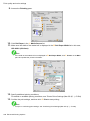
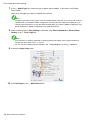
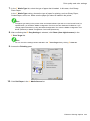
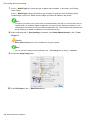
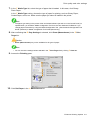
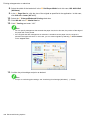
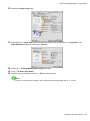
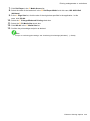
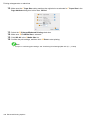
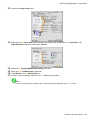
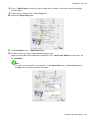
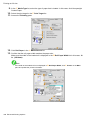
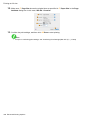
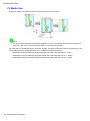
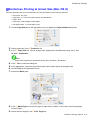
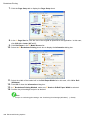
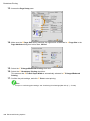
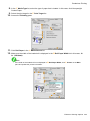
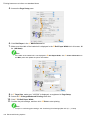
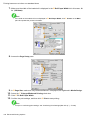
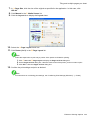
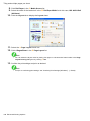
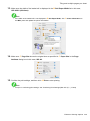
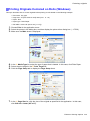
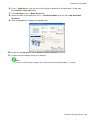
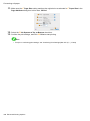
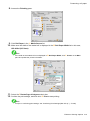
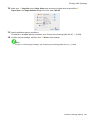
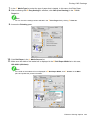
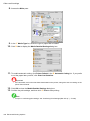
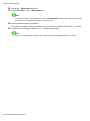
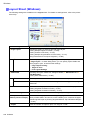
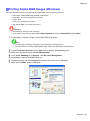
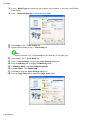
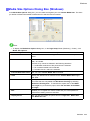
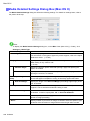
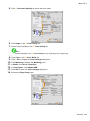
In the A Media Type list, select the type of paper that is loaded. In this case, click Plain Paper.
12.
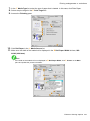
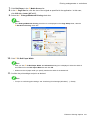
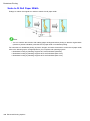
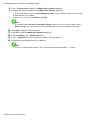
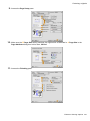
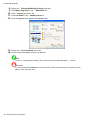
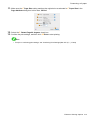
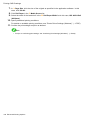
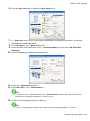
Click Roll Paper in the A Media Source list.
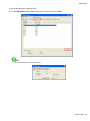
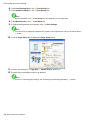
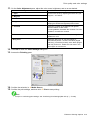
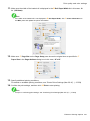
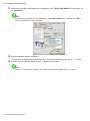
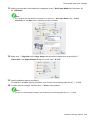
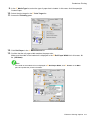
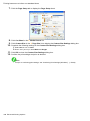
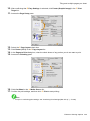
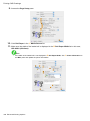
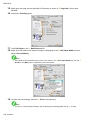
Select the printing application in the E Print Target list.
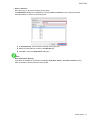
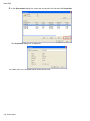
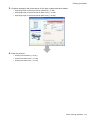
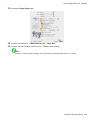
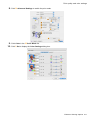
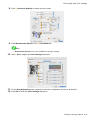
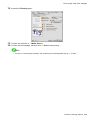
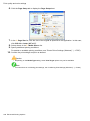
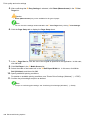
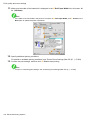
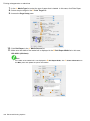
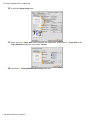
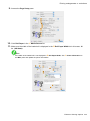
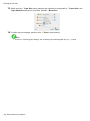
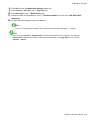
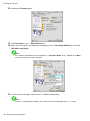
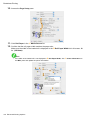
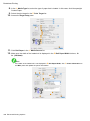
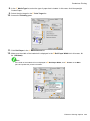
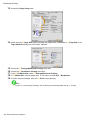
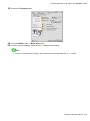
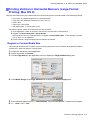
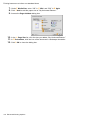
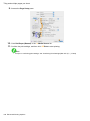
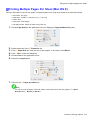
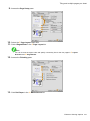
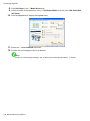
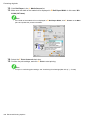
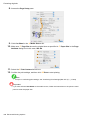
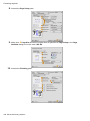
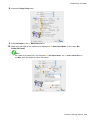
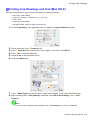
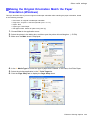
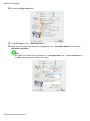
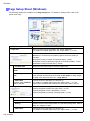
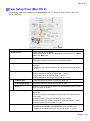
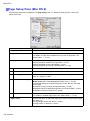
Access the Page Setup pane.
438 Enhanced Printing Options