1
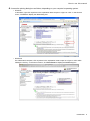
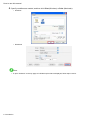
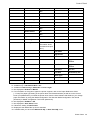
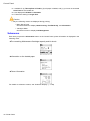
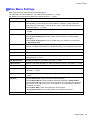
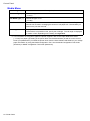
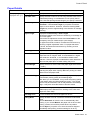
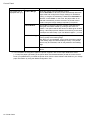
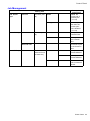
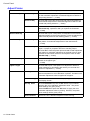
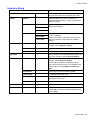
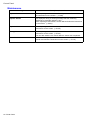
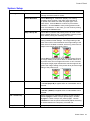
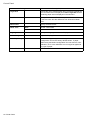
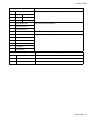
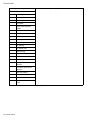
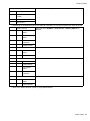
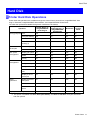
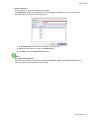
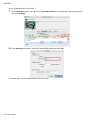
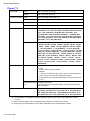
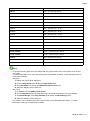
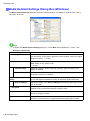
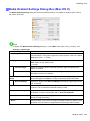
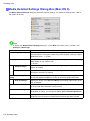
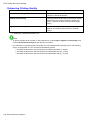
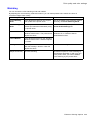
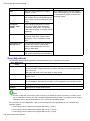
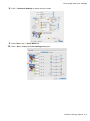
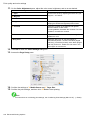
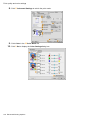
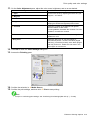
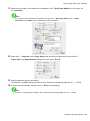
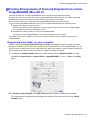
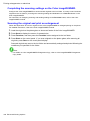
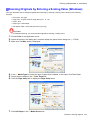
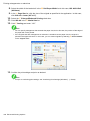
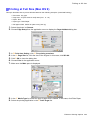
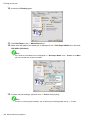
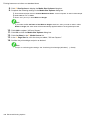
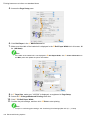
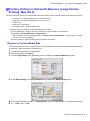
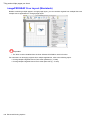
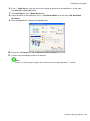
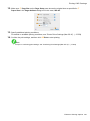
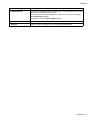
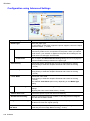
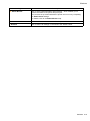
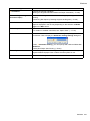
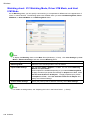
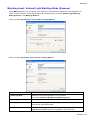
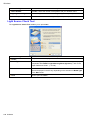
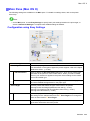
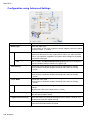
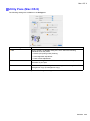
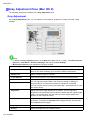
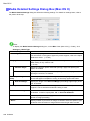
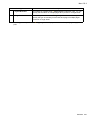
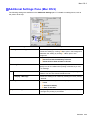
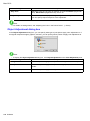
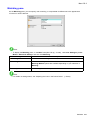
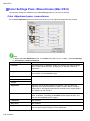
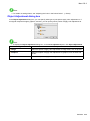
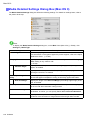
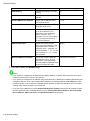
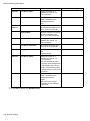
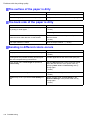
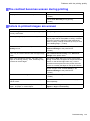
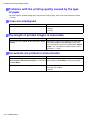
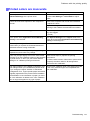
Mac OS X Media Detailed Settings Dialog Box (Mac OS X) The Media Detailed Settings dialog box offers the following settings. For details on settings items, refer to the printer driver help. Note • To display the Media Detailed Settings dialog box, on the Main Pane (Mac OS X) (→P.565) , click Settings by Media Type. Setting Item Description A Media Type Select the paper type. For information on the types of paper the printer supports, refer to the Paper Reference Guide . (→P.169) B Drying Time Specify the time that the printer waits for ink to dry, as needed. The Drying Time setting is only valid for rolls. (→P.198) C Between Pages Specify the time the printer waits after printing a page until ejecting the paper, as needed. D Between Scans Specify the time the printer waits after printing a line on the page until printing the next line, as needed. E Roll Paper Margin for Safety F Near End Margin You can specify the length of a margin on the leading edge of paper to ensure that paper susceptible to curling is held rmly against the Platen . Specify the length of the Near End Margin (the leading edge margin) of the roll, as needed. G Cut Speed Select the speed of automatic cutting, as needed. You can adjust this setting if paper is not cut well when automatic cutting is used. H Automatic Cutting You can activate or deactivate Automatic Cutting and printing of cut lines, as desired. In this list, specify Yes , No, or Print Cut Guideline . I Calibration Value You can specify whether to apply the results of calibration performed on the printer to image processing. J Mirror Specify whether to print a mirror image, as needed. Select this option to print a version of the document or image with the left and right sides inverted. 582 Software