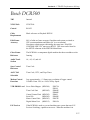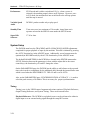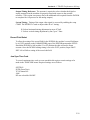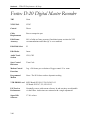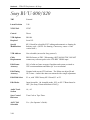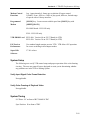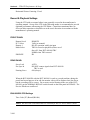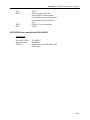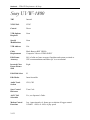
1
Section 2 – VTR/ATR Performance & Setup
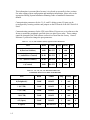
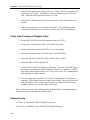
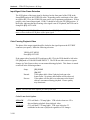
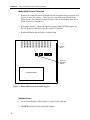
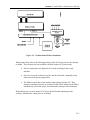
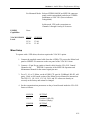
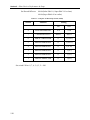
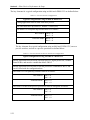
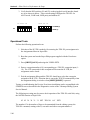
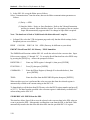
change but some degradation of video quality may be noticed.
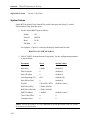
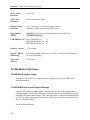
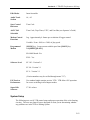
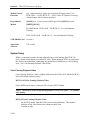
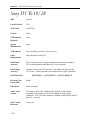
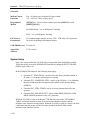
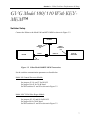
System Setup
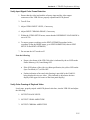
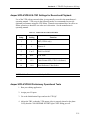
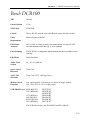
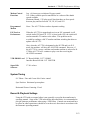
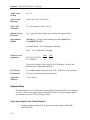
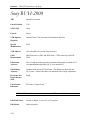
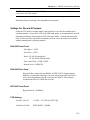
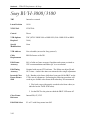
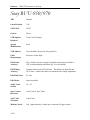
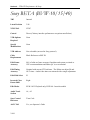
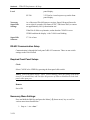
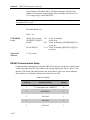
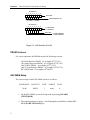
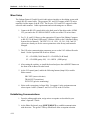
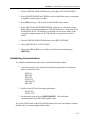
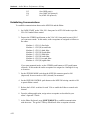
RS422–Communication Setup
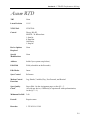
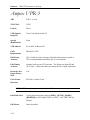
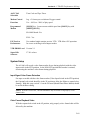
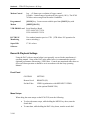
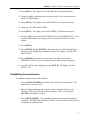
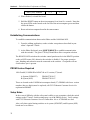
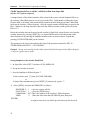
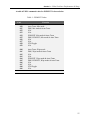
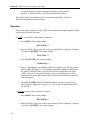
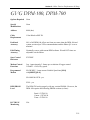
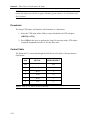
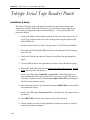
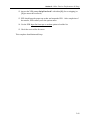
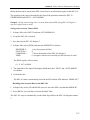
Communication is through the back panel RS-422A REMOTE IN connector.
•
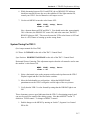
Press SETUP ––> [F10]INTERFACE ––> [F1]MODE 1
•
Press HOME ––> [F11]CONTROL ––> REMOTE
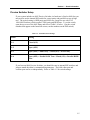
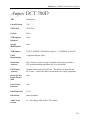
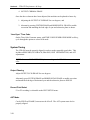
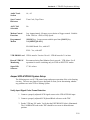
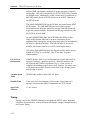
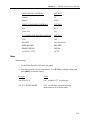
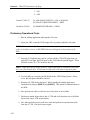
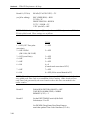
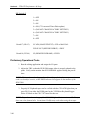
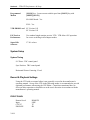
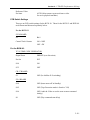
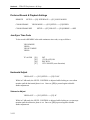
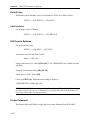
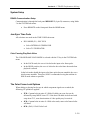
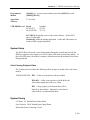
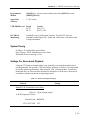
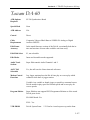
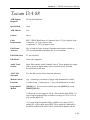
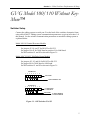
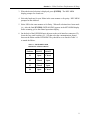
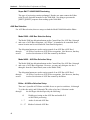
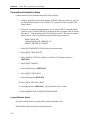
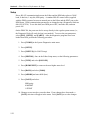
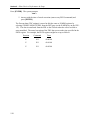
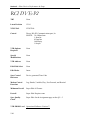
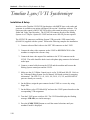
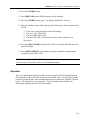
Jam Sync Time Code
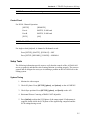
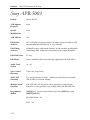
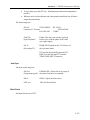
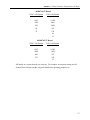
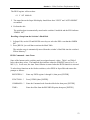
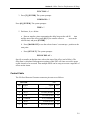
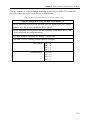
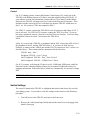
All selections are made in the TC/CHR menu:
•
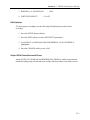
[F1] Source:
INT
•
[F2] TC Slave:
AUTO
•
[F4] Run Mode: REC RUN
•
[F7] VITC:
ON/OFF (user discretion)
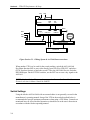
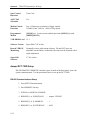
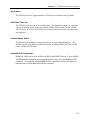
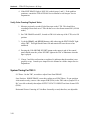
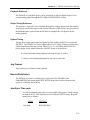
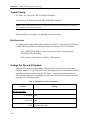
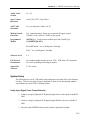
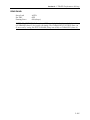
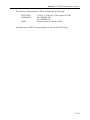
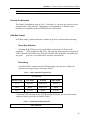
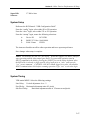
System Timing
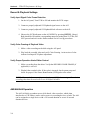
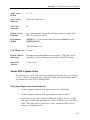
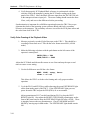
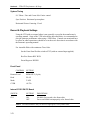
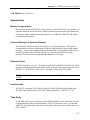
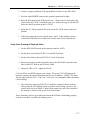
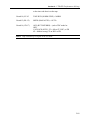
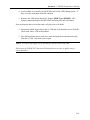
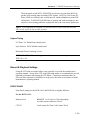
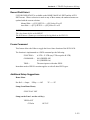
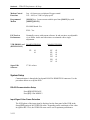
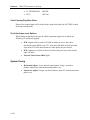
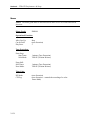
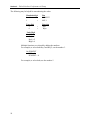
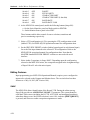
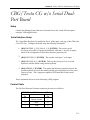
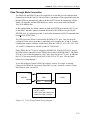
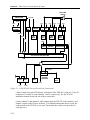
System Phase VIDEO OUT ––> [F3]SYS PHASE adjusts the sync phase of the
component output.
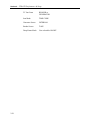
Other adjustments are available for both the component output and the composite output.
2-61