1
Playing the file storing on the memory card
The SD, MMC, MS cards can be played on this unit.
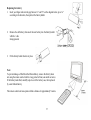
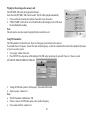
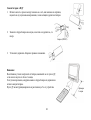
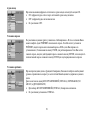
Insert the card (SD, MMC, MS) into the socket. The file will be played automatically.
1. Power on the unit, inserting the card into the socket (in no disc mode).
2. READ CARD will be shown on LCD and the files will be display on the LCD when
the unit finished the reading.
Note:
The unit must be in no disc mode when play the file stored in the card.
Using FM transmitter
The FM transmitter is built in this unit. There are 4 frequency point which can be selected.
You should choose 1 frequency, then set the radio on this frequency, so that the sound from this unit will be reproduced by means
of your car acoustic system.
1. Set a proper volume of this unit.
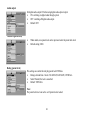
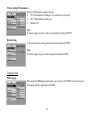
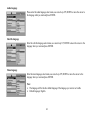
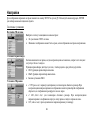
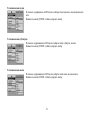
2. Press SETUP, the setup menu will be displayed. The FM output option may be selected. There are 5 choice to select
(88.1MHz/88.3MHz/88.5MHz/88.7MHz/off).
3. Tuning the FM radio system to the frequency, the sound will be heard.
4. Adjust a proper volume level.
Note:
· The FM transmitter valid distance: 5M.
· If there is noise in the FM radio system, select another frequency.
· If no sound, check the volume level.
30